PermitBook: Driving Hours Log
Log every supervised drive against your state targets, see the night hour bottleneck, and hand the examiner a clean signable practice log.
iPhone and iPadAvailable worldwideVersion 1.2.6
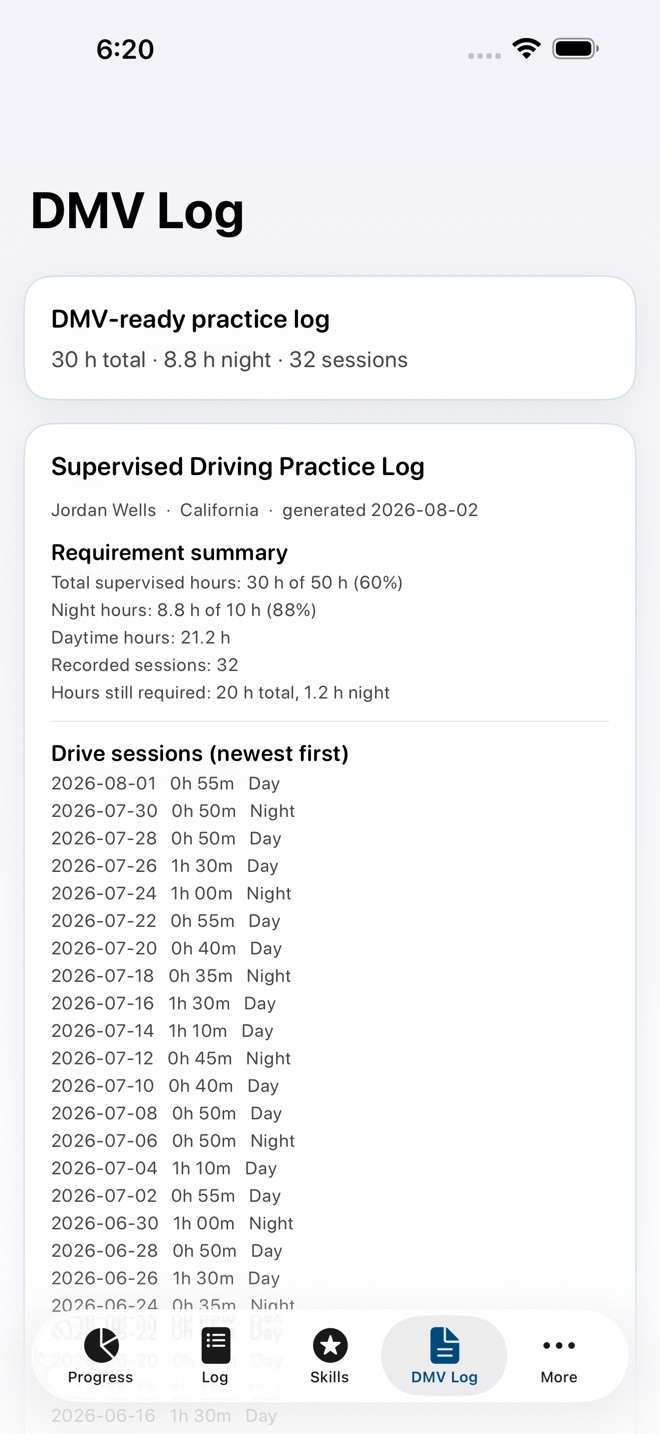
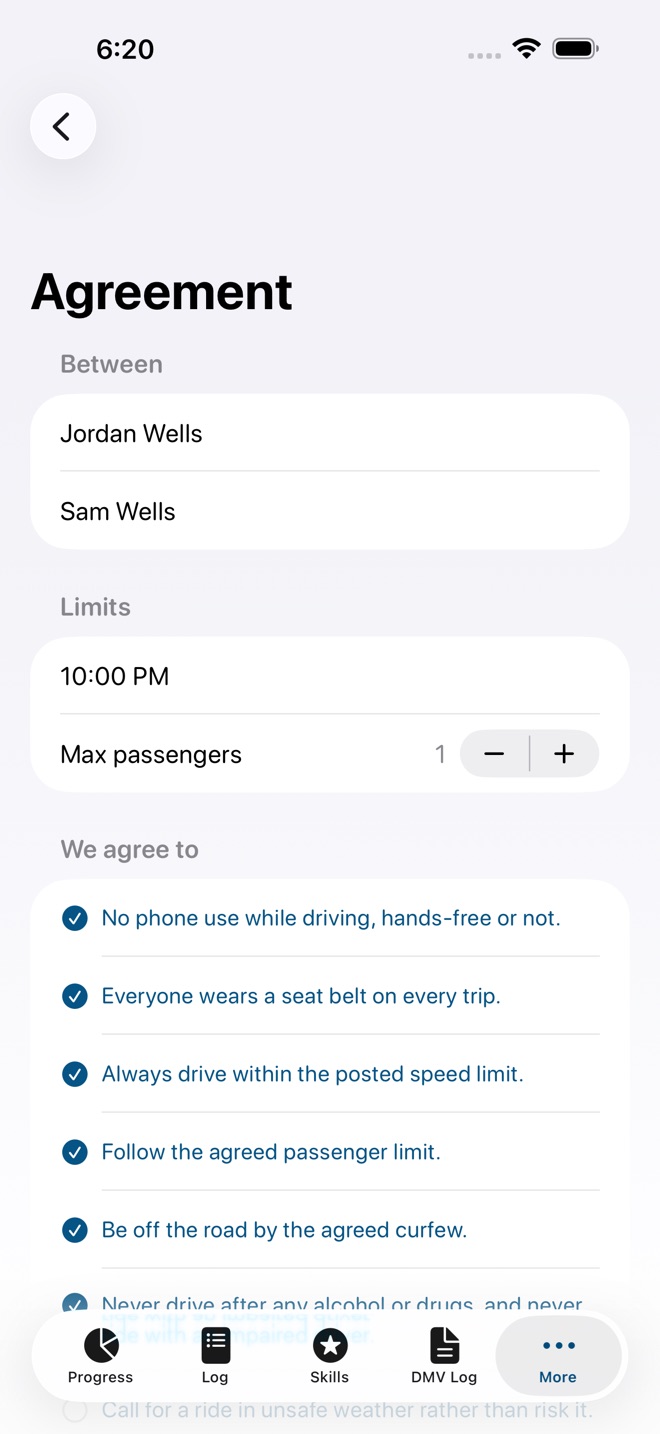
PermitBook turns the messy stack of practice drive notes into one clear record that carries your teen from permit to license.
Every graduated licensing program asks for a number of supervised hours, often with a separate night driving minimum, before the road test. PermitBook logs each drive against those exact targets and shows, at a glance, how close you are and what is still missing.
LOG EACH DRIVE IN SECONDS
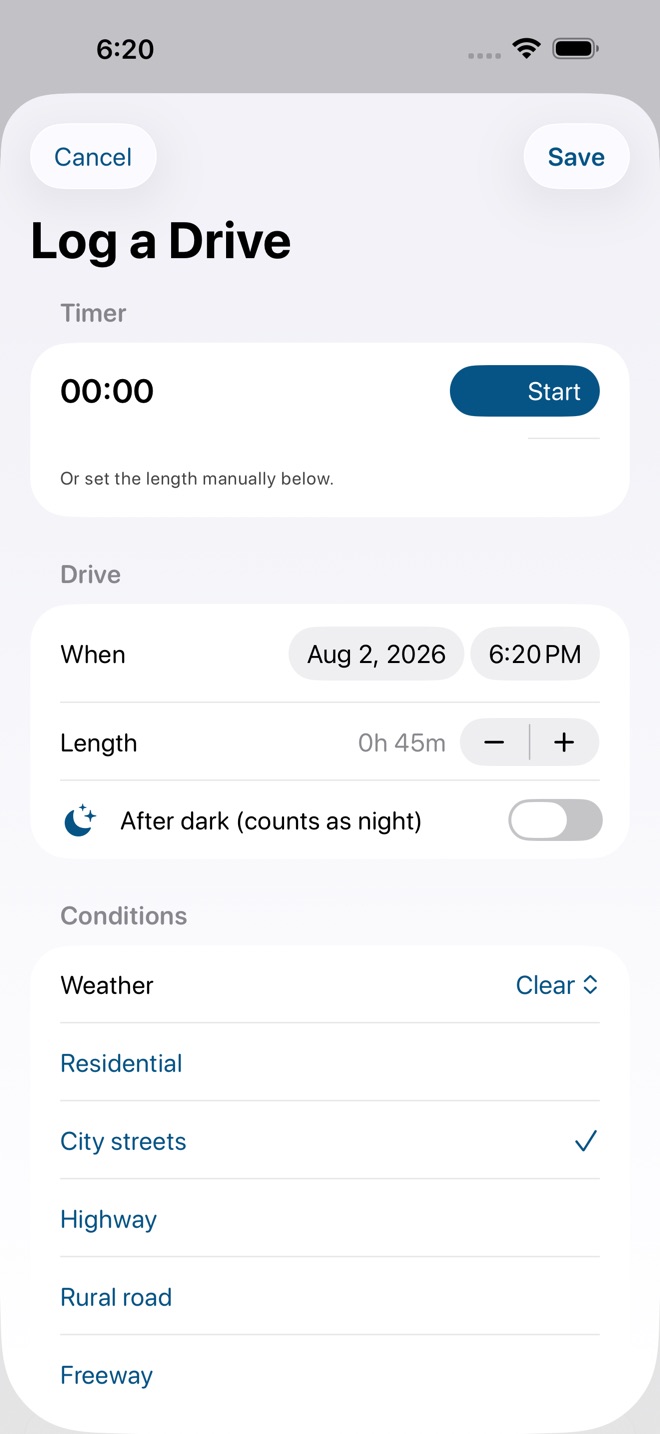
Start a timer or enter minutes by hand. Mark day or night, the weather, and the road types practiced. Every session lands in a running record you can trust.
SEE YOUR REAL PROGRESS
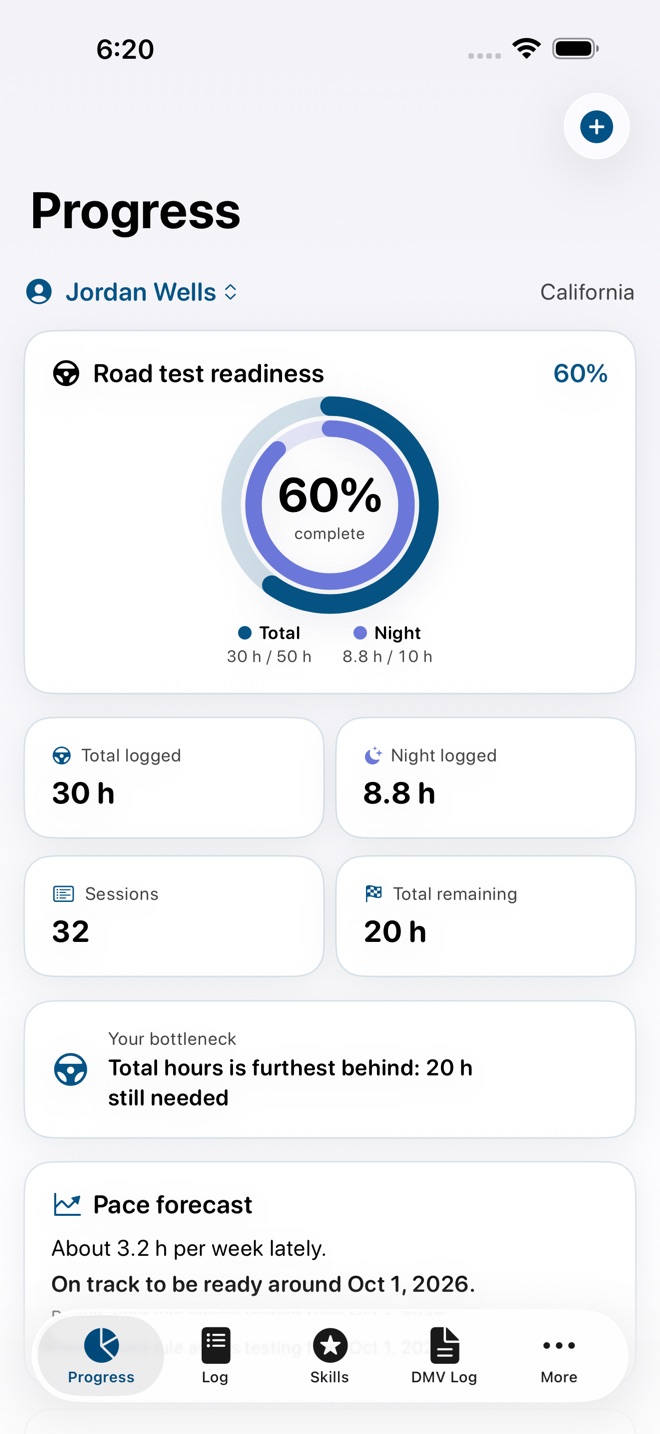
Twin progress rings track total hours and night hours side by side, because it is almost always the night minimum that quietly holds a teen back. State presets cover every state plus DC and stay fully editable when your local rule differs.
KNOW THE READY DATE
Pace forecasting reads your recent logging rhythm, respects any permit holding period, and estimates when the requirement will be met. It calls out the single bottleneck to focus on next, usually those remaining night hours.
BUILD REAL SKILL, NOT JUST HOURS
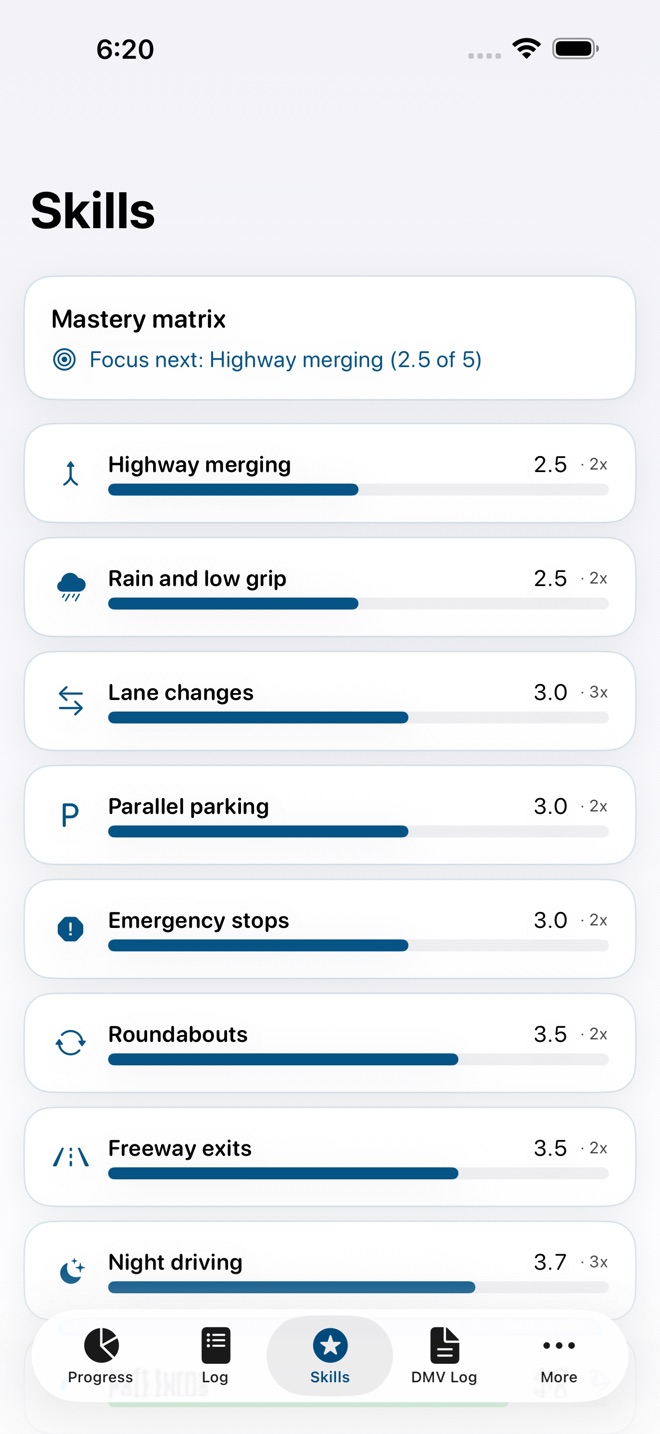
Rate skills after each drive, from lane changes to highway merges to parking, and watch a mastery matrix fill in over time so weak areas get the practice they need.
THE ARTIFACT THAT COUNTS
Export a clean, signable practice log with subtotals and signature lines, ready for the examiner. A parent and teen driving agreement, signed right in the app, exports as its own document.
BUILT FOR REAL FAMILIES
Track more than one teen, each with independent targets. Your data lives on your device and in your personal iCloud, synced across iPhone, iPad, Mac, and Apple Watch. No account, no analytics, no tracking. Log a drive from your wrist and glance at progress in a widget.
FREE AND PRO
Free covers one teen with unlimited drive logging, progress rings, and a watermarked log preview. The one time Lifetime unlock adds the clean signable PDF, the skills rubric, pace forecasting, the driving agreement, and multiple teen drivers. No subscription.
PermitBook is an informational logging tool. Supervised hour and night driving requirements vary, so always verify the current rules with your state or provincial licensing authority. PermitBook is not affiliated with any DMV or licensing agency, and acceptance of any log is determined by that authority.
What’s new · 1.2.6
A refreshed design with a new icon and full iPad support. Track day and night driving hours with your state's requirement presets, follow a skills mastery matrix, see pace forecasting toward your goal, set up a parent and teen agreement, and share a DMV practice log. Plus reliability fixes throughout.
Missing a feature?
Your ideas help shape our apps. Tell us what would make your app more useful.
We review requests to understand what would help. Timing depends on scope, priorities and App Store review.
More from InnovaLabWorksStrataBox: Rock CollectionStudyBeat: Study PlannerTinyRhythm: Toddler Routines
EducationMore in this category
AdultReady: Transition PlanAdult goals into real progressOn the App Store
BrightPath: IEP OrganizerWalk into IEP meetings readyOn the App Store
GradeCalc: Grade CalculatorKnow where you stand: your weighted grade, the exact score you need on the…On the App Store
IEPBinder: School Meeting KitThe school arrives with data. Arrive with your own: dated observations…On the App Store
Common questions
Where can I download PermitBook: Driving Hours Log?
Use the App Store link above to see availability, supported devices and current purchase options in your region.
What is the current App Store version?
1.2.6
Where can I find the privacy details?
Read this app’s privacy policy using the link below. Storage, sync and optional online features are specific to each app.