
iPhone and iPadAvailable worldwideVersion 1.2.6
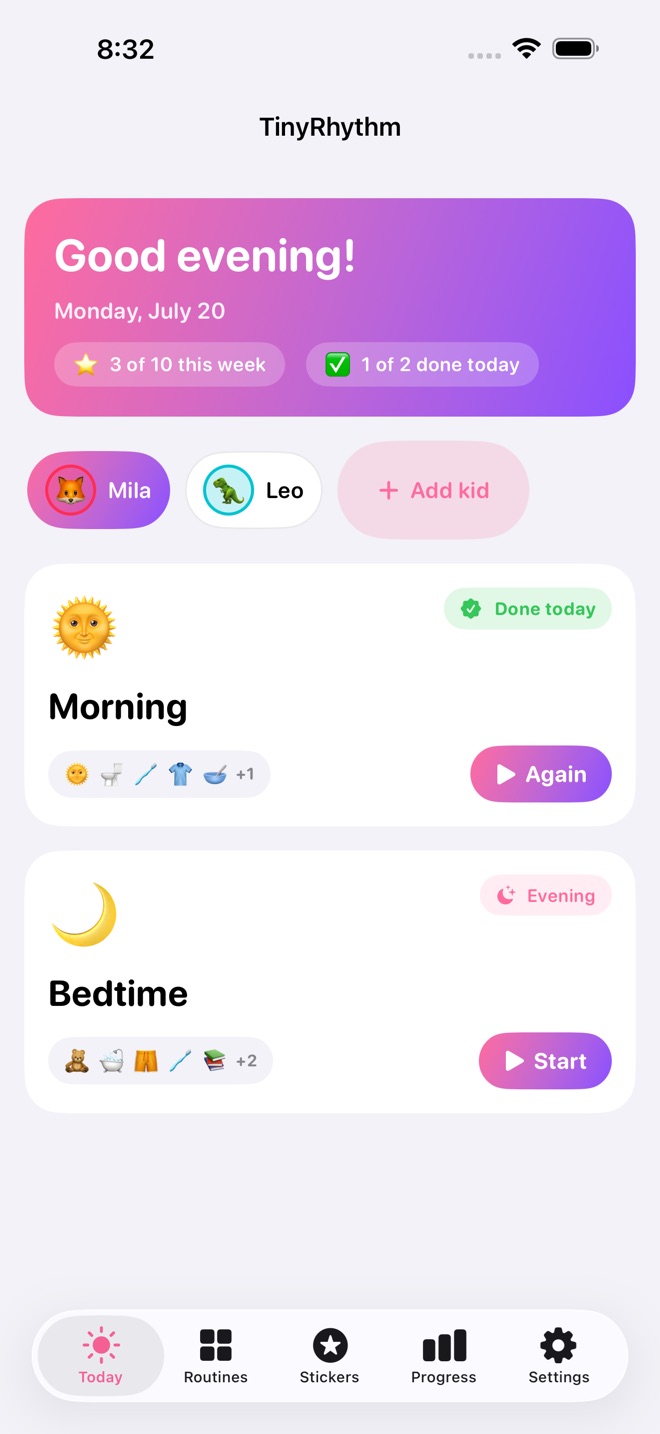
Mornings and bedtimes go smoother when your toddler can see what comes next. TinyRhythm turns your family's routines into picture schedules your kid follows on their own, one big tap at a time.
BUILD IT IN PICTURES
Start from a Morning, Bedtime, or After-school template, or build your own. Pick steps from a library of toddler-task cards (potty, brush teeth, shoes on...), or make your own with any emoji or a photo of your kid doing the step. Reorder with a drag, set a gentle timer on the steps that need one, and the routine is ready. Duplicate a routine to reuse it for a sibling in one tap.
HAND IT TO YOUR KID
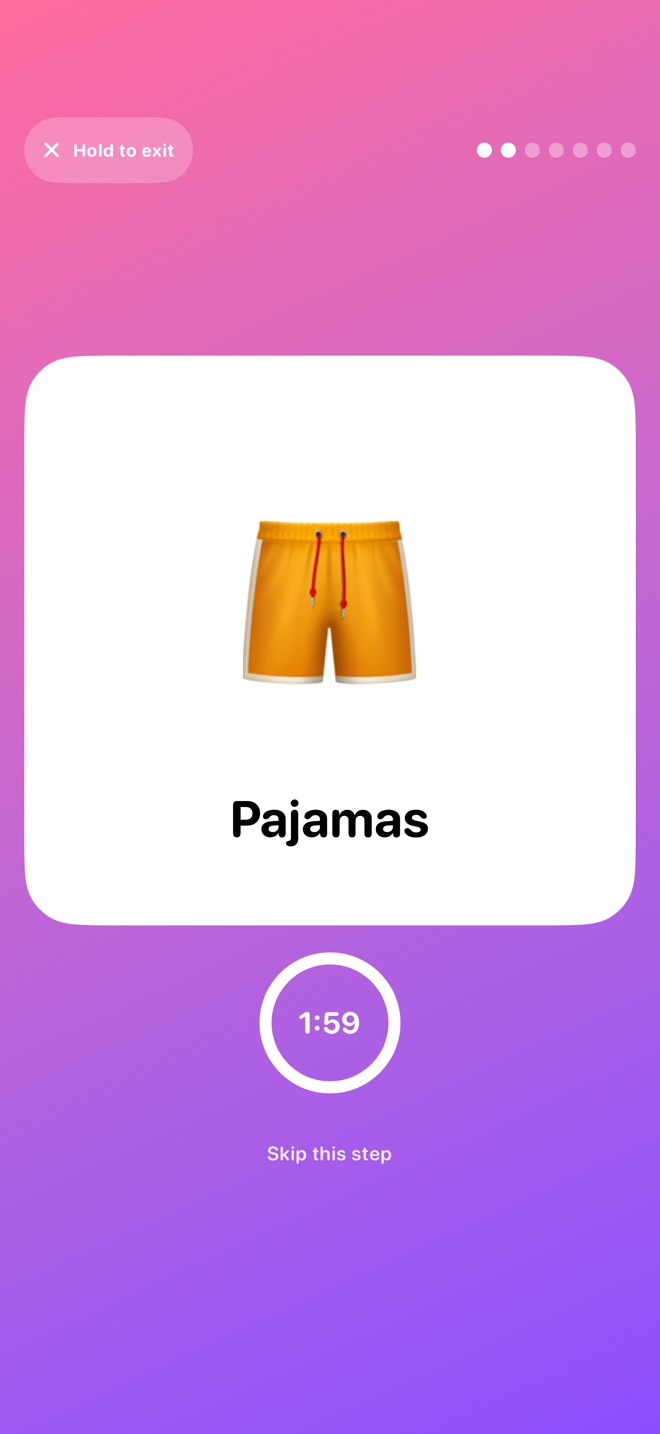
Kid Mode takes over the whole screen: one giant picture card per step, big tap targets made for little fingers, and progress dots so your child always knows how far along they are. A hold-to-exit lock keeps wandering taps inside the routine.
GENTLE TIMERS, NOT ALARMS
Steps can carry a soft countdown with gentle haptics at halfway and at zero. Timers never rush or block a step; tapping the picture is what finishes it.
STICKERS DO THE MOTIVATING
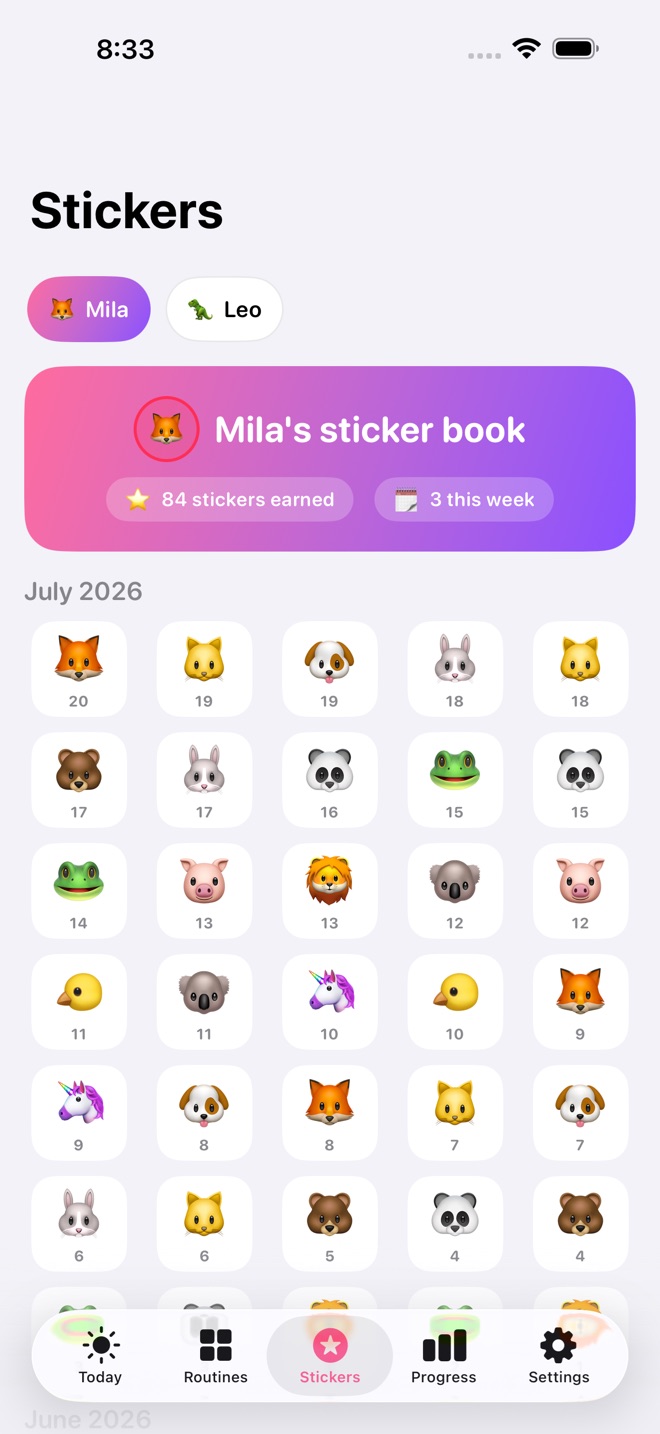
Every finished routine ends with a sticker the kid picks themselves. Stickers fill a sticker book per child, month by month. The starter pack is free; Pro unlocks all six themed packs (72 stickers).
WATCH THE RHYTHM SETTLE IN
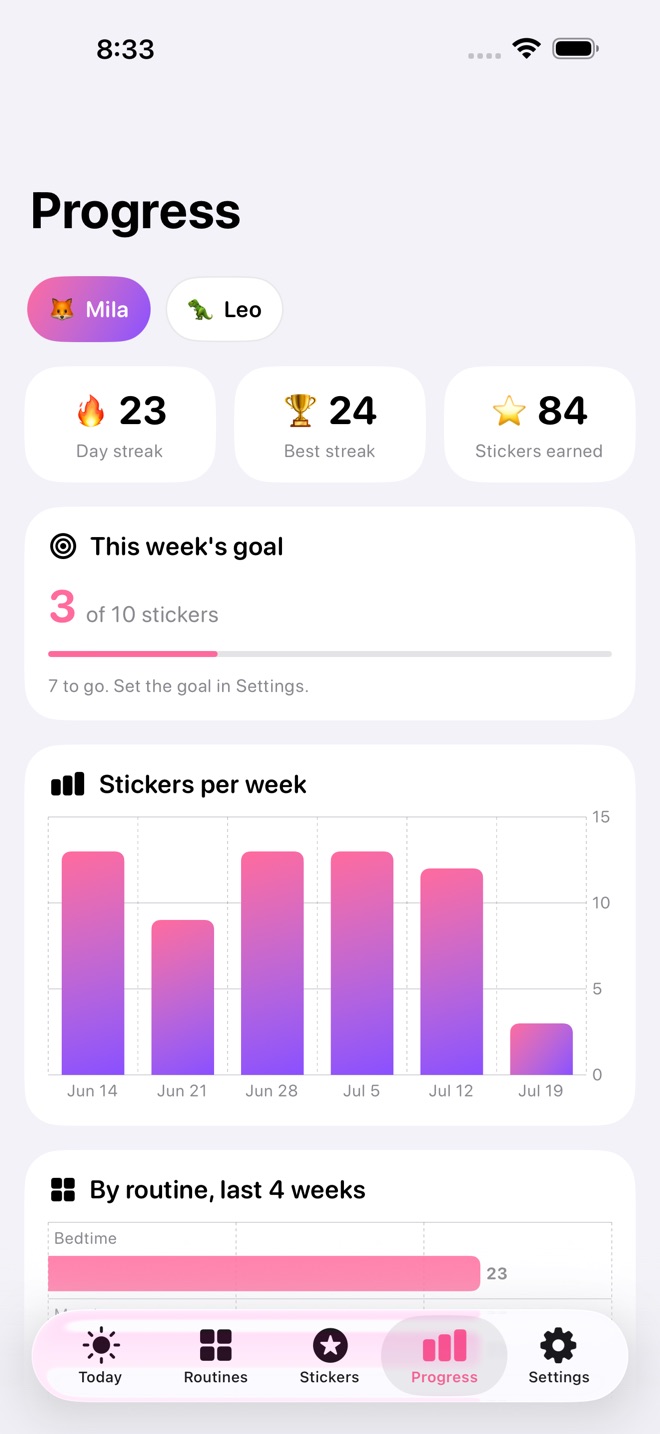
Progress shows day streaks, best streaks, stickers per week, the smoothest day of the week, and typical morning and bedtime run times, all computed from your own history. Set a gentle weekly sticker goal and watch the progress fill in on Today and in Progress.
PRINT AND SHARE IT
Turn any routine into a printable PDF picture chart for the fridge or the bathroom door (Pro). Heading out? Share a one-page routine guide with a sitter, grandparent, or the other parent, straight from the app (Pro).
WORKS WHERE YOUR FAMILY IS
TinyRhythm syncs across iPhone, iPad, and Mac with iCloud, and the iPad layout is built for the kitchen counter. Optional daily reminders nudge you when it is time to start a routine.
FREE VS PRO
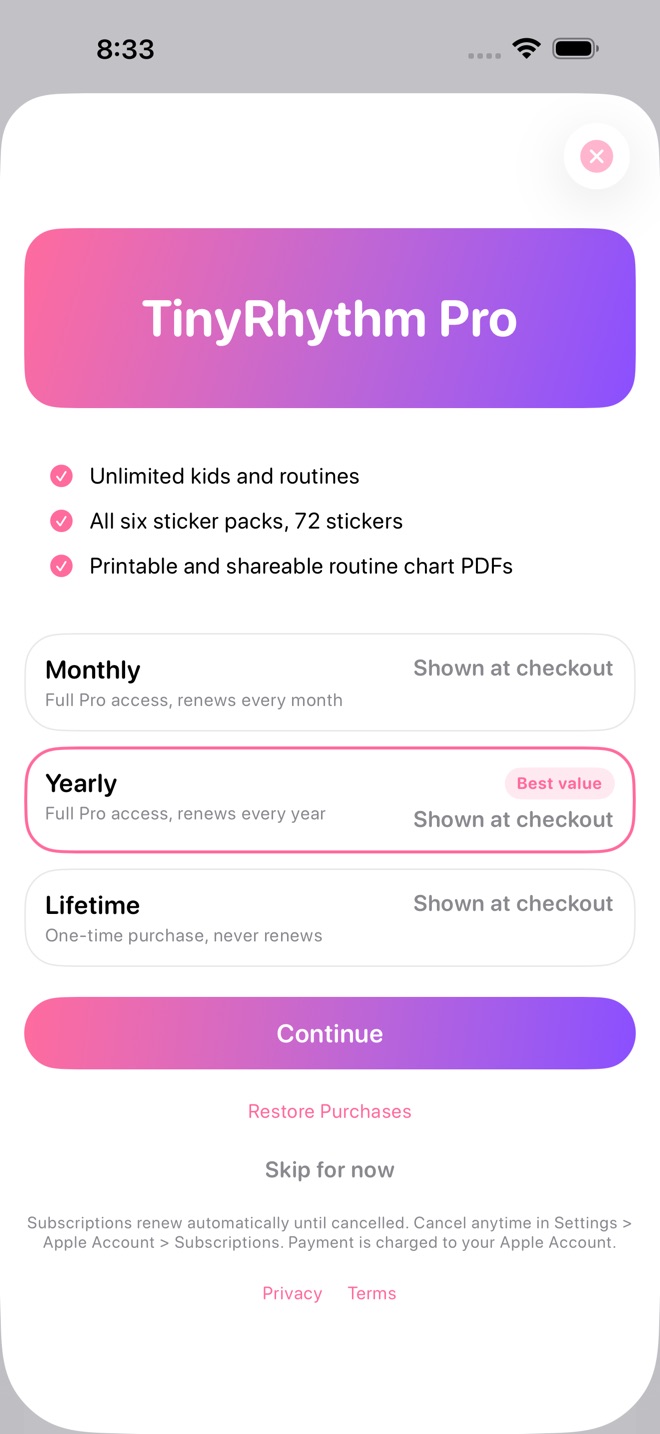
Free: one child, two routines, full Kid Mode, timers, the starter sticker pack, and all progress stats. Pro: unlimited kids and routines, all six sticker packs, printable PDF routine charts, and the shareable caregiver guide. Pro is available as a monthly or yearly subscription, or a one-time lifetime purchase; current pricing is shown on the App Store and at checkout.
Private by design: no accounts, no ads, no tracking. Your family's data stays on your devices and in your private iCloud.
Pro subscriptions renew automatically until cancelled. Payment is charged to your Apple Account at confirmation. Cancel anytime in Settings > Apple Account > Subscriptions; cancellation applies at the end of the current period. Terms: Apple Standard EULA https://www.apple.com/legal/internet-services/itunes/dev/stdeula/
What’s new · 1.2.6
A brand new app icon, and broader device support: the app now works on iOS 18 and newer.
Missing a feature?
Your ideas help shape our apps. Tell us what would make your app more useful.
We review requests to understand what would help. Timing depends on scope, priorities and App Store review.
More from InnovaLabWorksAdultReady: Transition PlanBrightPath: IEP OrganizerGradeCalc: Grade Calculator
EducationMore in this category
AdultReady: Transition PlanAdult goals into real progressOn the App Store

BrightPath: IEP OrganizerWalk into IEP meetings readyOn the App Store
GradeCalc: Grade CalculatorKnow where you stand: your weighted grade, the exact score you need on the…On the App Store
IEPBinder: School Meeting KitThe school arrives with data. Arrive with your own: dated observations…On the App Store
Common questions
Where can I download TinyRhythm: Toddler Routines?
Use the App Store link above to see availability, supported devices and current purchase options in your region.
What is the current App Store version?
1.2.6
Where can I find the privacy details?
Read this app’s privacy policy using the link below. Storage, sync and optional online features are specific to each app.