
iPhone and iPadAvailable worldwideVersion 1.2.6
Turn walking into a habit you actually keep. WalkQuest times your walks, tracks your daily streak, and coaches interval walks with clear brisk and easy cues you feel right on your phone. No Apple Watch, no GPS, no chest strap.
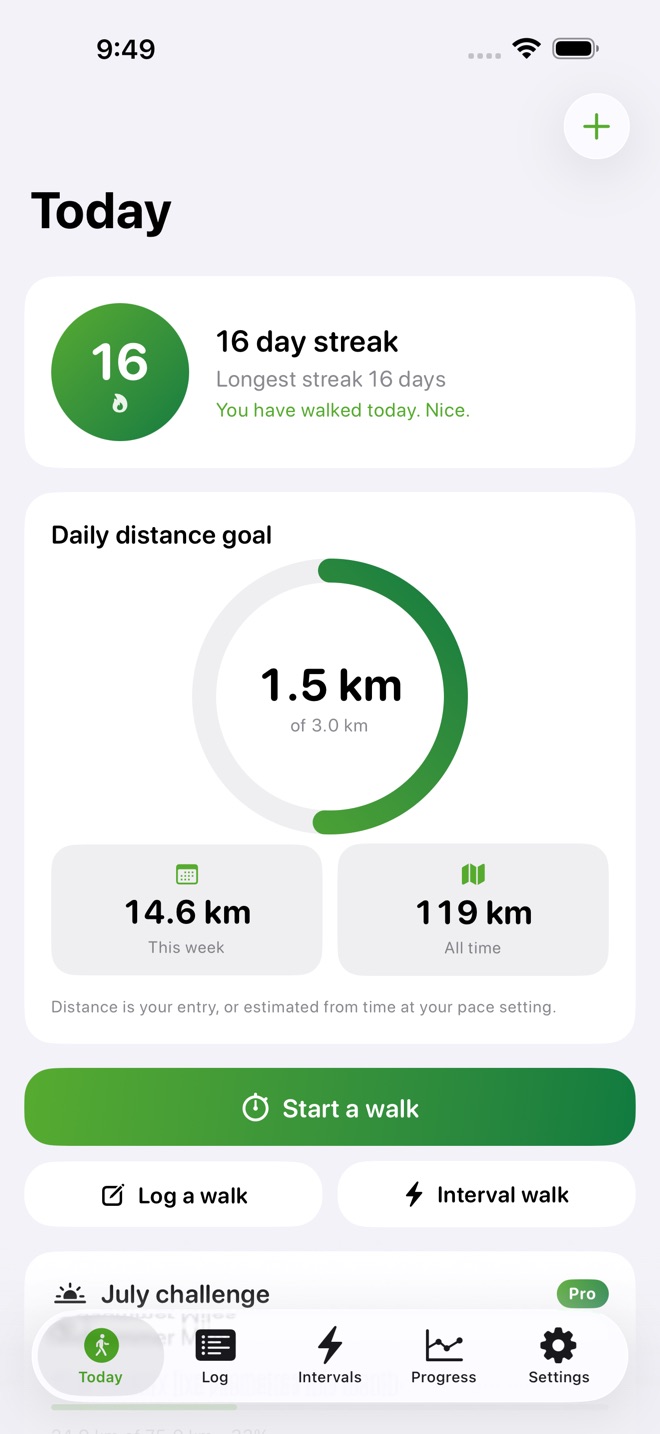
Start a walk with the built in timer, or log one you already took. Set a daily distance goal and watch the ring fill. Distance comes from what you enter, or is estimated from your walk time and a walking speed you set, so it works even without GPS.
What you get:
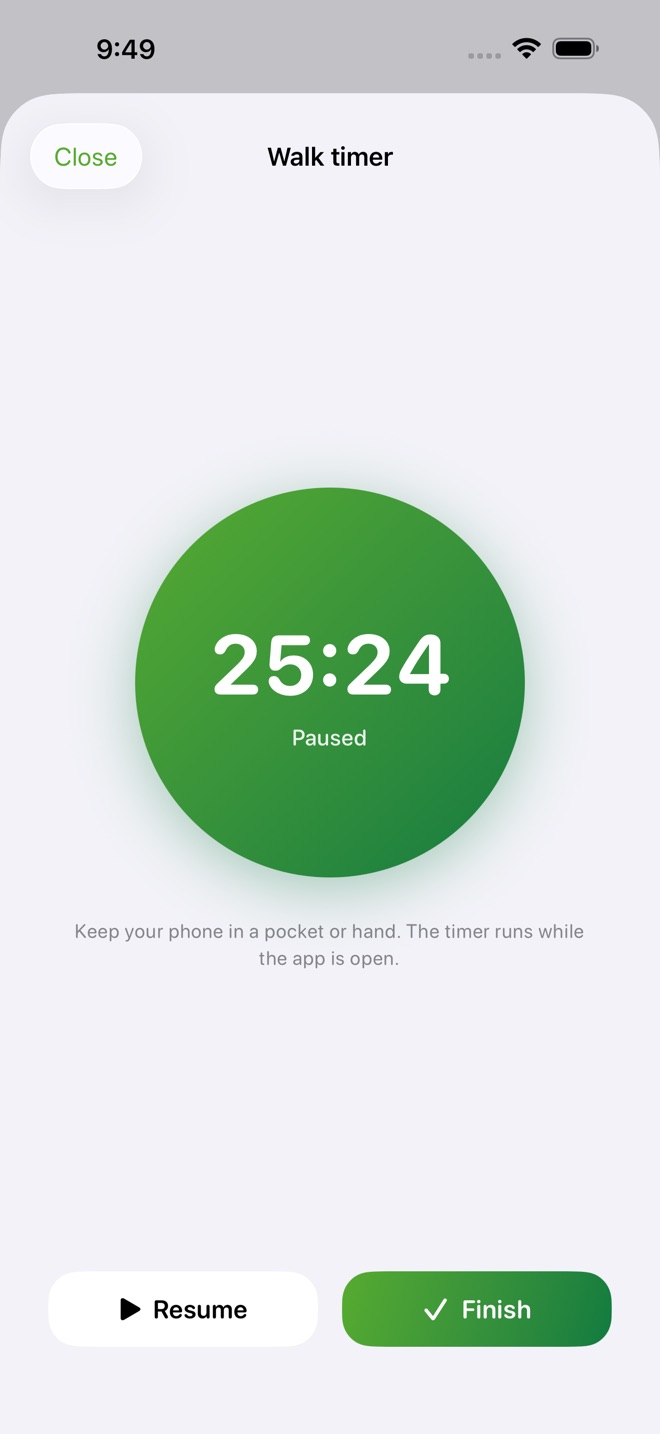
- In app walk timer with a big, clear clock
- Manual walk log for walks you took earlier
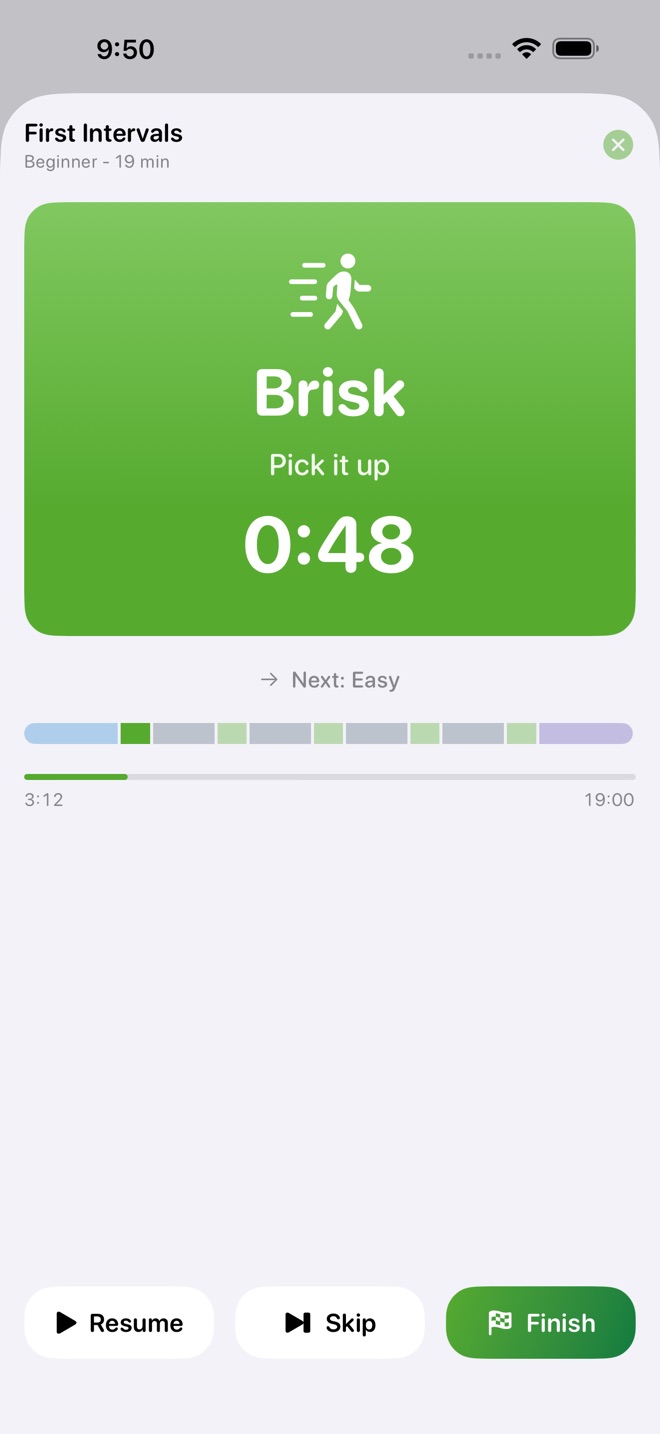
- Interval walks with warm up, brisk, easy, and cool down cues, felt as haptics and shown on screen, with an optional sound
- A library of ready made interval sessions from beginner to challenging, plus a builder for your own
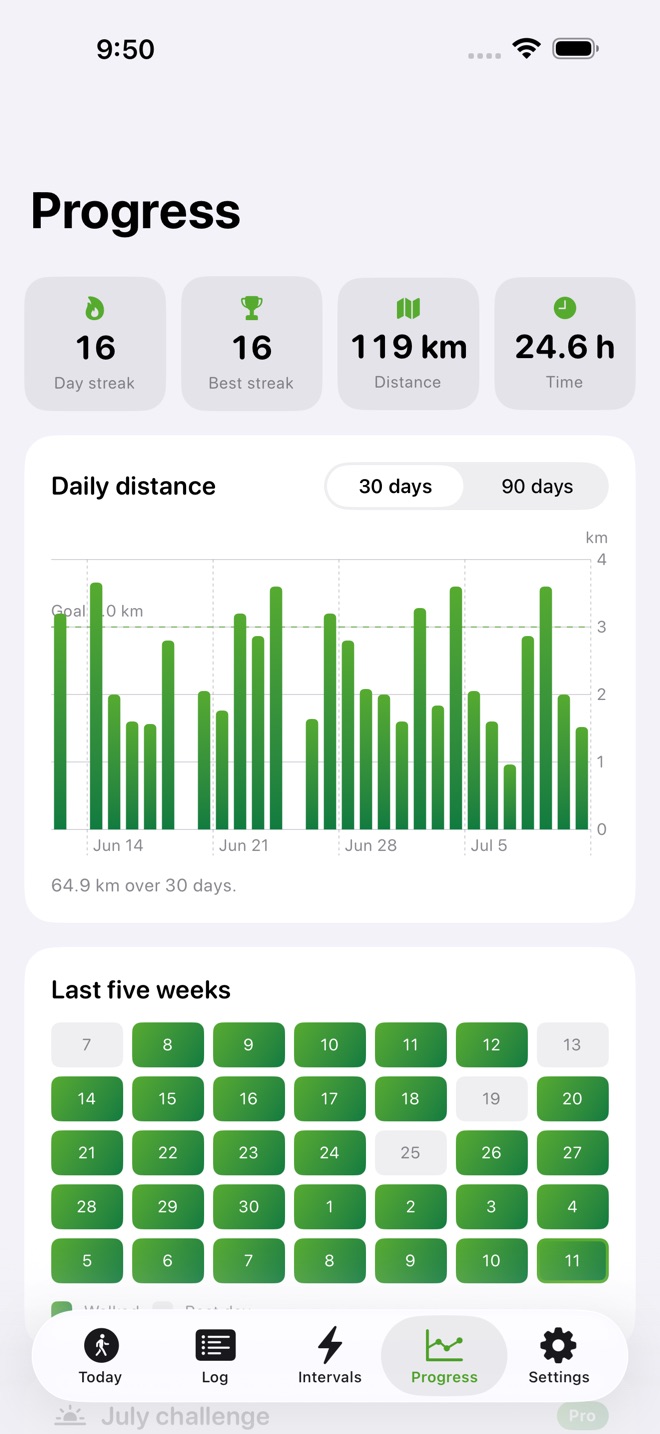
- Daily streaks with a five week calendar so you can see every walk
- Distance goals with a progress ring for today and the week
- Badges for streaks, distance, time, and interval work
- A new walking challenge every month with live progress
- Full history plus CSV and PDF export you can keep or share
- Syncs across iPhone, iPad, and Mac with iCloud
Free and Pro:
Free includes the walk timer, the manual log, daily streaks, distance goals, and your last 30 days of history. WalkQuest Pro unlocks interval walks with cues, badges, monthly challenges, your full history, and CSV and PDF export.
WalkQuest is for fitness and motivation, not medical advice. Talk to a healthcare professional before starting a new activity routine.
Subscription details:
WalkQuest Pro is offered as WalkQuest Pro Monthly (1 month) for $2.99 USD and WalkQuest Pro Yearly (1 year) for $19.99 USD, or as a one time WalkQuest Pro Lifetime for $49.99 USD. Subscription payment is charged to your Apple Account at confirmation of purchase. A subscription renews automatically unless it is turned off at least 24 hours before the end of the current period. Your Apple Account is charged for renewal within 24 hours before the end of the current period. You can manage or cancel a subscription in Settings > Apple Account > Subscriptions after purchase; cancellation takes effect at the end of the current period. Terms of Use (Apple Standard EULA): https://www.apple.com/legal/internet-services/itunes/dev/stdeula/ Privacy Policy: https://ino50-forms.admin-cloudflare-fa0.workers.dev/a/walkquest/privacy
What’s new · 1.2.6
A brand new app icon, and broader device support: the app now works on iOS 18 and newer.
Missing a feature?
Your ideas help shape our apps. Tell us what would make your app more useful.
We review requests to understand what would help. Timing depends on scope, priorities and App Store review.
More in this category

AnchorDays: RecoveryCount sober days, meet urgesOn the App Store
BodyRise CalisthenicsBodyweight progressionsOn the App Store

BreathLoop: BreathingFollow the circle, breathe with gentle taps. Box, 4-7-8, and coherent breathing…On the App Store
CaffCutoff: Caffeine ClockSee how much caffeine is still in you right now, watch it fade on a live curve…On the App Store
Common questions
Where can I download WalkQuest: Walking Streaks?
Use the App Store link above to see availability, supported devices and current purchase options in your region.
What is the current App Store version?
1.2.6
Where can I find the privacy details?
Read this app’s privacy policy using the link below. Storage, sync and optional online features are specific to each app.