
SnowballPay: Debt Payoff
Plan debt payoff around payday. Compare snowball and avalanche, review statement balances, and explore extra payments without changing your actual records.
iPhone and iPadAvailable worldwideVersion 2.0.0
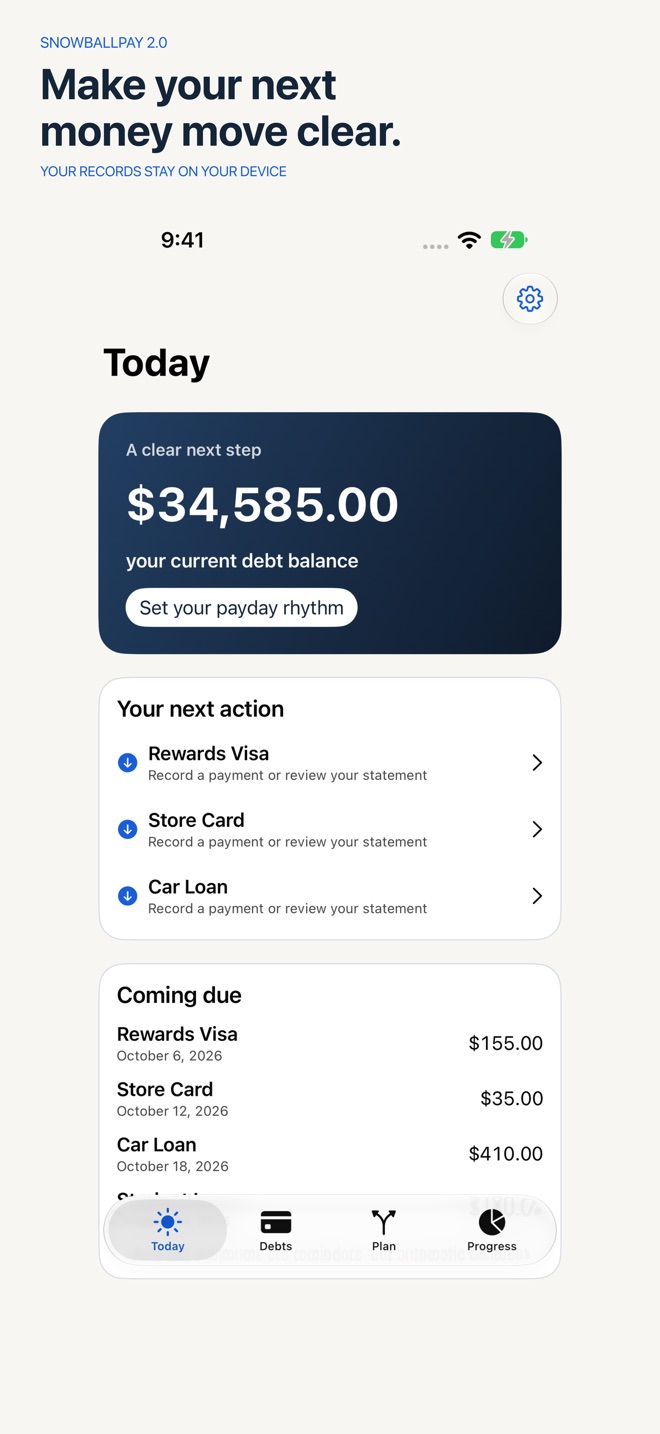
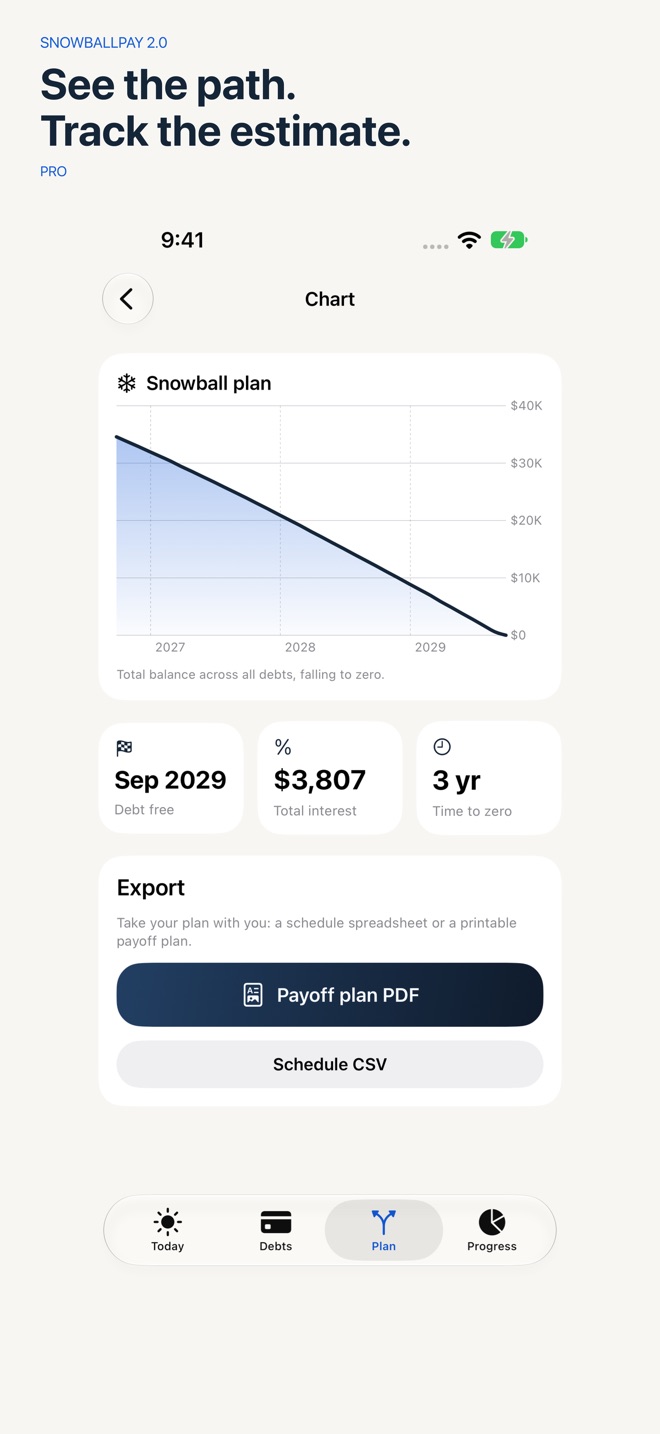
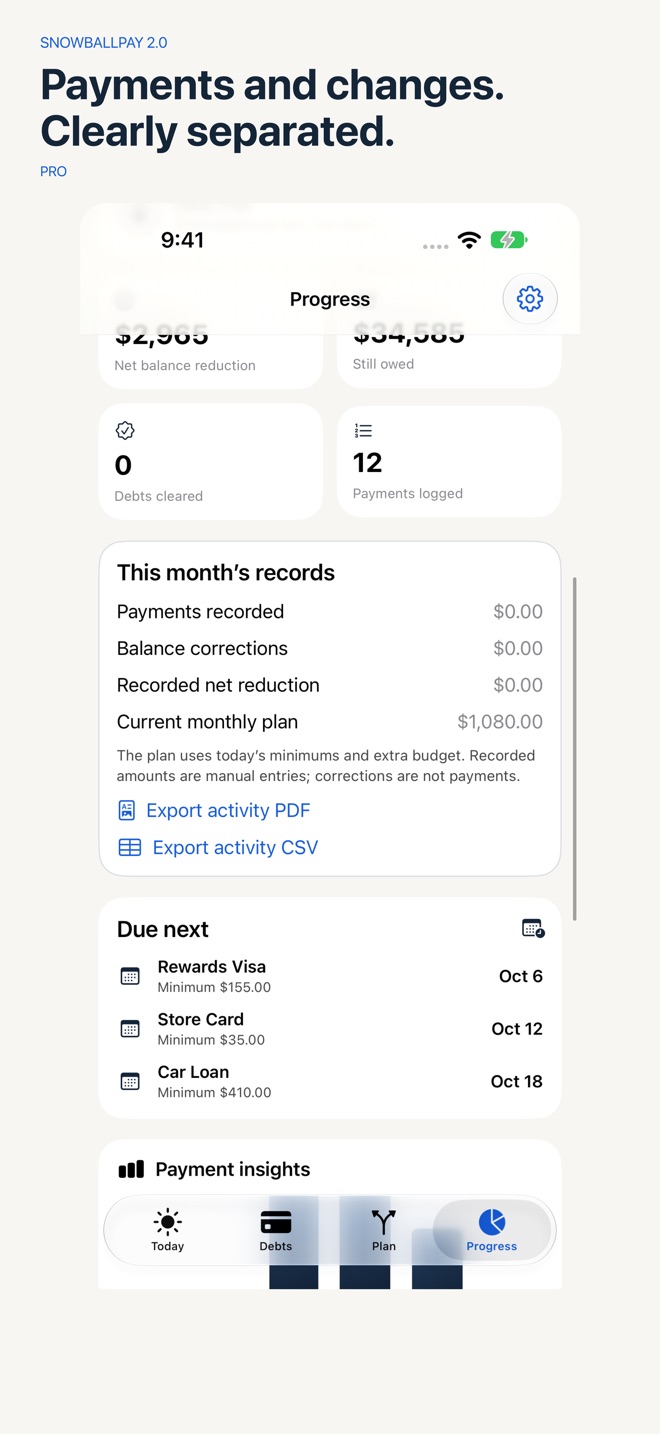
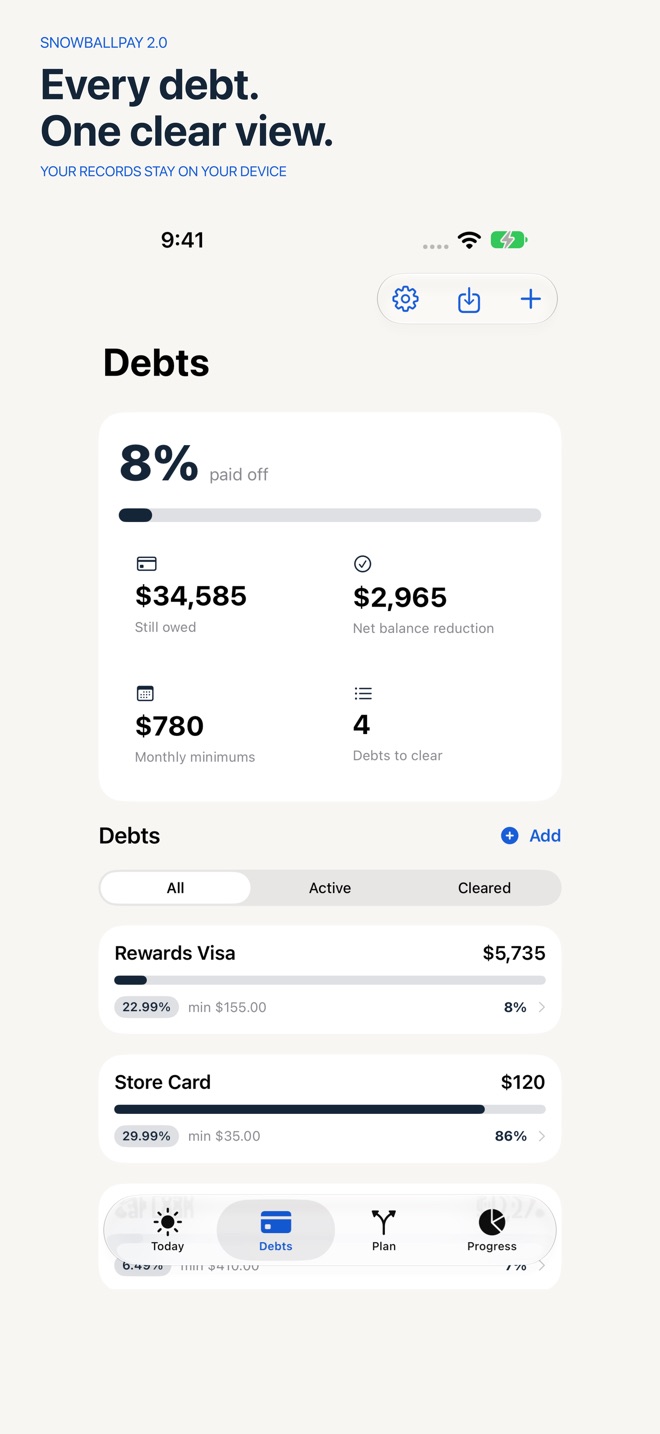
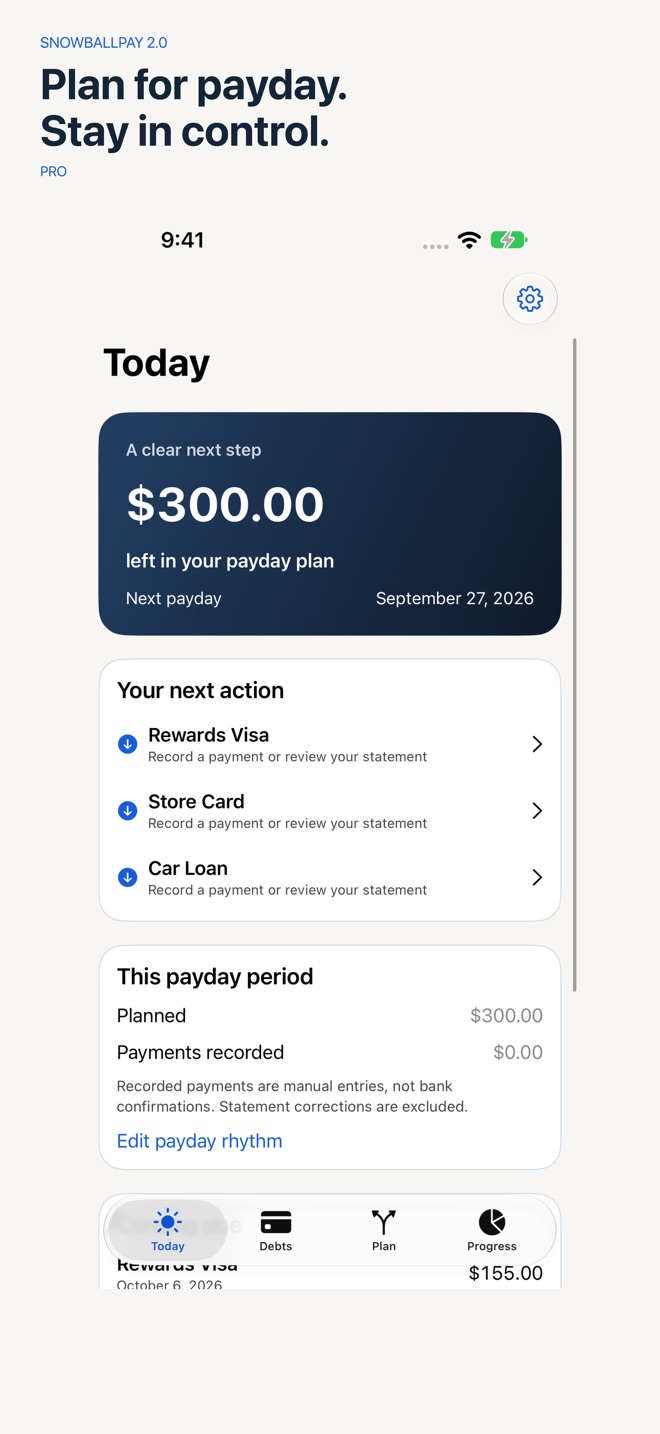
Make a debt payoff plan that fits your payday. Track credit cards and loans, review statement balances, and compare snowball and avalanche estimates in one private place. No bank connection or account is required.
START WITH THE STATEMENT
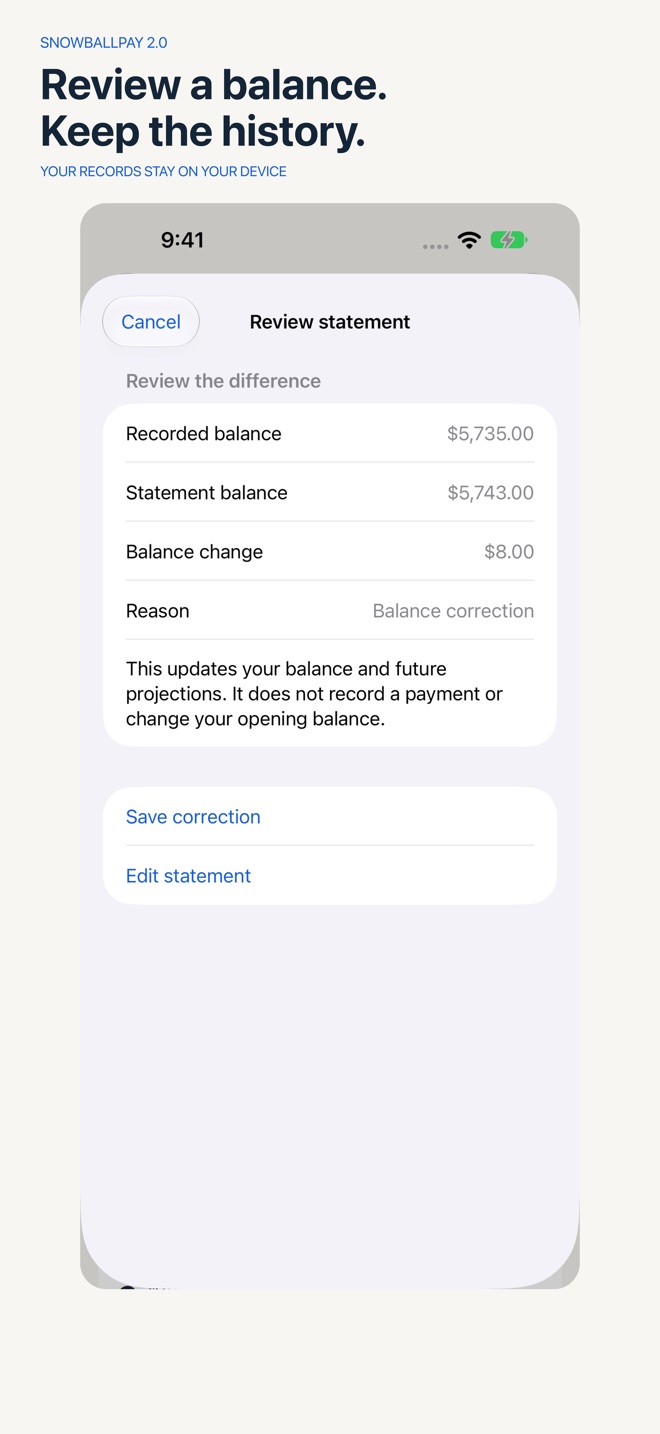
Preview the difference between a lender statement and your recorded balance. Record interest, fees, credits or corrections separately from payments. Undo a correction without erasing later payments. Keep notes and categories, and find debts with search and filters.
PLAN AROUND PAYDAY
Choose weekly, biweekly, twice-monthly or monthly paydays. Set a budget for each pay period and see recorded payments, the remaining planned amount and upcoming due dates. Nothing moves money or pays a lender automatically.
COMPARE YOUR OPTIONS
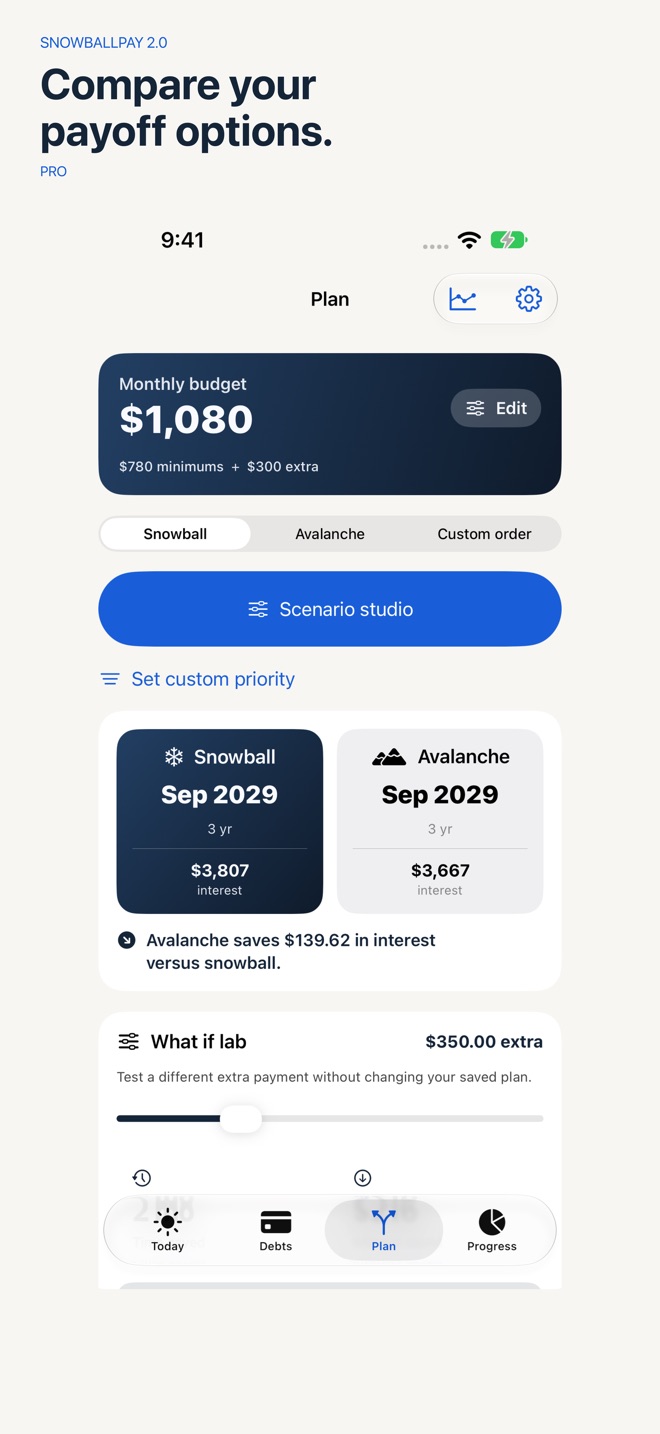
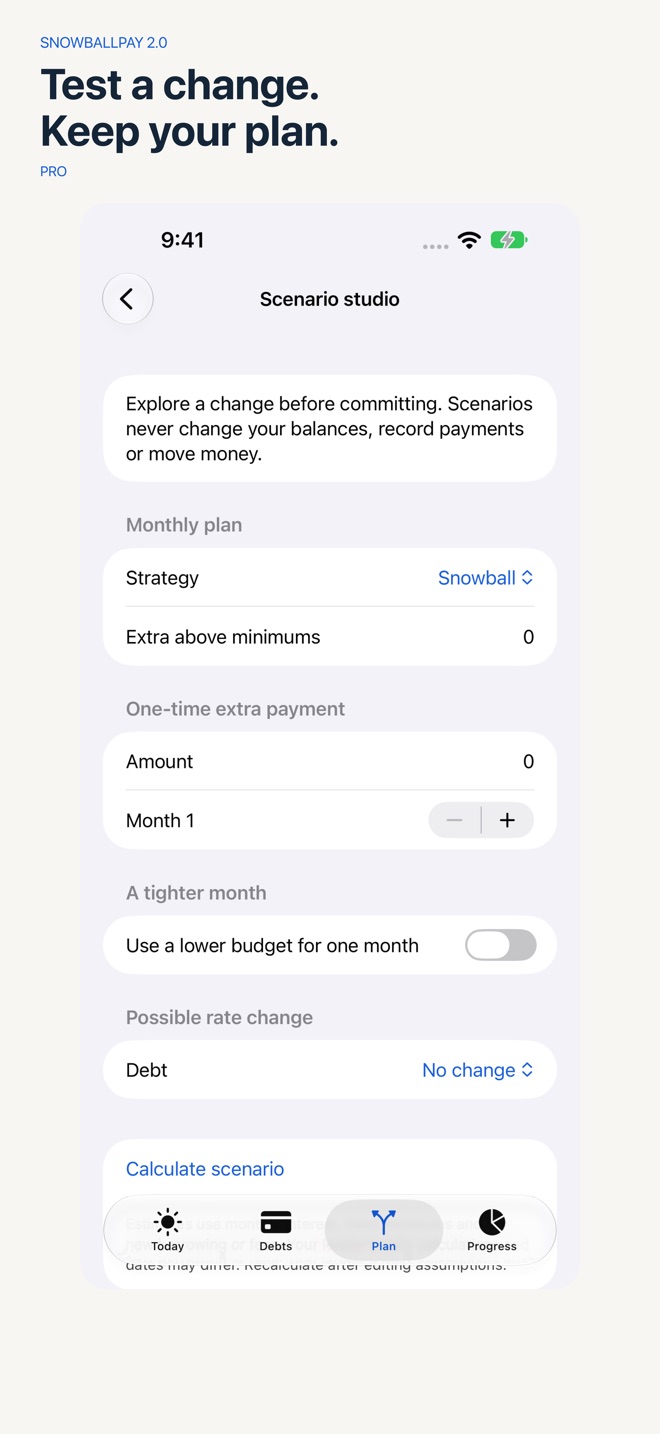
Compare Snowball, Avalanche and your own priority order. Save scenarios for extra payments, a one-off payment, a tighter month or a proposed rate change. Calculate the extra monthly amount estimated to meet a target payoff date. Scenarios leave your actual debt balances unchanged.
KEEP A CLEAR RECORD
Log, repeat, edit and delete payments. Track milestones and payment insights. Review payments, balance corrections and your current monthly plan together. Export payoff PDFs, CSV schedules and activity reports. Import a documented debt CSV with a preview and duplicate checks. Export and merge a private JSON backup without replacing existing records.
FREE AND PRO
Free lets you add up to two debts, record and correct payments, review statements, track due days and basic progress, and keep a private backup. Pro adds unlimited debts, detailed projections and strategy comparisons, payday budgets, saved scenarios, custom priority, target-date planning, insights, reminders, charts, debt CSV import and PDF/CSV reports. Monthly, yearly and lifetime options unlock the same Pro features.
Your financial records stay on your device. There are no advertising trackers or analytics accounts. When you choose to contact support, you can review the app and device diagnostics included with your message.
Payoff results are estimates based on the values you enter and may differ from lender statements. SnowballPay is a personal planning tool, not financial advice.
Subscriptions renew automatically until cancelled. The purchase screen shows the localized amount and billing period before confirmation. Payment is charged to your Apple Account. Manage or cancel in Settings > Apple Account > Subscriptions; cancellation applies at the end of the billing period. Lifetime is a one-time purchase.
Privacy: https://innovalabworks.com/a/snowballpay/privacy
Terms: https://innovalabworks.com/a/snowballpay/terms
Apple Standard EULA: https://www.apple.com/legal/internet-services/itunes/dev/stdeula/
What’s new · 2.0.0
SnowballPay 2.0 brings a complete redesign and new ways to turn your debt balances into a practical payment plan.
• A new Today dashboard, clearer Today/Debts/Plan/Progress navigation, navy-and-ivory styling and a new Liquid Glass icon.
• Review statement balances with a before-and-after preview, correction history and undo. Keep balance corrections separate from actual payments.
• Plan around weekly, biweekly, twice-monthly or monthly paydays. Set a payday budget and compare planned amounts with recorded payments.
• Save and revisit named scenarios for extra payments, a tighter month or an interest-rate change without changing your debt balances.
• Choose a custom debt payoff order and calculate the extra monthly amount for a target payoff date, with clear limits when a plan is not achievable.
• Find debts with search and active/cleared filters, add notes and categories, and set due days through the end of the month.
• Preview a debt CSV before importing, with validation and duplicate handling. Updated JSON backups include the new planning records and support previewing and merging restored data.
• Expanded PDF and CSV reports for payoff plans and recorded activity, including separate payment and correction totals and calculation assumptions.
• Clearer onboarding and purchase choices, improved English/French layouts and accessibility, and startup recovery with retry and support if saved data cannot be opened.
Existing records and legitimate Pro purchases carry forward. SnowballPay remains a manual planning tool: it does not connect to your bank or move money.
Missing a feature?
Your ideas help shape our apps. Tell us what would make your app more useful.
We review requests to understand what would help. Timing depends on scope, priorities and App Store review.
More in this category
AfterClaim: Life BenefitsConnect benefit sources, document requirements, carrier follow ups, beneficiary…On the App Store

BillOrbit: Bill CalendarPut every bill on one calendar, get nudged 3 days, 1 day, and the day it is…On the App Store

CoParentLedger: Kid CostsEvery shared cost for the children, each parent's share under your agreed…On the App Store

CycleFund: Fertility CostsPlan treatment costs clearlyOn the App Store
Common questions
Where can I download SnowballPay: Debt Payoff?
Use the App Store link above to see availability, supported devices and current purchase options in your region.
What is the current App Store version?
2.0.0
Where can I find the privacy details?
Read this app’s privacy policy using the link below. Storage, sync and optional online features are specific to each app.