
JetLagPlan: Beat Jet Lag
Turn your flight into a clear day by day plan. See when to seek light, when to keep it dim, and when to time caffeine and melatonin to help your body clock catch up.
iPhone and iPadAvailable worldwideVersion 1.2
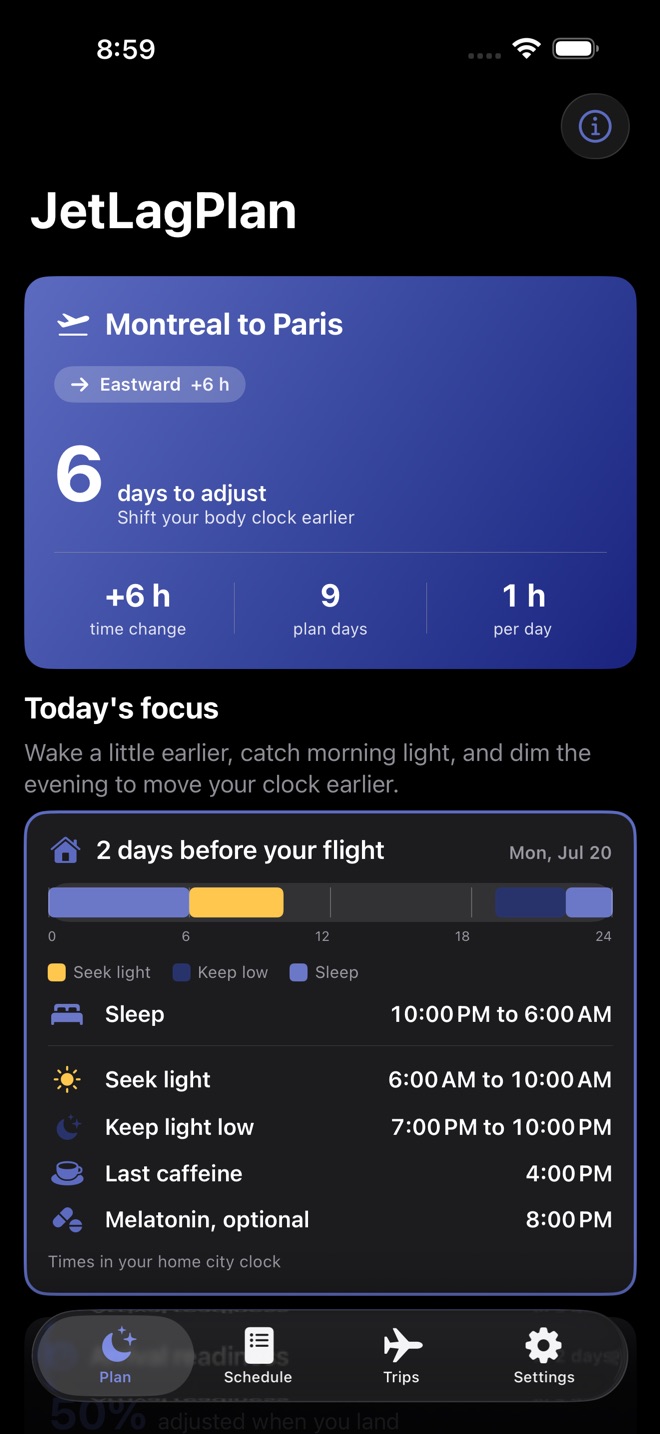
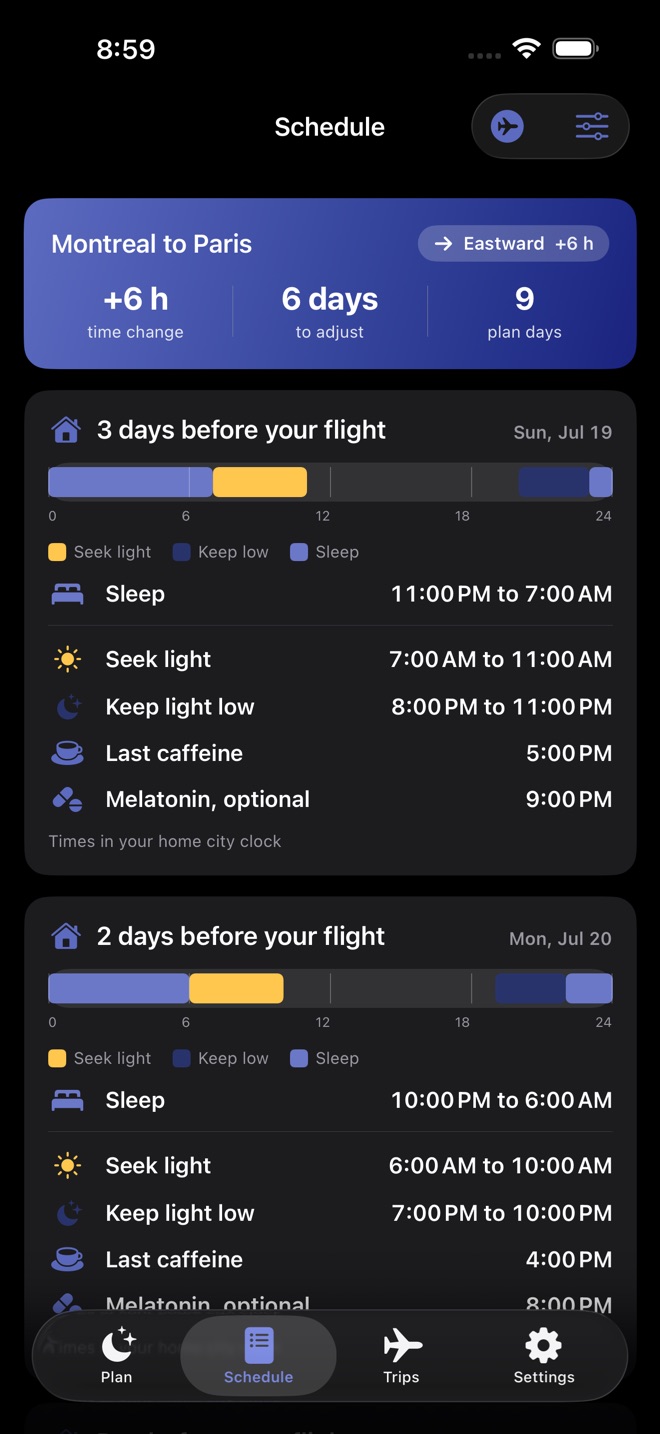
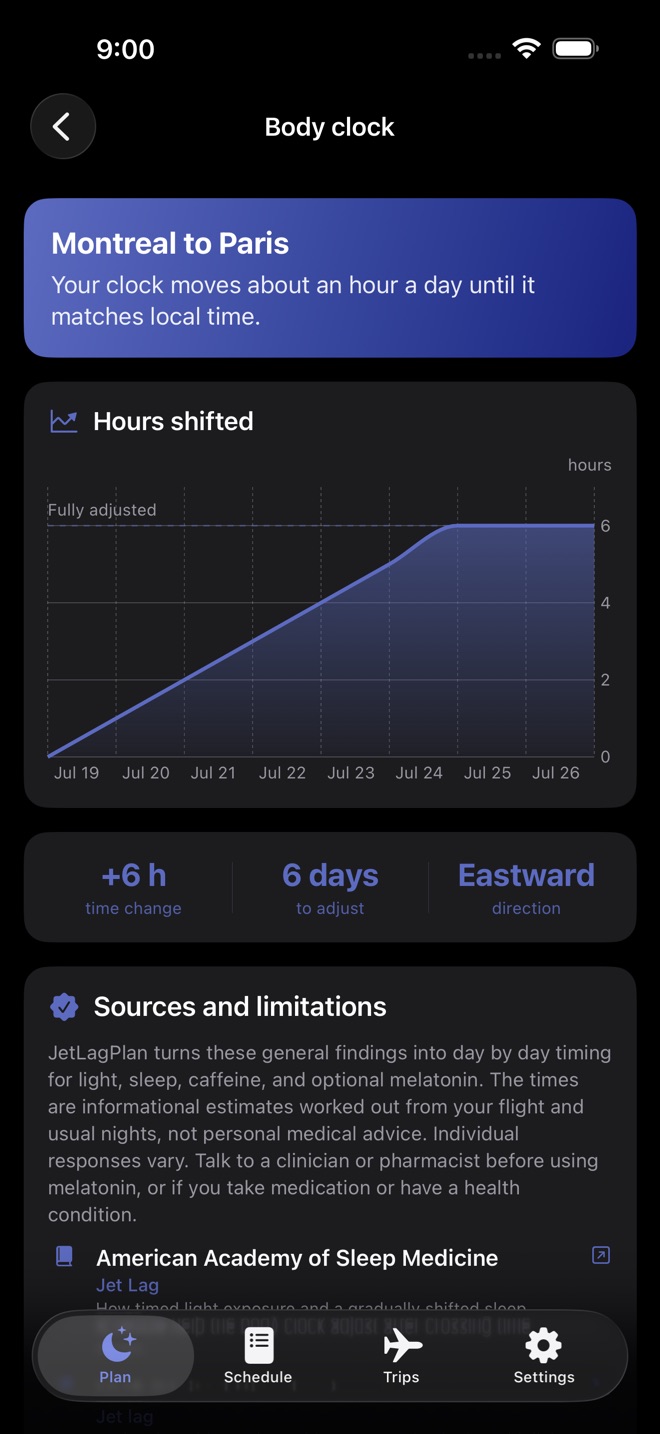
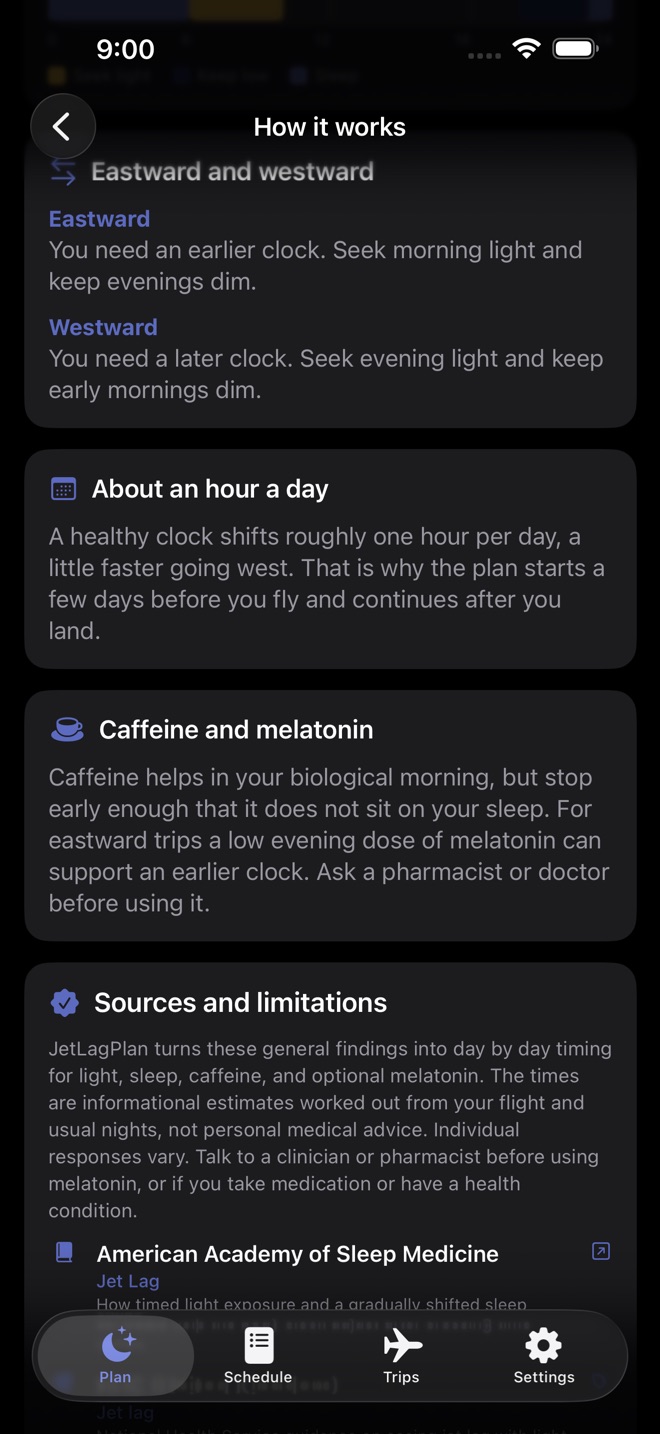
Long flights leave your body clock in the wrong time zone. JetLagPlan turns your trip into a clear, day by day plan so you know exactly what to do with light, sleep, caffeine, and melatonin to help your body clock catch up.
Tell it where you are flying and when. JetLagPlan reads the time change, works out which way your clock needs to move, and builds a personal schedule for the days before you leave and the days after you land.
WHAT YOU GET
• A plan built from your own flight: cities and times
• The direction of the shift, the size of the time change, and how many days to adjust
• When to seek bright light and when to keep it low, for every day
• A day by day sleep schedule that eases toward the new time zone
• A caffeine cutoff and an optional evening melatonin time
• A body clock chart that shows your progress, about an hour a day
• Plans for both eastward and westward trips
• A plain language explainer of the science behind every step
• Daily reminders that follow your plan, so each step happens on time
• A pace control: shift gently, at a standard hour a day, or faster
• One tap to build the return trip
• Arrival readiness that shows how adjusted you will land
• Backup and restore your trips to a file, all on your device
• Cited sources on every guidance screen, from the NHS, the AASM, MedlinePlus, and the CDC
FREE AND PRO
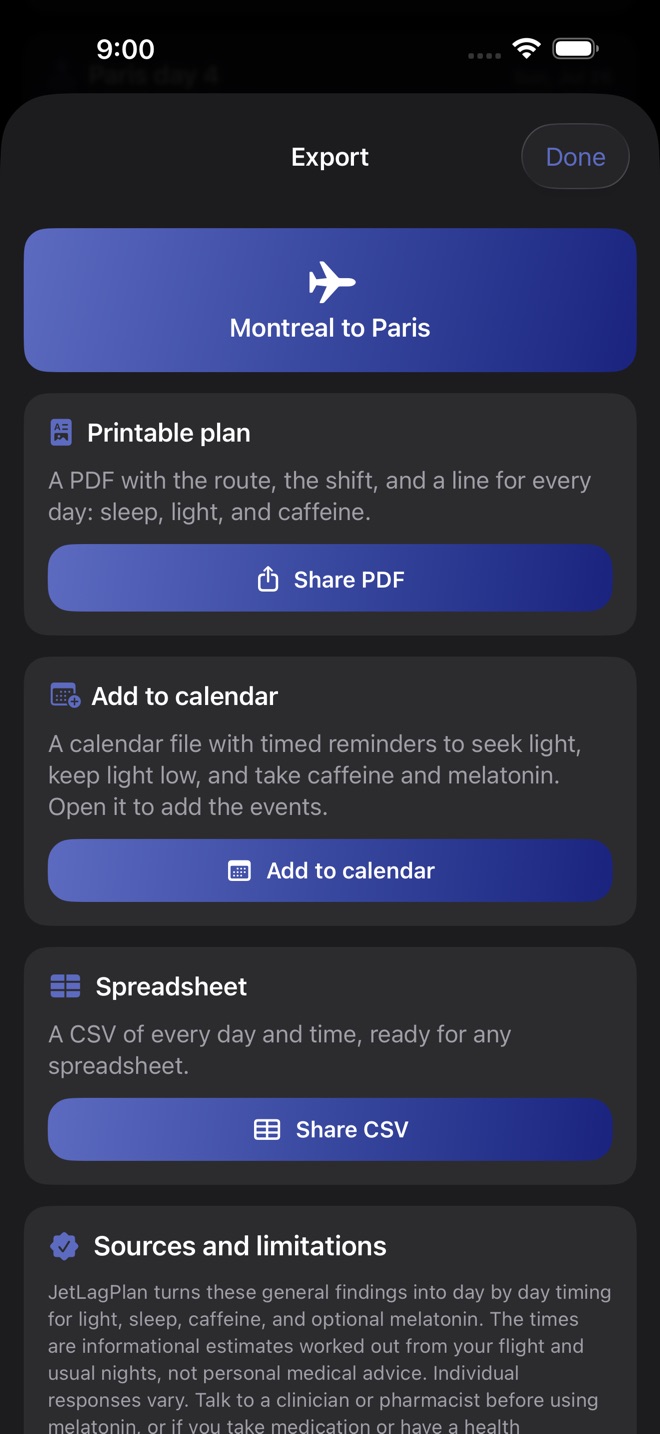
Plan one trip for free. A single lifetime unlock saves every trip you take, adds the full light, caffeine, and melatonin timing for each day, turns on daily reminders that follow your plan, and lets you export a printable plan or add the whole schedule to your calendar.
PRIVATE BY DESIGN
Everything stays on your iPhone. No account, no sign in, and nothing is uploaded. The app does not need a connection to build your plan.
A NOTE ON HEALTH
JetLagPlan is informational only and is not medical advice. Every light, sleep, caffeine, and melatonin suggestion links to reputable sources you can read, such as the NHS, the American Academy of Sleep Medicine, MedlinePlus, and the CDC. Talk to a health professional before using melatonin, or if you take medication or have a health condition.
Missing a feature?
Your ideas help shape our apps. Tell us what would make your app more useful.
We review requests to understand what would help. Timing depends on scope, priorities and App Store review.
More in this category

GlobeTally: Places VisitedTrack everywhere you've beenOn the App Store

PackLight: Packing ListsNever forget the chargerOn the App Store

PitchBook: Camping LogLog every campsite with the note future-you reads before booking: noise, shade…On the App Store

PointKeep: Miles & PointsTrack miles, points, expiryOn the App Store
Common questions
Where can I download JetLagPlan: Beat Jet Lag?
Use the App Store link above to see availability, supported devices and current purchase options in your region.
What is the current App Store version?
1.2
Where can I find the privacy details?
Read this app’s privacy policy using the link below. Storage, sync and optional online features are specific to each app.