
ExecutorKit: Probate Organizer
Keep a dated estate journal, connect supporting proof and share only selected notes. Your existing records and eligible Pro access are preserved.
iPhone and iPadAvailable worldwideVersion 2.1.0
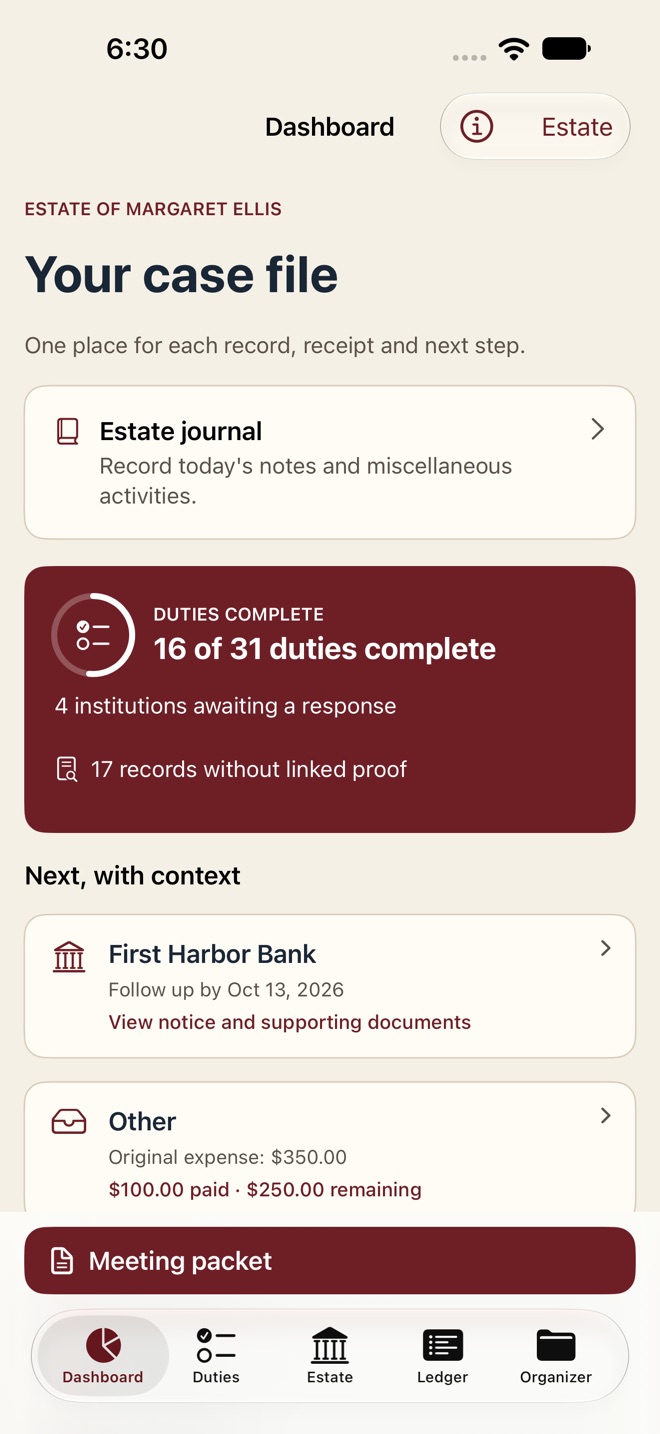
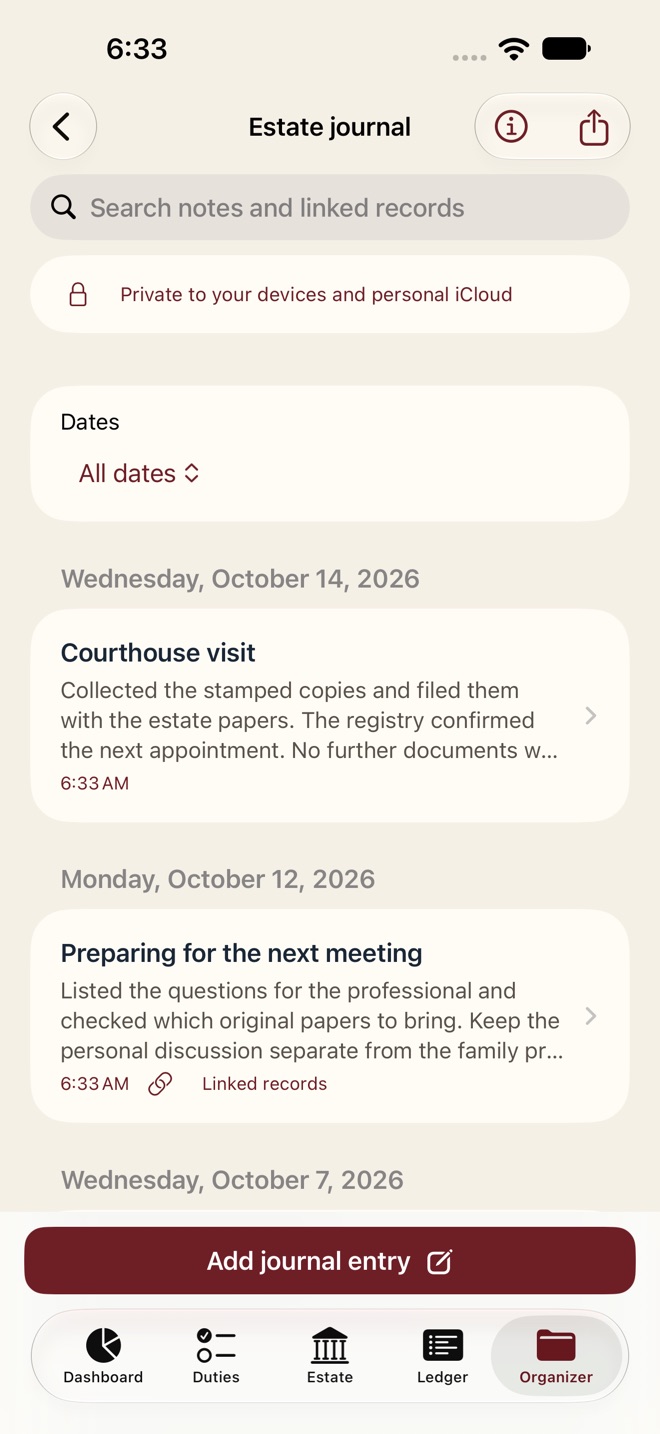
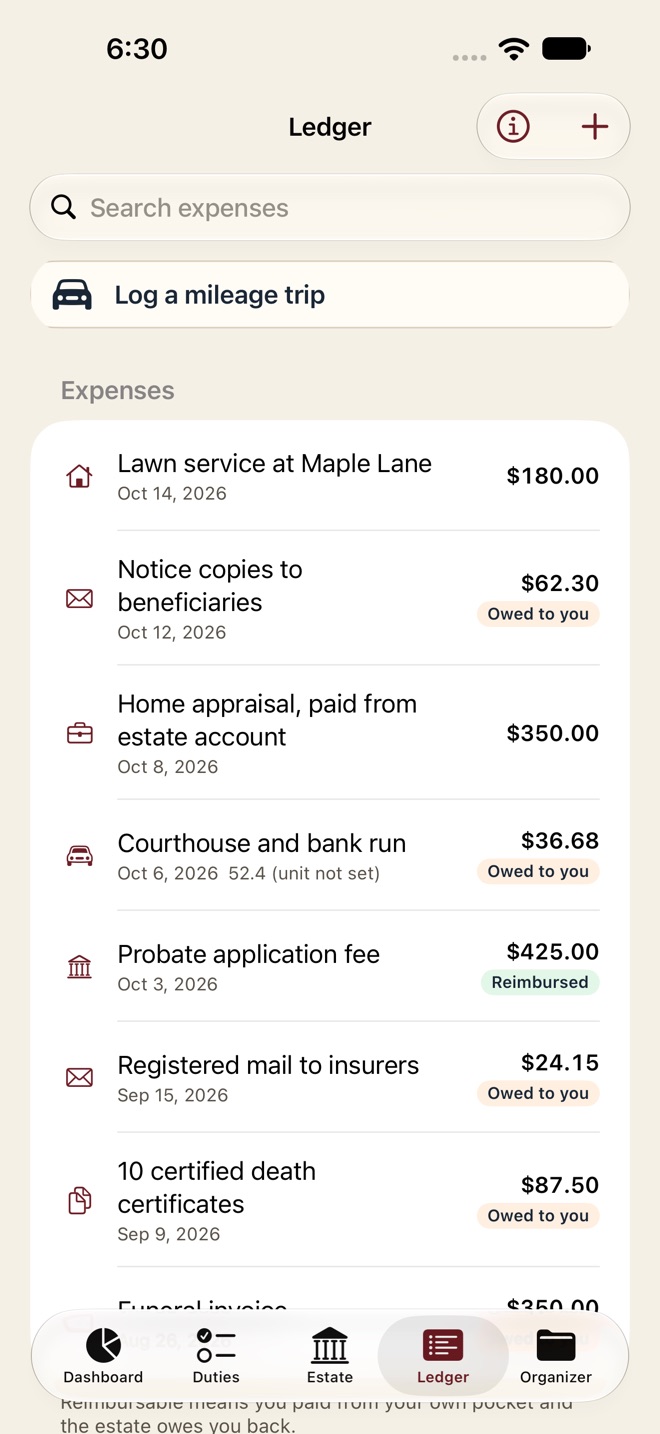
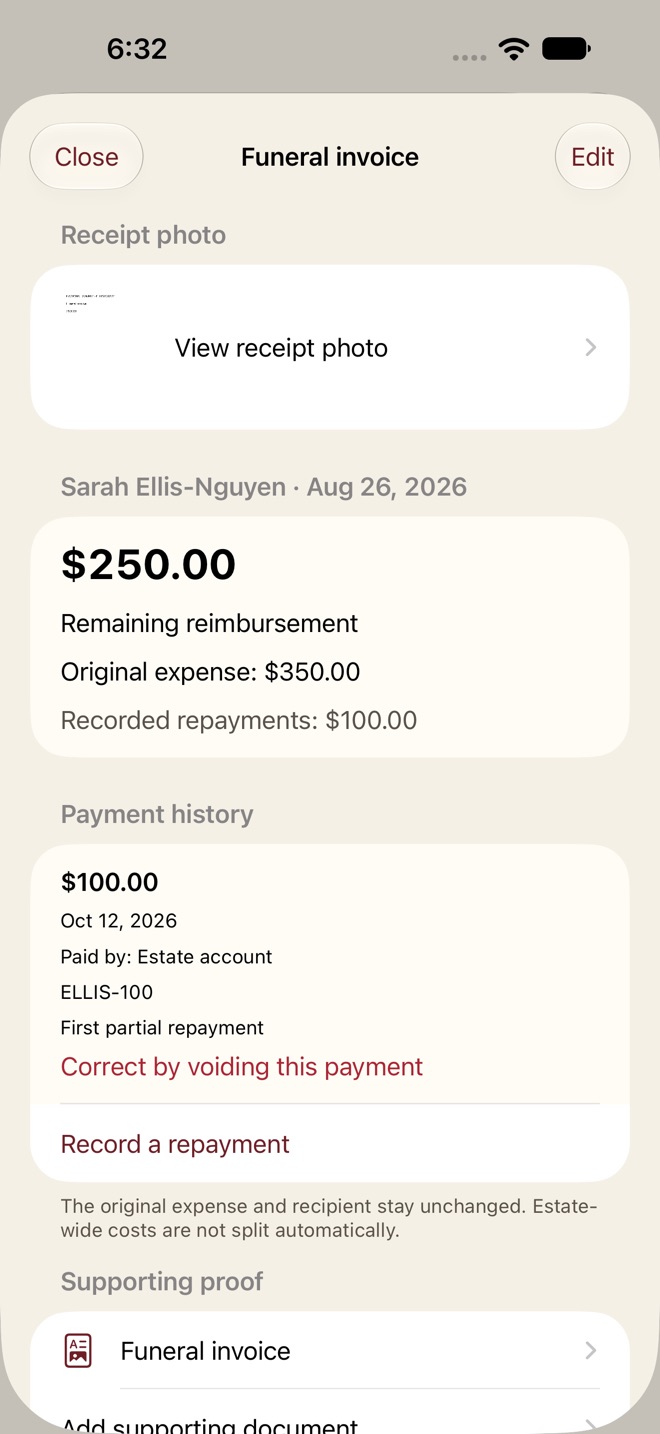
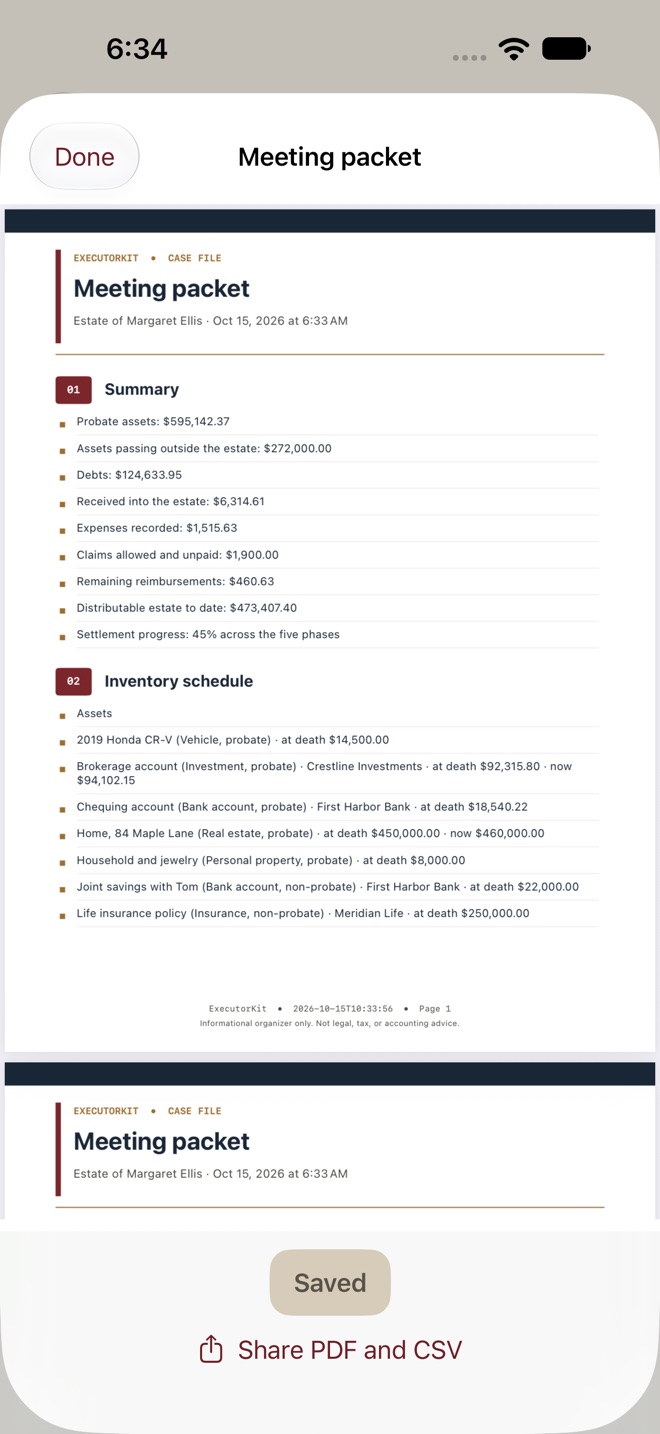
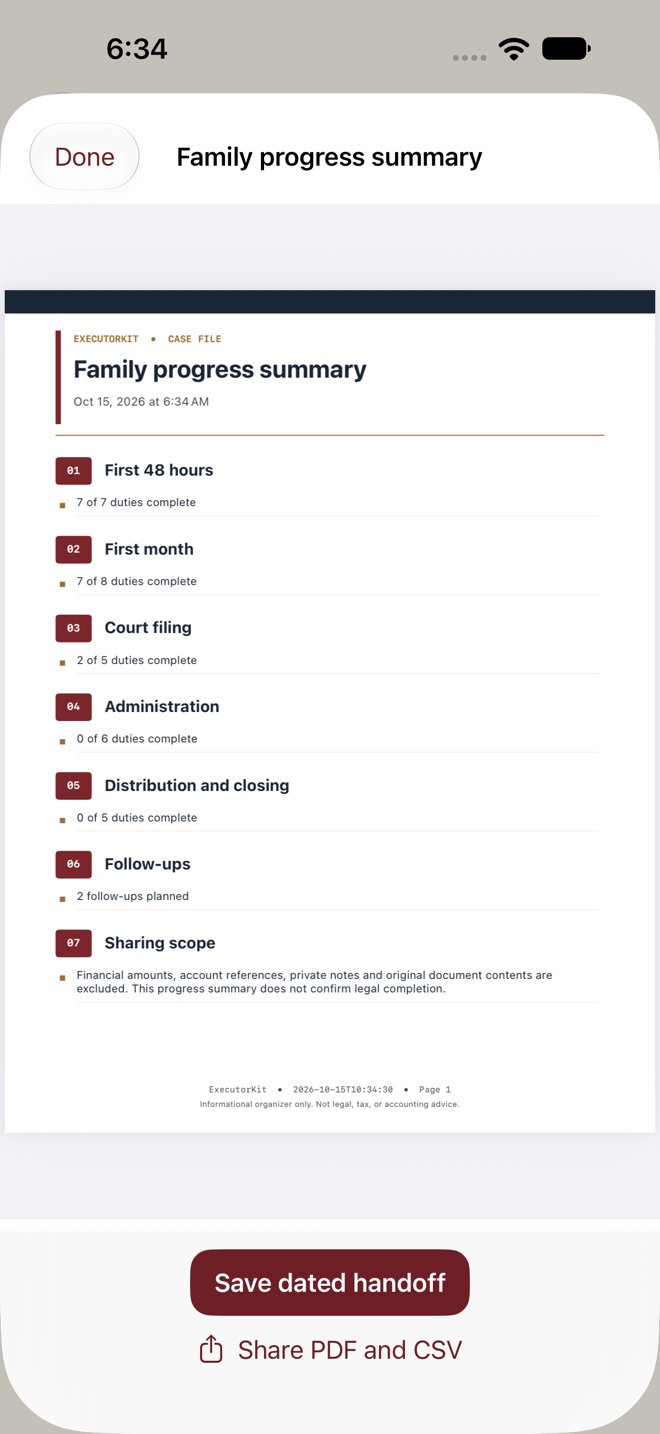
ExecutorKit keeps estate tasks, supporting records and expenses in one organized case file.
ESTATE JOURNAL
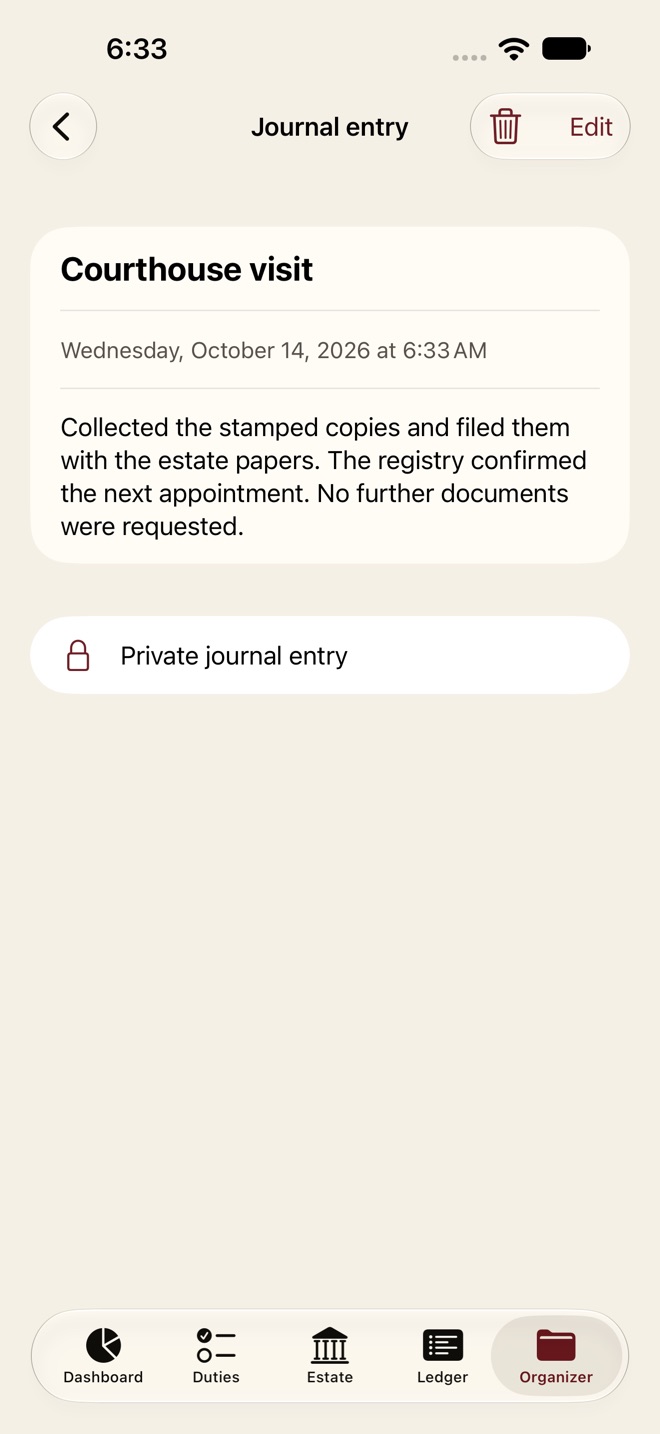
Keep dated notes for calls, visits and decisions. Write a standalone note or link a duty, person or document. Search and filter by date. Notes stay out of meeting packets and family summaries. Pro adds photos and selected-note PDF/CSV export with preview, save and share. Add up to 10 new photos at a time, up to 20 MB in total. Photos stay in the app; linked names are off by default in exports.
EXPENSES AND MILEAGE
Keep original expenses and beneficiary attribution. Record dated partial repayments, a payer and reference. See the outstanding balance without changing the original expense or automatically splitting estate costs. Void an incorrect repayment while retaining its history.
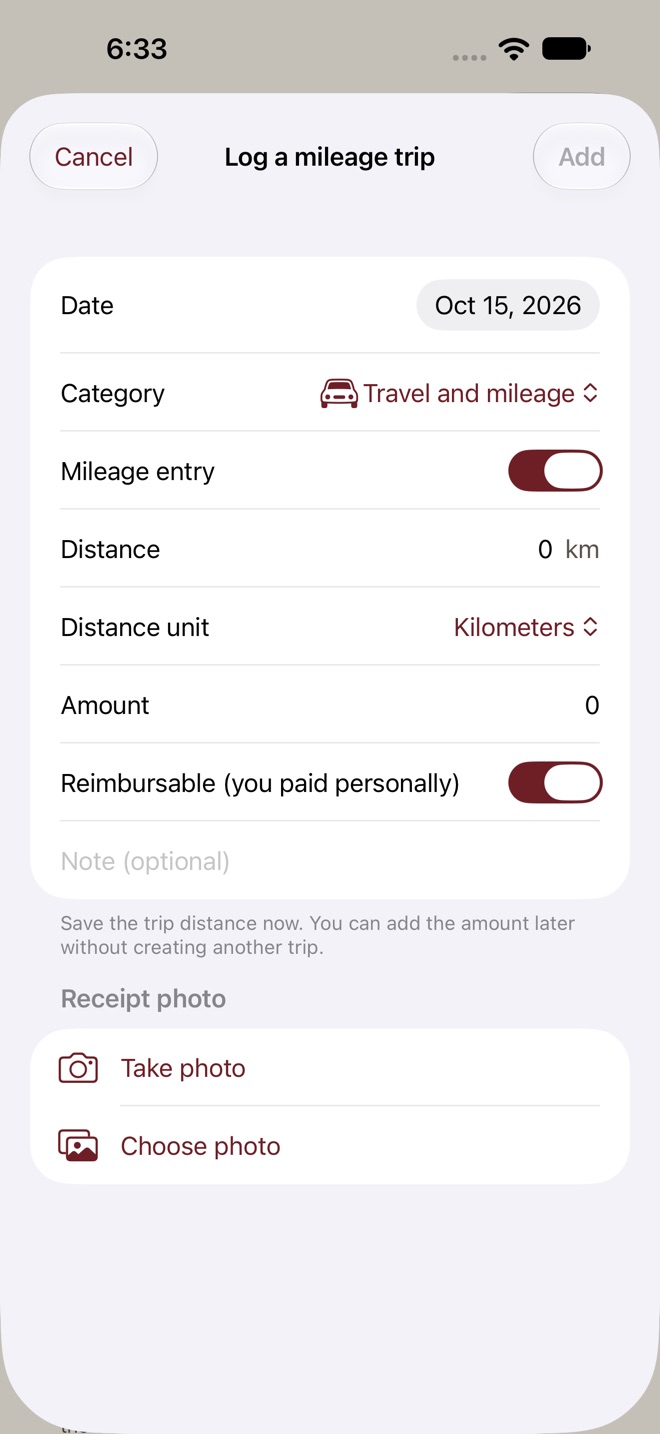
Choose miles or kilometers and log successive trips. Save the distance before you know the cost, then reopen the trip to complete it. Totals stay separate by unit. Older distances keep their original numbers and remain unassigned until you confirm the unit.
RECEIPTS AND DOCUMENTS
Take a photo for a receipt or asset, or choose one from Photos. Open original receipt photos directly at full size. Qualifying readable local copies can automatically restore only a matching photo, preserving deliberate removals, newer photos, expenses and repayments. Missing image bytes cannot be recreated. Removing a photo requires confirmation.
Import PDF, JPEG, PNG and HEIC documents up to 20 MB each. Add a title, category and date, link a record, preview every PDF page or zoom an image.
FOLLOW-UPS AND MEETINGS
Keep institution notices, correspondence outcomes, references and next dates together. Log certified copies sent and returned, retaining original counts and dated movement history.
Choose accounting schedules, repayments, distributions, follow-ups, copies, questions and a document index for a meeting packet. Preview the PDF and export CSV text. Save a dated handoff with its original files. Source documents are not attached automatically; the report is not a full case backup.
FAMILY PROGRESS
Prepare a report without amounts, account references, private notes or document contents. Names and duty titles are off by default. Preview it and choose recipients with the system share sheet. A report gives no access to the case file.
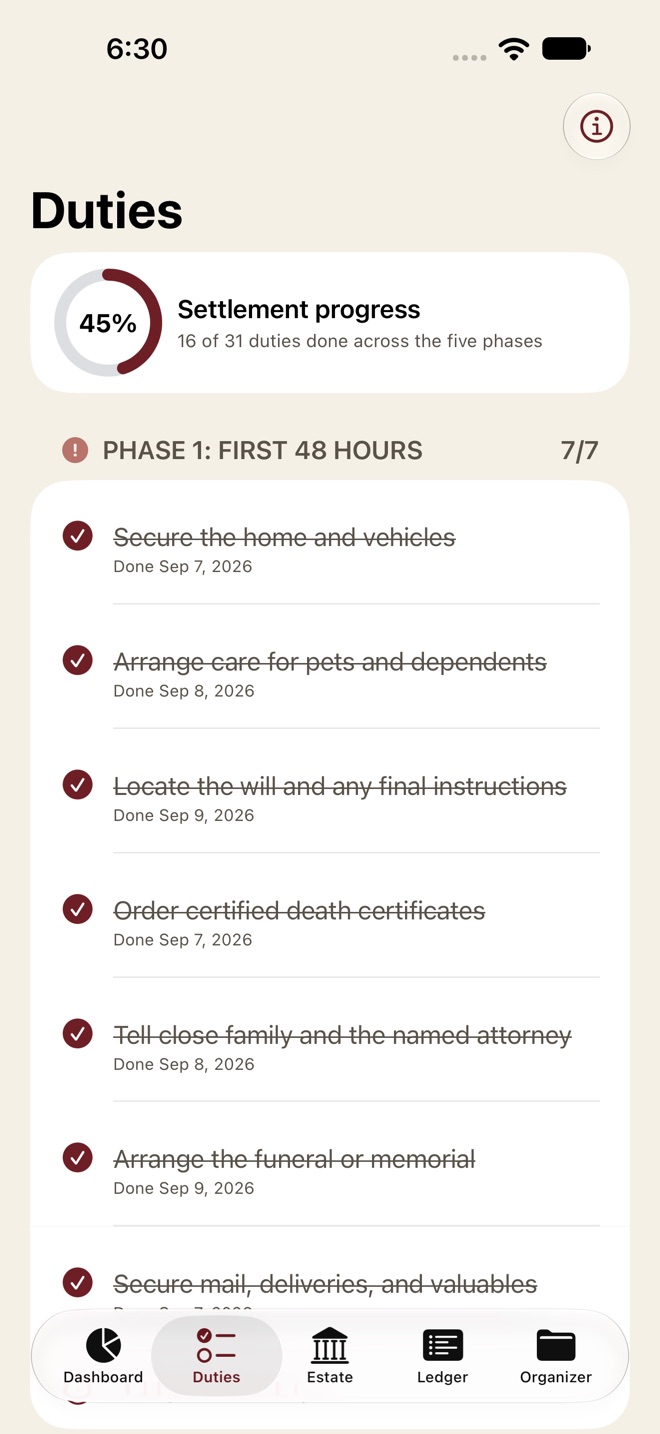
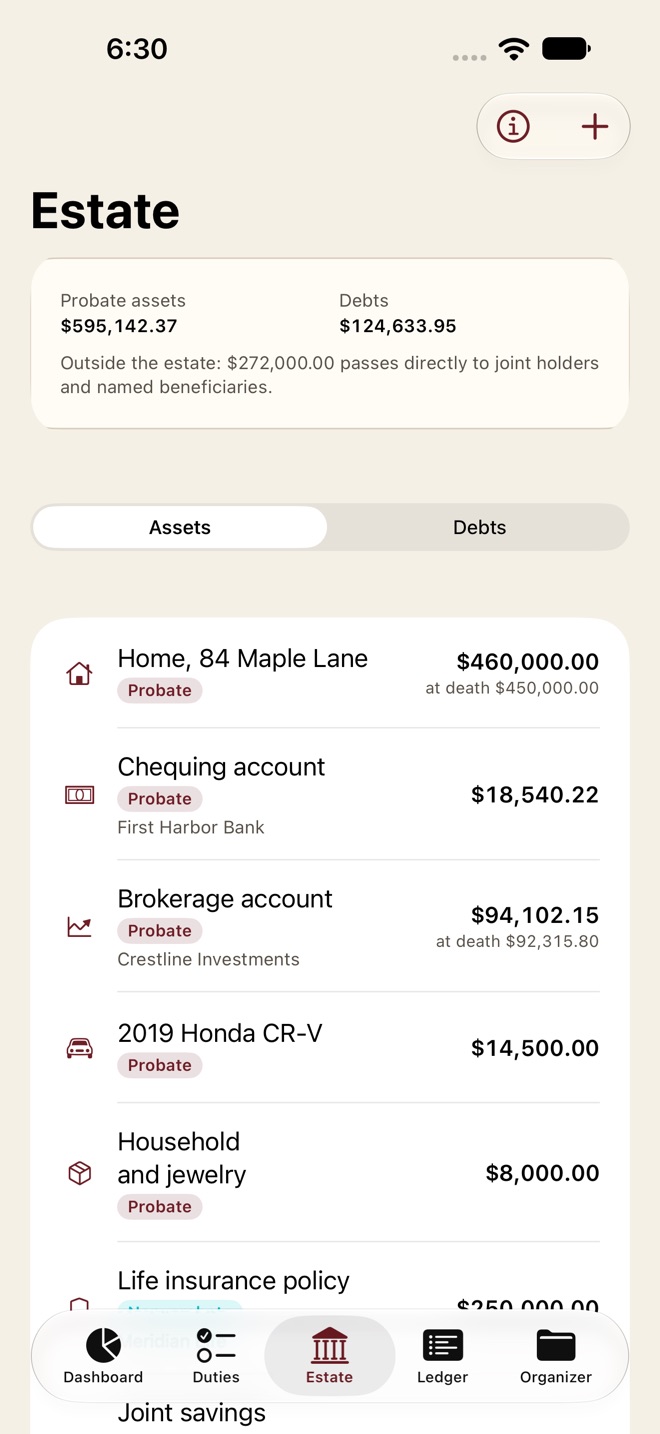
Keep your five-phase checklist, inventory, receipts, creditor claims, deadlines, contacts, search, tags, distributions, professional questions, reminders and accounting exports. Evidence checks link gaps to records. Private iCloud sync connects devices using the same Apple Account.
FREE AND PRO
Free keeps the checklist, journal notes with search and optional links, and your existing allowance of two inventory items and two ledger entries. Existing records stay readable. Pro adds unlimited inventory and ledger entries, document imports, dated histories, meeting packets, family summaries, selected journal exports and existing advanced tools. Monthly, yearly and a separate one-time Lifetime purchase unlock the same Pro features. Restore eligible purchases with the same Apple Account. Subscriptions renew automatically unless cancelled in Apple subscription settings. Apple shows localized prices and billing periods before purchase.
The app organizes your information, without legal, tax or financial advice, inheritance-share calculations or certification of legal completion. Confirm local requirements with a qualified professional. Review reports before sharing.
Terms: https://innovalabworks.com/a/executorkit/terms
Privacy: https://innovalabworks.com/a/executorkit/privacy
Apple Standard EULA: https://www.apple.com/legal/internet-services/itunes/dev/stdeula/
What’s new · 2.1.0
IMPORTANT RECEIPT FIX
Fixes an issue where an existing receipt photo could be missing from expense details after an update. Original receipt photos are now easy to find and open at full size.
FAMILIAR NAVIGATION
On iPhone, use the familiar bottom buttons for Dashboard, Duties, Estate, Ledger and Organizer. On iPad, reach these sections from the sidebar. Find a prior expense, view its receipt, edit it and return to the same record and search.
ESTATE JOURNAL
Keep dated day-to-day notes and miscellaneous activities, search and filter them, and link related duties, contacts or documents. Pro adds journal photos and selected-note PDF/CSV exports. Photos stay in the app and are not included in note exports.
DIRECT CAMERA
Take a photo for an expense receipt, asset or journal entry, with a photo-library alternative.
CUMULATIVE MILEAGE
Add dated trips as they accumulate, in miles or kilometers. Save a distance before you know the cost and complete the trip later. Older distances keep their numbers until you confirm the unit; totals stay separate by unit.
Existing records, beneficiary assignments, repayment history and eligible Pro/Lifetime access remain supported.
Please update ExecutorKit in place. If receipts appear missing, keep the app installed and contact support before deleting or reinstalling it. Thank you to the customer who brought this issue to our attention.
Missing a feature?
Your ideas help shape our apps. Tell us what would make your app more useful.
We review requests to understand what would help. Timing depends on scope, priorities and App Store review.
More in this category

AI Resume Builder & CV: CurriqFree Resume Templates + ATSOn the App Store

BlockDay: Time BlockingPlan tomorrow tonight in time blocks, then live it with a focus timer. See…On the App Store

DayReserve: Energy PlanPlan your day around the energy you actually have. Four batteries, live drain…On the App Store

HabitForge: Weekly HabitsStreaks with grace daysOn the App Store
Common questions
Where can I download ExecutorKit: Probate Organizer?
Use the App Store link above to see availability, supported devices and current purchase options in your region.
What is the current App Store version?
2.1.0
Where can I find the privacy details?
Read this app’s privacy policy using the link below. Storage, sync and optional online features are specific to each app.