
BlockDay: Time Blocking
Plan tomorrow tonight in time blocks, then live it with a focus timer. See where your hours go and how often you keep the plan.
iPhone and iPadAvailable worldwideVersion 1.0
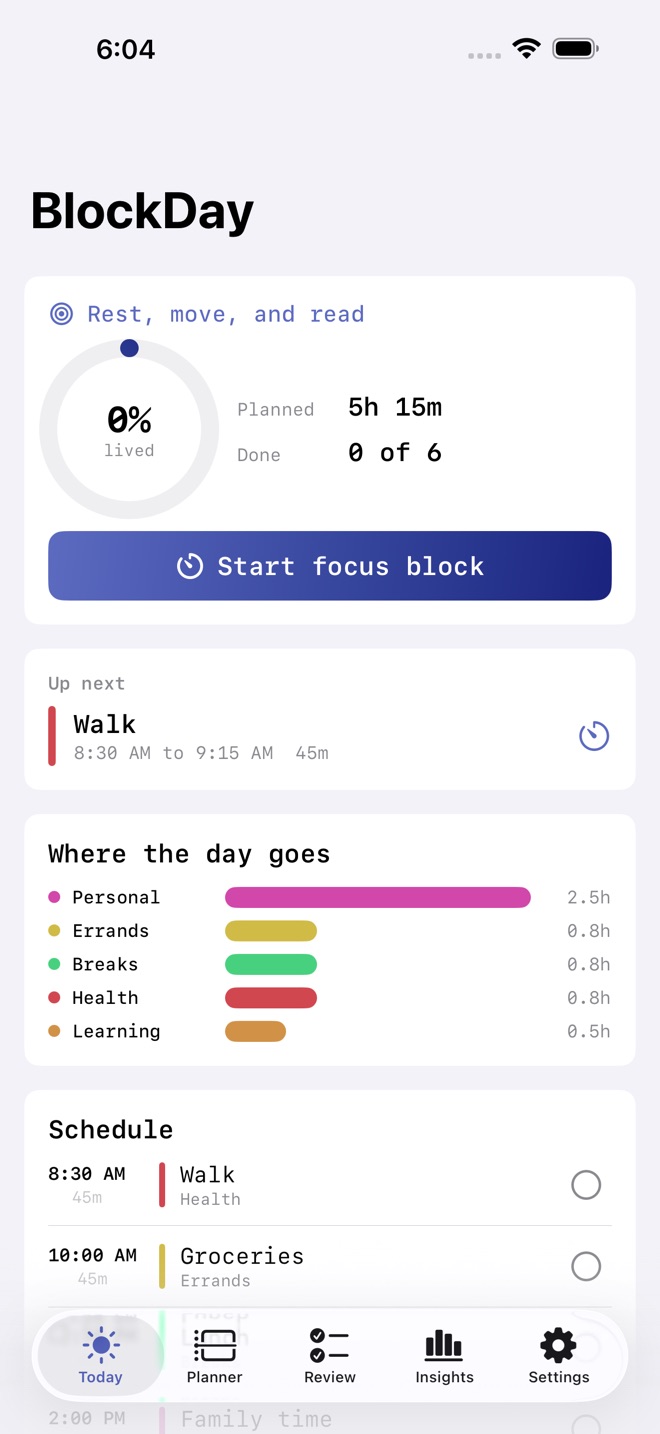
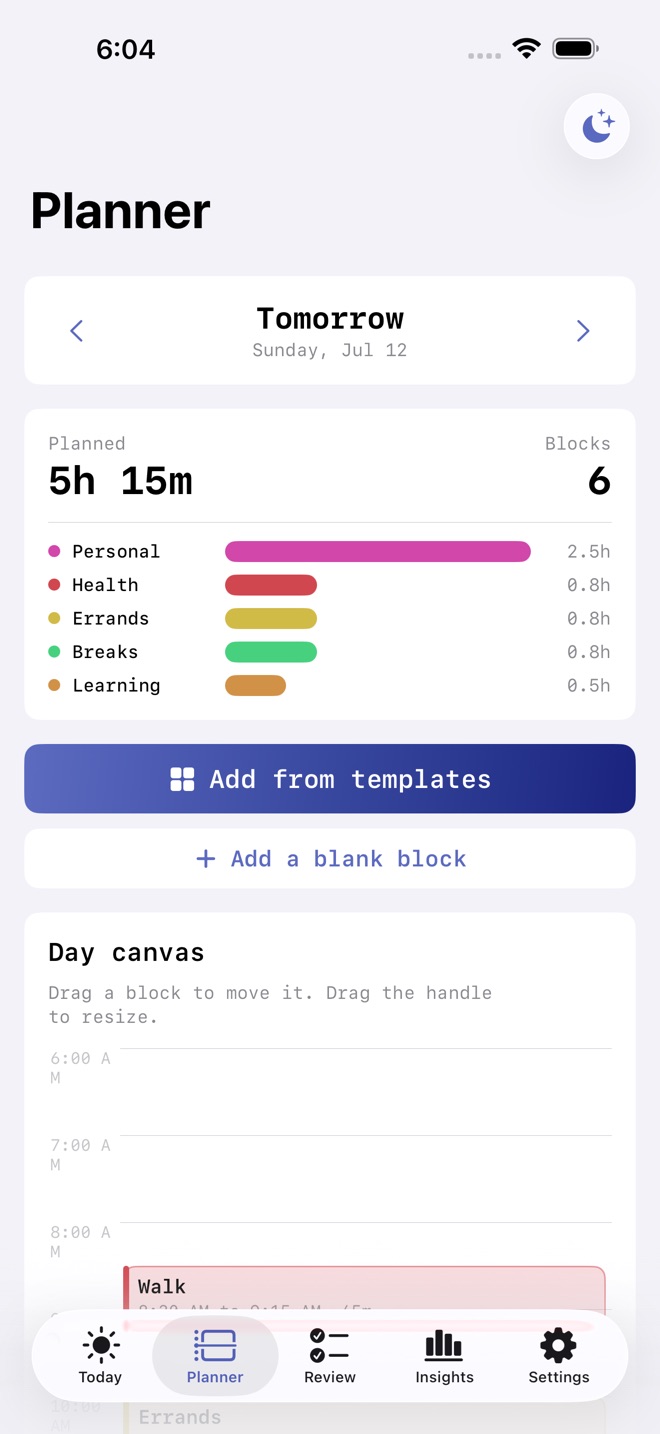
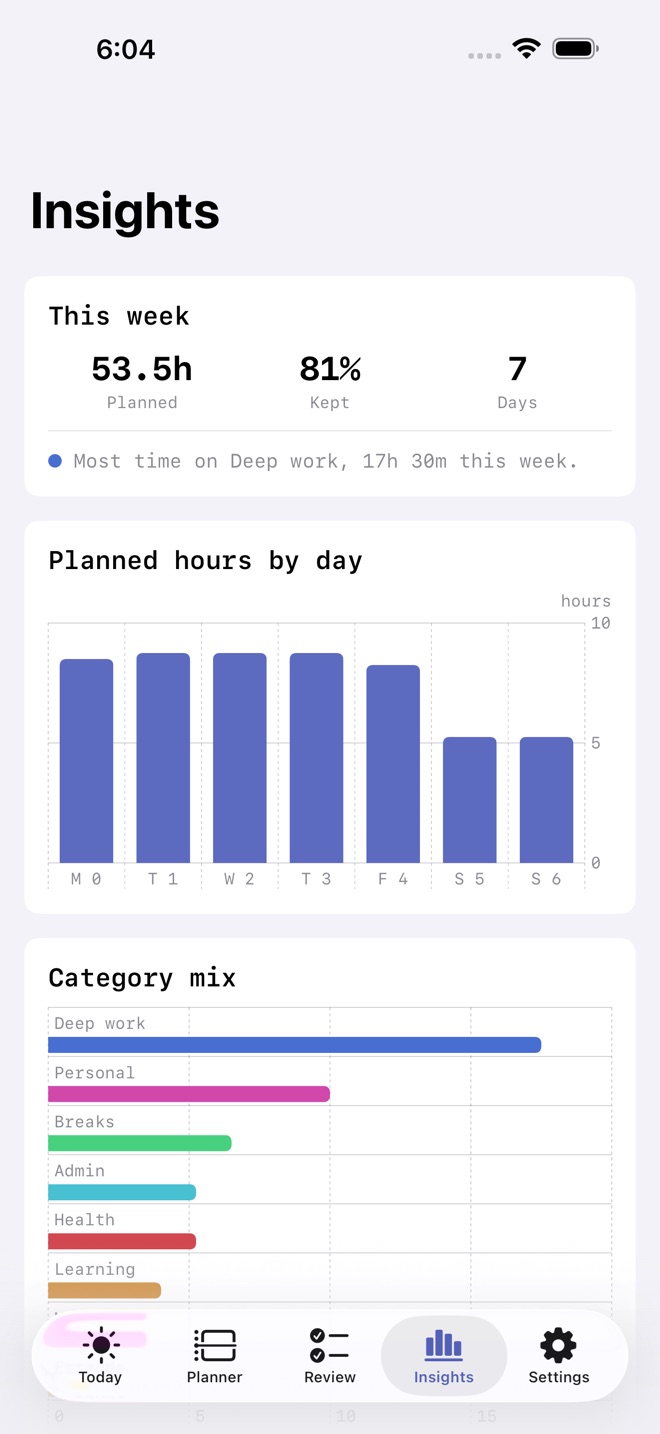
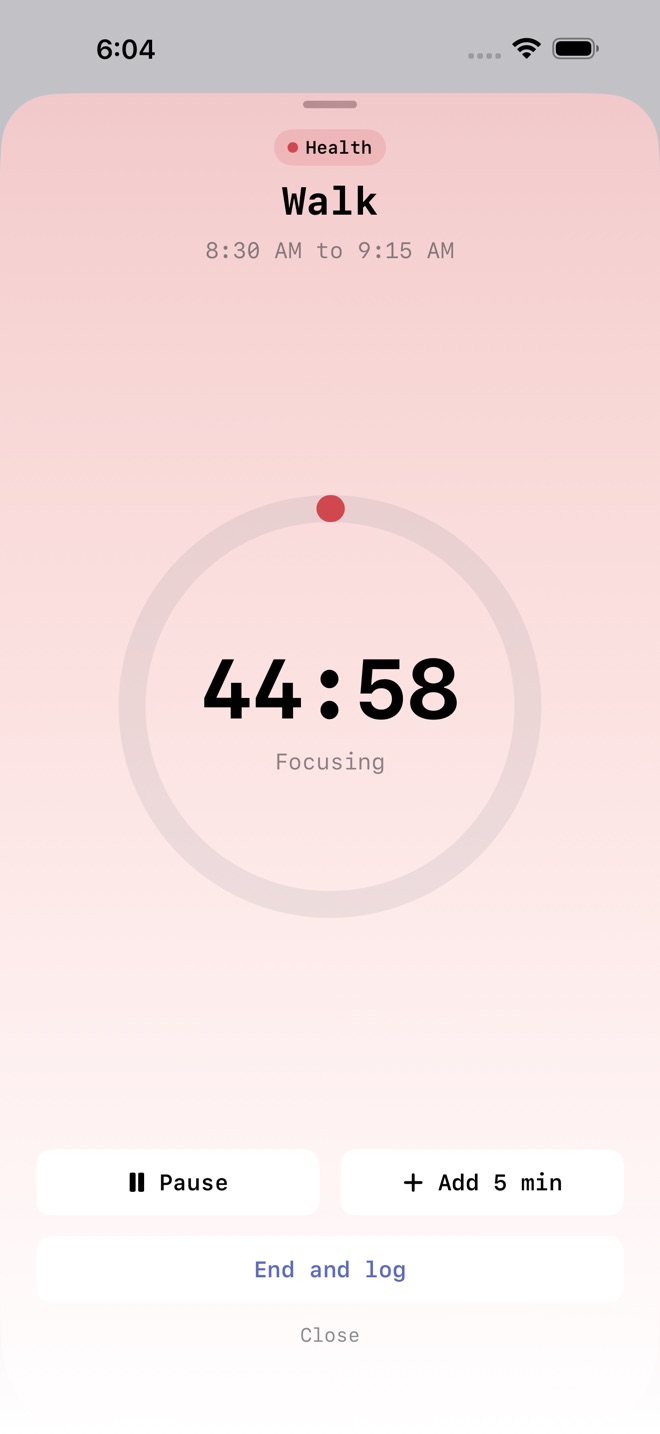
Plan tomorrow in blocks tonight, then live it.
BlockDay turns a pile of to-dos into a real schedule. You lay blocks on a paper-style day canvas, drag them to size, and give each one a start time, an end time, and a category. Then you live the day one focus block at a time and see how close you stayed to the plan.
What you can do:
- Build a day on a paper-style canvas. Drag a block to move it, drag the handle to resize it. Blocks snap to five minutes.
- Fill a day in seconds from a built-in template library: deep work, admin, breaks, meetings, health, learning, personal, and errands.
- Run the nightly planning ritual. Name one intention, pick a day shape, and set a reminder to plan tomorrow while today is fresh.
- Start a focus block timer, count it down, and mark the block done.
- Review plan vs actual. Mark each block done, partly, or skipped for a kept-time score, per block and per category.
- See where the day goes with category time totals on every screen.
- Read weekly patterns: planned hours by day and your category mix for the week.
- Syncs across iPhone, iPad, and Mac with iCloud.
Free and Pro:
- Free covers up to seven planned days, the day canvas, the template library, the focus timer, plan vs actual review, and this week's insights.
- Pro unlocks unlimited days and your full history, weekly trend charts for hours and follow-through, saving your own custom blocks, and exporting a day plan PDF or a CSV of every block.
Private by design. No account of ours and no tracking. Your plans live on your device and in your private iCloud.
Subscription details. BlockDay Pro is offered as a monthly subscription at $3.99 USD and a yearly subscription at $24.99 USD, or a one-time Lifetime unlock at $59.99 USD. Subscriptions renew automatically until cancelled. Payment is charged to your Apple Account at confirmation. Cancel anytime in Settings > Apple Account > Subscriptions; cancellation takes effect at the end of the current period. Terms: Apple Standard EULA https://www.apple.com/legal/internet-services/itunes/dev/stdeula/
Missing a feature?
Your ideas help shape our apps. Tell us what would make your app more useful.
We review requests to understand what would help. Timing depends on scope, priorities and App Store review.
More from InnovaLabWorksAI Resume Builder & CV: CurriqDayReserve: Energy PlanExecutorKit: Probate Organizer
ProductivityMore in this category

AI Resume Builder & CV: CurriqFree Resume Templates + ATSOn the App Store
DayReserve: Energy PlanPlan your day around the energy you actually have. Four batteries, live drain…On the App Store

ExecutorKit: Probate OrganizerConnect proof to expenses, track partial repayments and arrive prepared with a…On the App Store

HabitForge: Weekly HabitsStreaks with grace daysOn the App Store
Common questions
Where can I download BlockDay: Time Blocking?
Use the App Store link above to see availability, supported devices and current purchase options in your region.
What is the current App Store version?
1.0
Where can I find the privacy details?
Read this app’s privacy policy using the link below. Storage, sync and optional online features are specific to each app.