
DayLighter: Golden Hour
Know exactly when the light is right: golden hour, blue hour, sunrise, sunset and civil twilight for any spot and any date, computed on your iPhone. Offline.
iPhone and iPadAvailable worldwideVersion 1.0
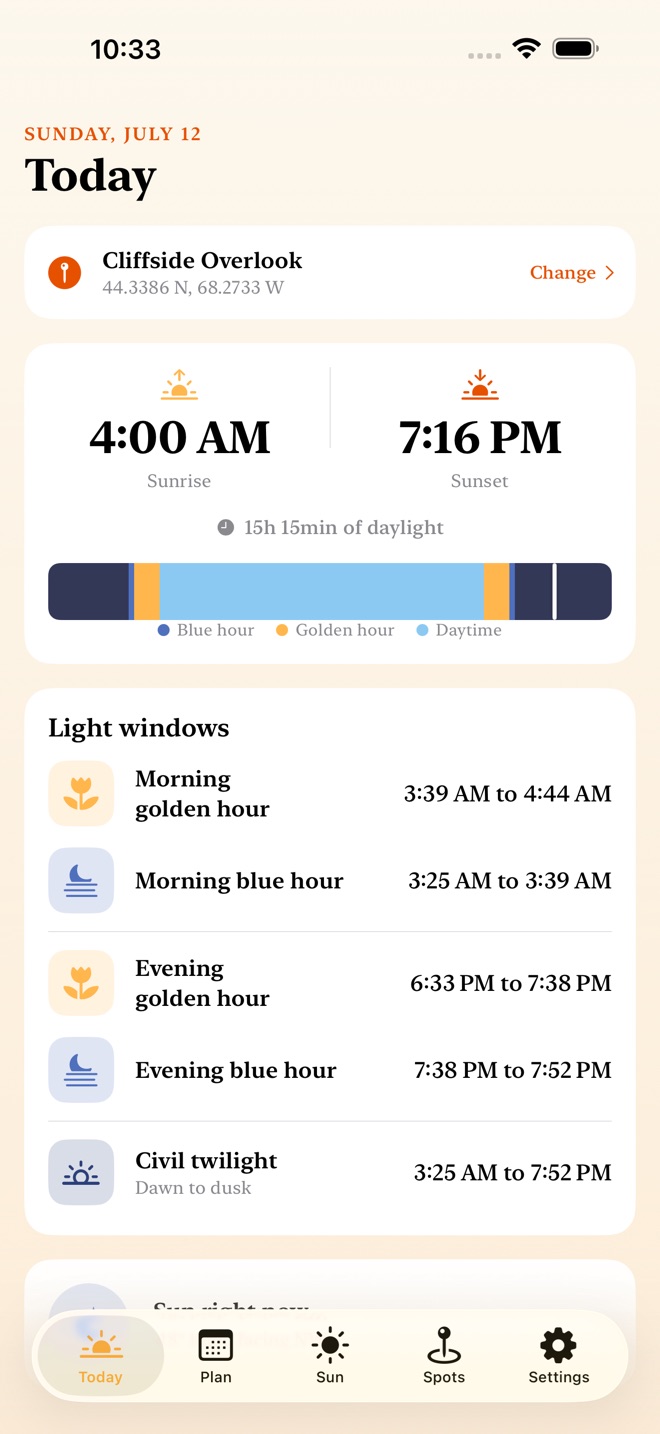
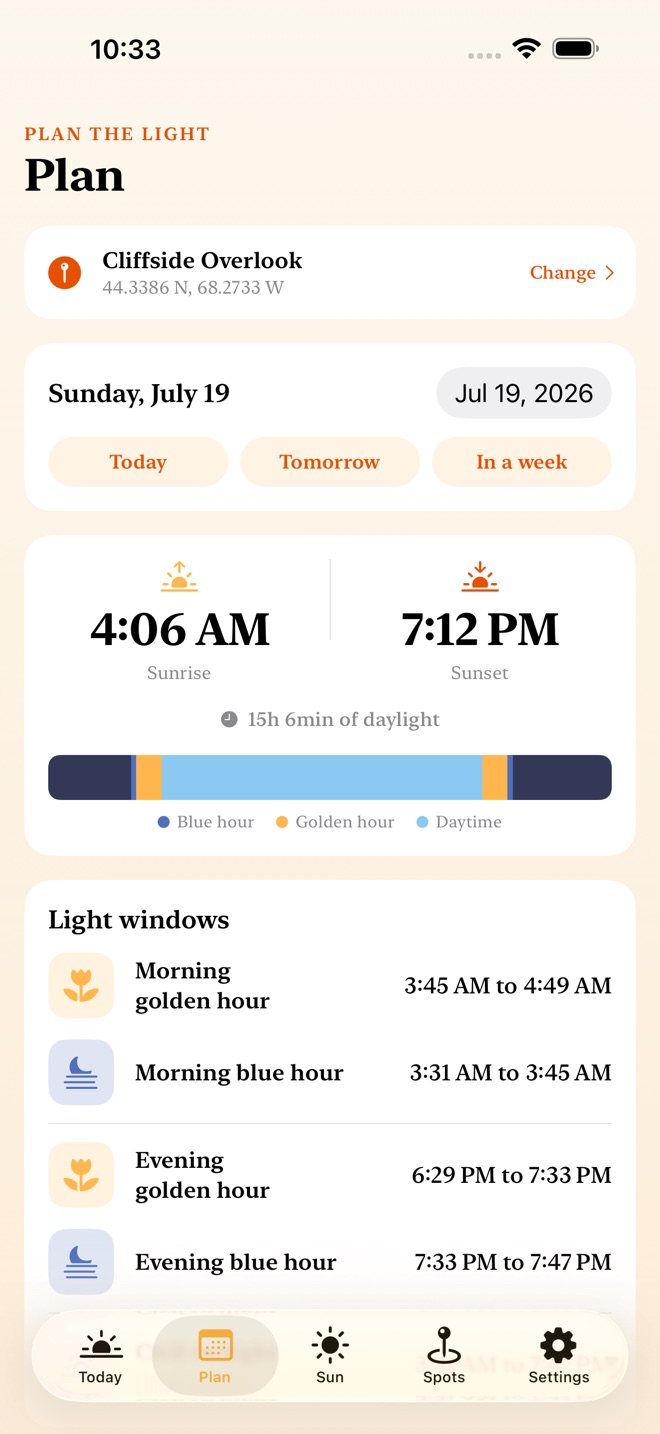
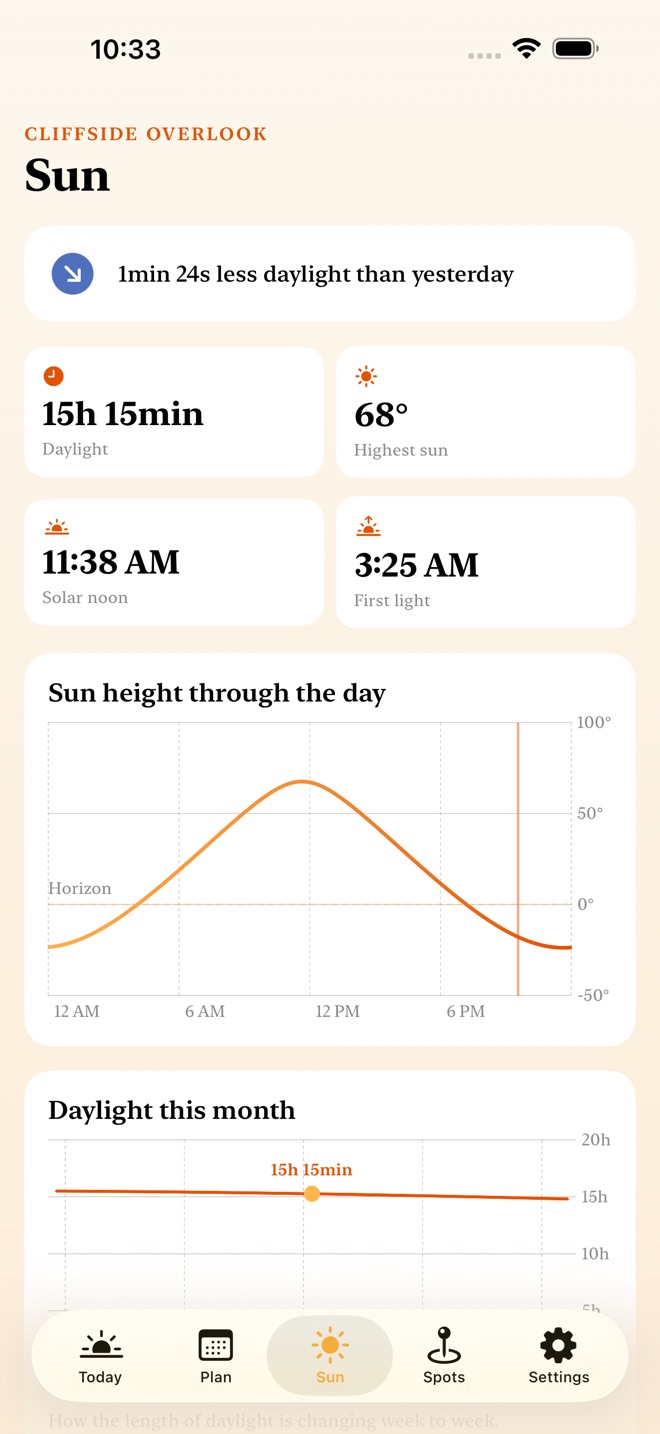
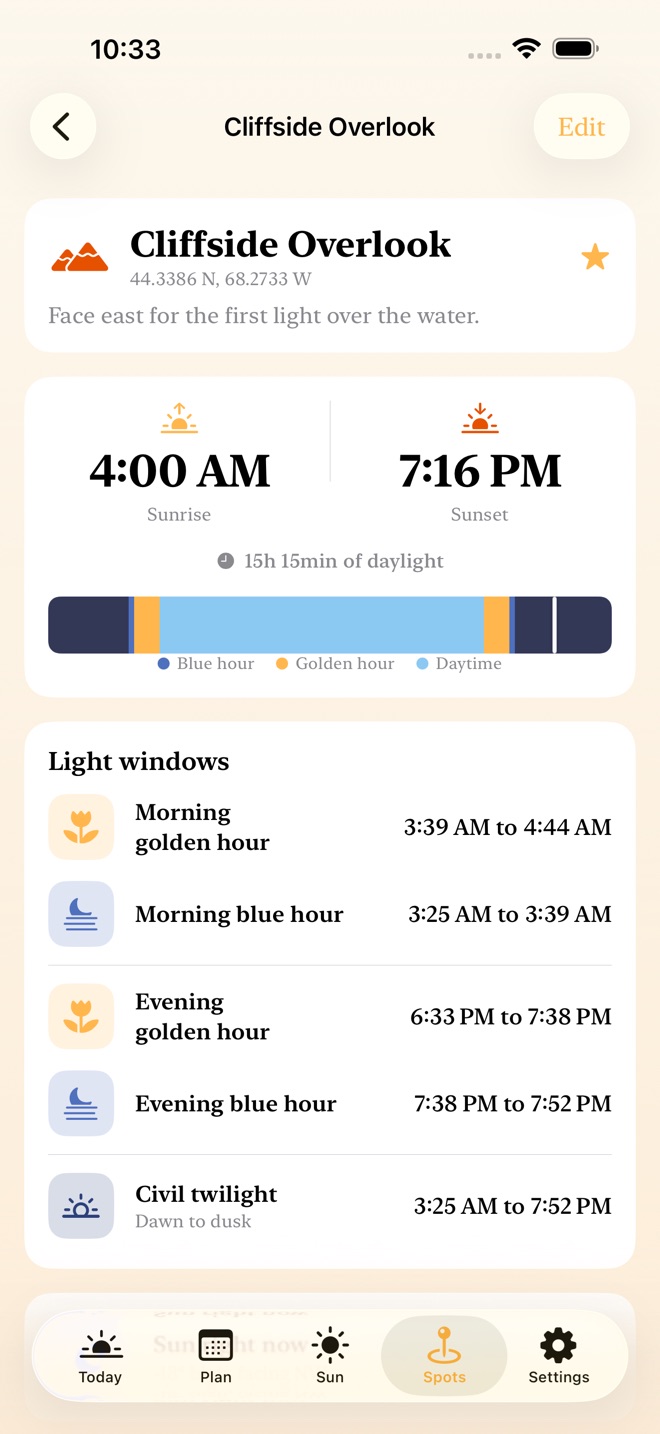
Know exactly when the light will be right, for any place and any date.
DayLighter is a calm, offline planner for the golden hour and the blue hour. It computes the sun for your exact coordinates with a real solar-position algorithm that runs entirely on your iPhone, so the times match the almanac closely and work with no signal at all.
TODAY'S LIGHT, FREE
- Morning and evening golden hour and blue hour
- Sunrise, sunset, solar noon, and day length
- Civil twilight, dawn to dusk
- A light ribbon that shows the whole day at a glance, with a marker for right now
- The sun's height and compass direction, live
PLAN ANY DATE (PRO)
- Scout tomorrow's sunrise or next month's blue hour
- Pick any past or future date and see every light window for it
- Enter any coordinate by hand, or use your current location
READ THE SUN
- A chart of the sun's height above the horizon across the day
- A month view of how the daylight is growing or shrinking, week to week
- See how much longer or shorter today is than yesterday
SAVE YOUR SHOOT SPOTS (PRO)
- Keep a library of the places you love to shoot
- Each spot stays live, with its own sunrise, golden hour, and blue hour
- Tonight's golden hour for any spot is one tap away
EXPORT A SHOOT PLAN (PRO)
- A one-page PDF with every light window, day length, solar noon, and the compass direction of the golden light
- Or a CSV of the same, to drop into a sheet
- Print it, pin it to a board, or send it to your crew
HONEST AT THE EDGES
DayLighter handles the far north and south honestly, from the midnight sun to the polar night, and tells you plainly when the sun stays up or down all day.
A NOTE ON TIME
Times show in each location's own local clock, estimated on device so the app needs no network. For a far-off place this can differ from its daylight-saving clock by up to an hour.
FREE AND LIFETIME
Free gives you today's full light plan for any location you enter, plus one saved spot. One lifetime purchase unlocks planning for any date, unlimited saved spots, and the PDF and CSV shoot plan. Pay once, keep it forever. No subscription.
PRIVATE BY DESIGN
Everything is computed on your device and stays there. No account, no cloud, no ads, no tracking, and it works fully offline.
ONE-TIME PURCHASE
DayLighter Lifetime is a single purchase of $4.99 USD. There is no subscription. Payment is charged to your Apple Account at confirmation of purchase. Terms of Use (Apple Standard EULA): https://www.apple.com/legal/internet-services/itunes/dev/stdeula/
Missing a feature?
Your ideas help shape our apps. Tell us what would make your app more useful.
We review requests to understand what would help. Timing depends on scope, priorities and App Store review.
More in this category

AspectCalc: Ratio & CropDetect and solve ratios, build batch size sets, compare the least waste crop or…On the App Store

ShotList: Shoot PlannerWalk onto every set with a plan: shot lists with must-gets, golden hour for any…On the App Store
Common questions
Where can I download DayLighter: Golden Hour?
Use the App Store link above to see availability, supported devices and current purchase options in your region.
What is the current App Store version?
1.0
Where can I find the privacy details?
Read this app’s privacy policy using the link below. Storage, sync and optional online features are specific to each app.