
AspectCalc: Ratio & Crop
Detect and solve ratios, build batch size sets, compare the least waste crop or fit, set focal anchors, and calculate print dimensions with exact pixel results.
iPhone and iPadAvailable worldwideVersion 1.2.6
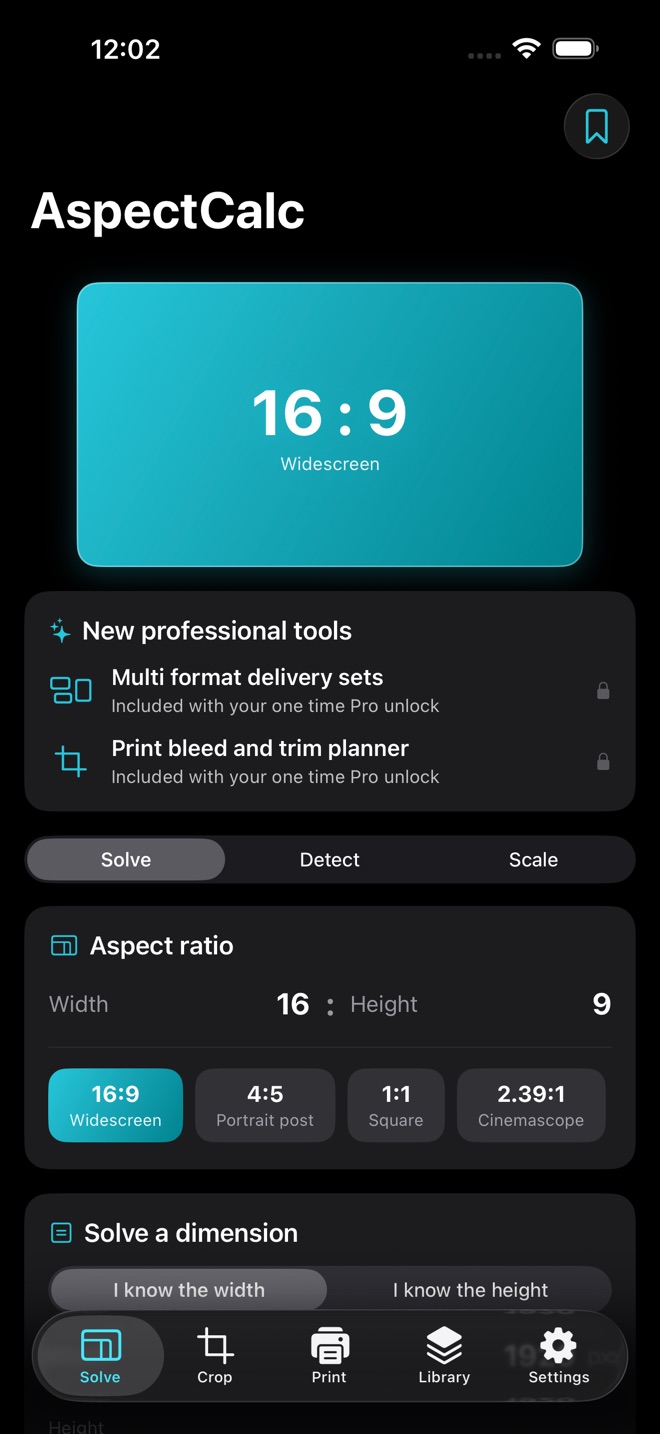
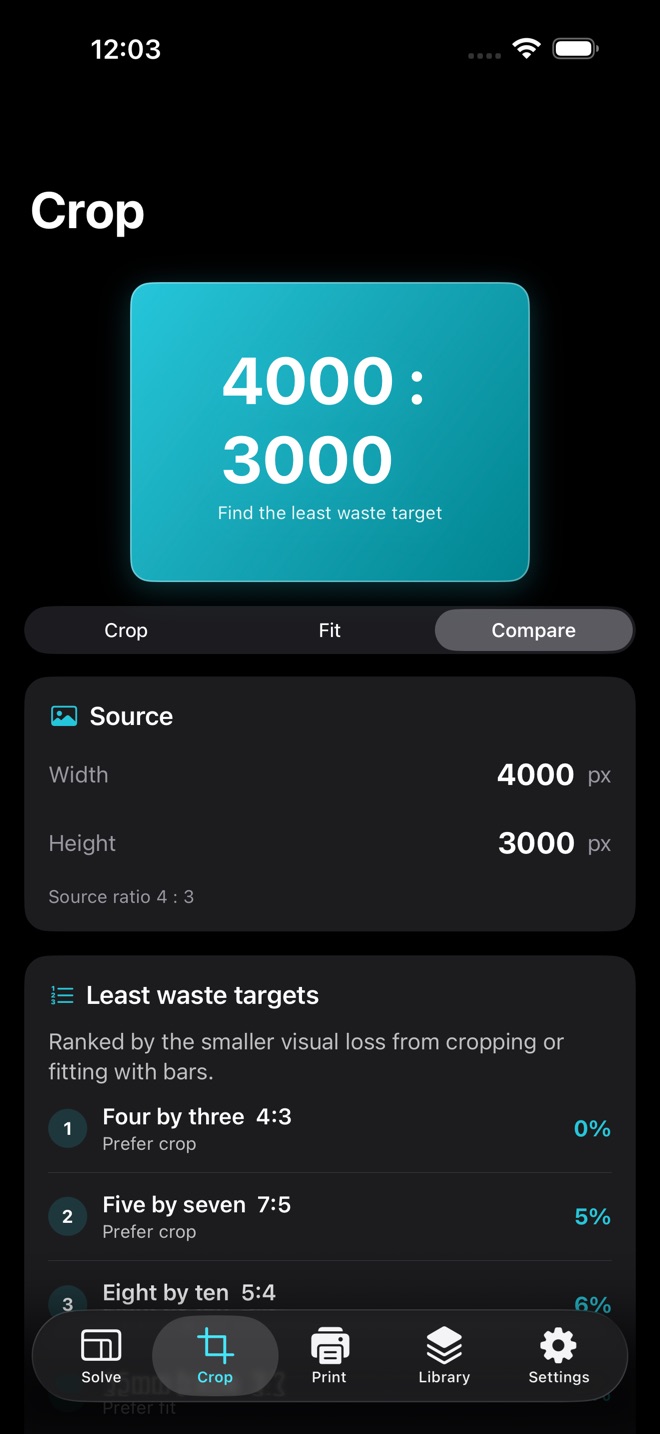
AspectCalc is a focused dimension toolkit for photographers, designers, video editors and anyone who works with images. Detect a ratio from any pixel size, solve a missing dimension, scale one size or build a full output set.
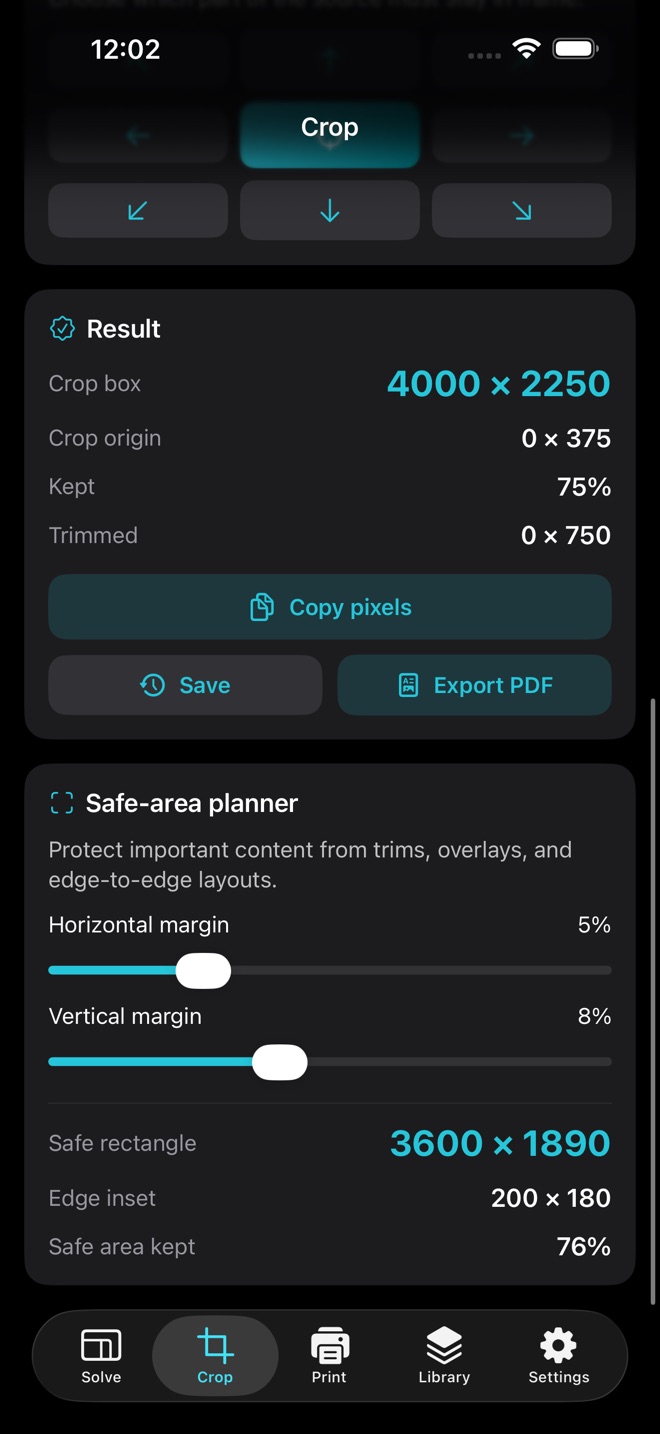
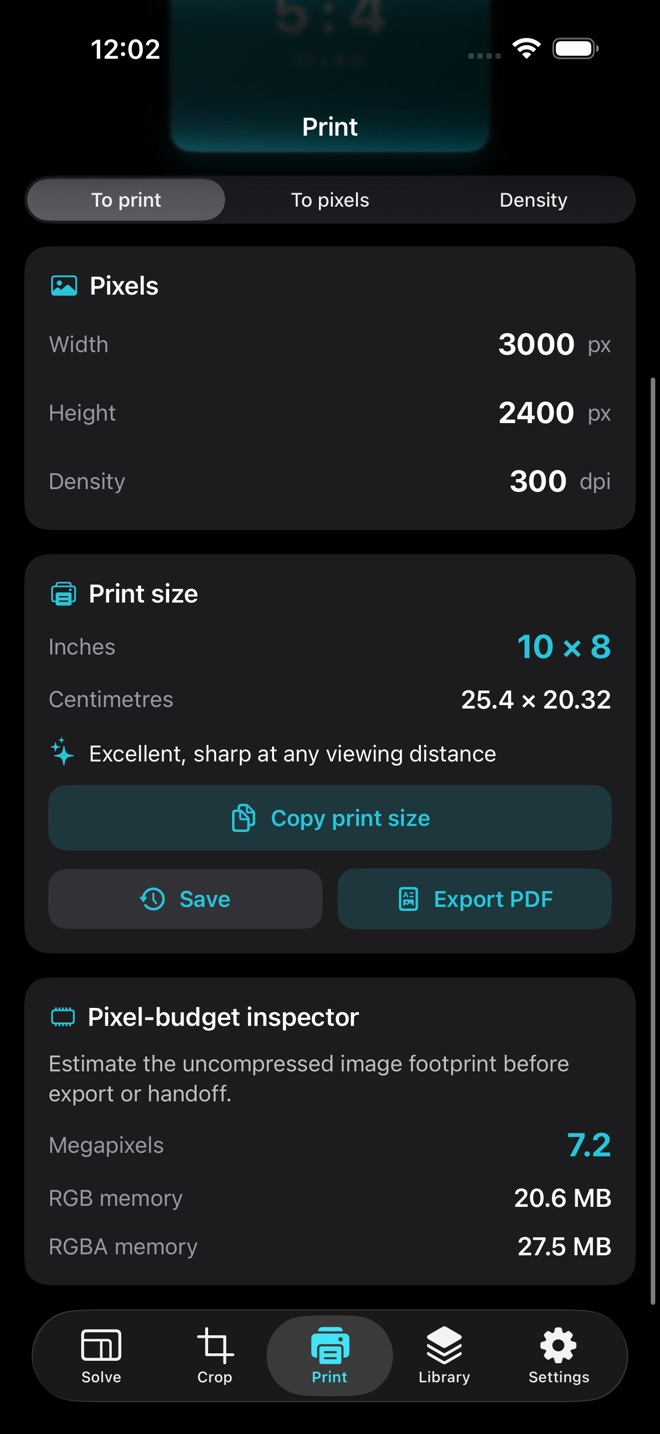
Compare common target ratios by the visual area lost to cropping or fitting. Pick the least waste option, choose one of nine focal anchors, and copy the exact crop origin and output dimensions. Print tools convert between pixels, inches and centimetres at any density and show a clear quality rating.
WHAT YOU CAN DO
* Detect and simplify a ratio from any whole pixel dimensions
* Solve a missing width or height from any ratio
* Use quick formats such as 16:9, 4:5, 1:1 and 2.39:1
* Scale a size by percentage while preserving its ratio
* Build and copy a batch set of output sizes
* Prepare six format delivery sets with exact source crops and final output pixels
* Rank common targets by the least crop or fit waste
* Place a crop using nine focal anchors
* Plan exact safe rectangles with independent horizontal and vertical margins
* Check megapixels, estimated memory, and a chosen pixel limit before export
* Calculate print dimensions and effective pixel density
* Plan print bleed, trim, safe areas and full canvas pixels
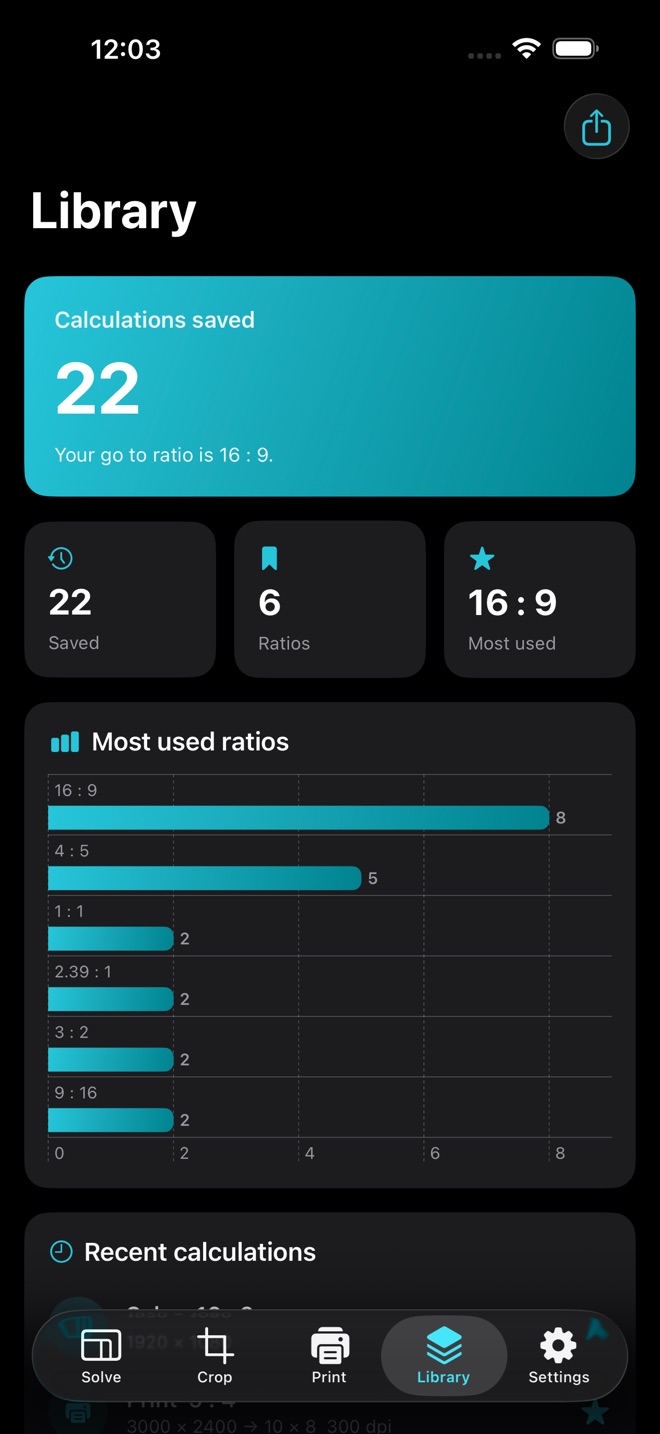
* Save reusable ratios and calculation history
* View personal usage insights
* Export PDF spec sheets, CSV data and a validated local backup
FREE AND PRO
Ratio solving, detection and single size scaling are available free. AspectCalc Pro is a one time in app purchase that unlocks ratio comparison, crop and fit planning, focal anchors, batch size sets, print tools and professional exports. There is no subscription and no account is required.
PRIVATE BY DESIGN
Saved ratios, calculations and backups remain under your control on your device or in a file location you choose. AspectCalc includes no advertising, analytics or tracking.
What’s new · 1.2.6
- New Multi Format Delivery Sets prepare exact crop and export dimensions for a complete publishing handoff
- New Print Bleed and Trim Planner calculates the full canvas, trim inset, safe area, and required pixels
Missing a feature?
Your ideas help shape our apps. Tell us what would make your app more useful.
We review requests to understand what would help. Timing depends on scope, priorities and App Store review.
More in this category

DayLighter: Golden HourKnow exactly when the light is right: golden hour, blue hour, sunrise, sunset…On the App Store

ShotList: Shoot PlannerWalk onto every set with a plan: shot lists with must-gets, golden hour for any…On the App Store
Common questions
Where can I download AspectCalc: Ratio & Crop?
Use the App Store link above to see availability, supported devices and current purchase options in your region.
What is the current App Store version?
1.2.6
Where can I find the privacy details?
Read this app’s privacy policy using the link below. Storage, sync and optional online features are specific to each app.