
iPhone and iPadAvailable worldwideVersion 1.2.6
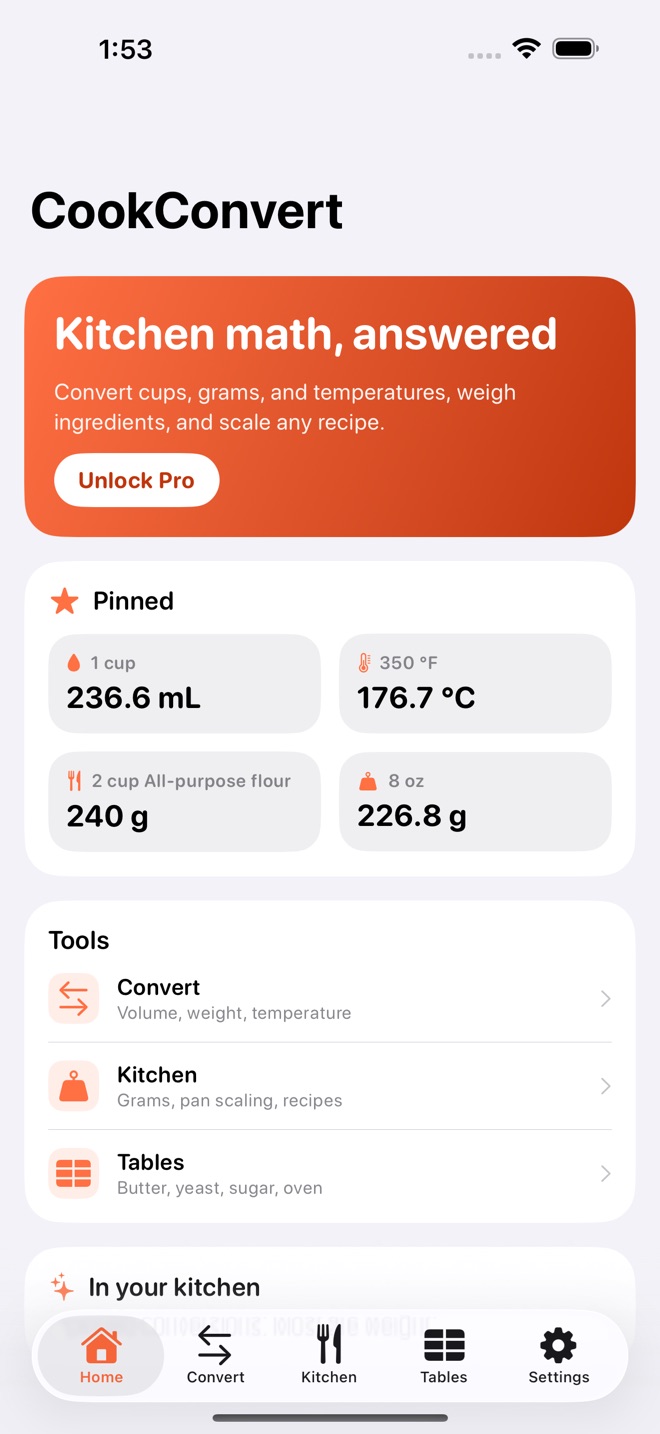
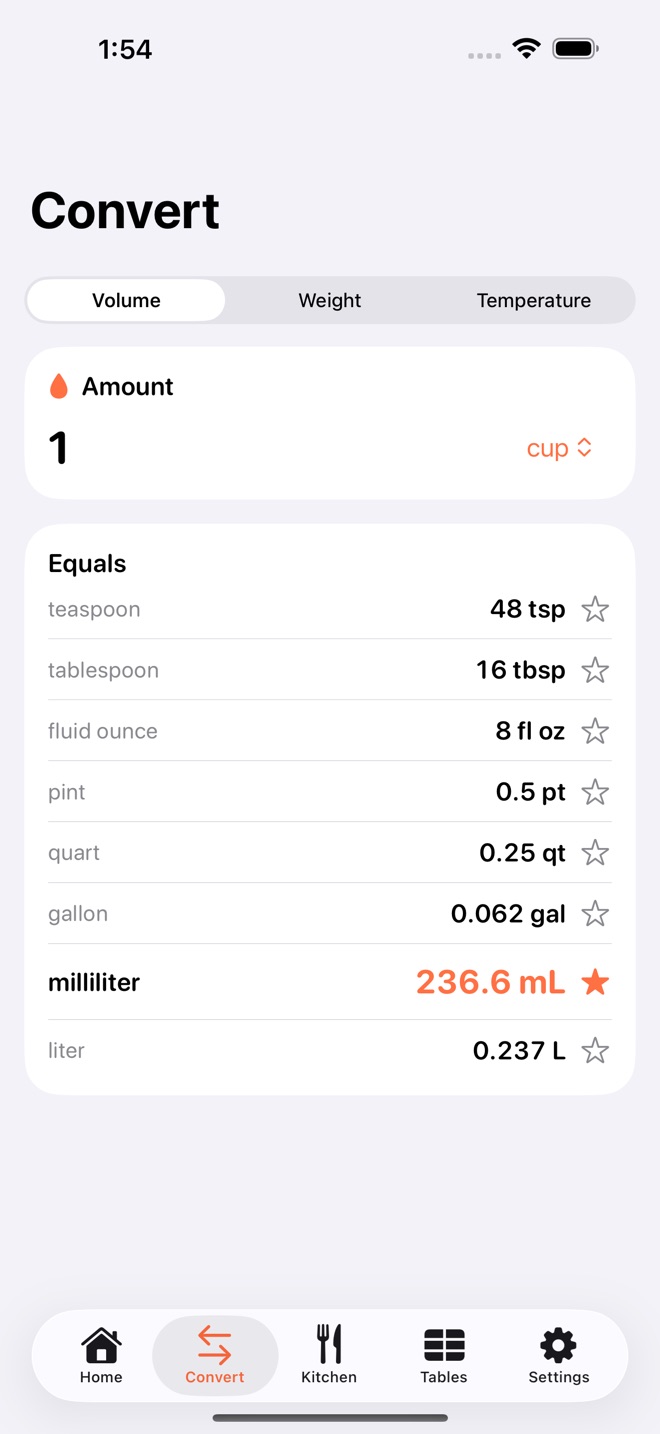
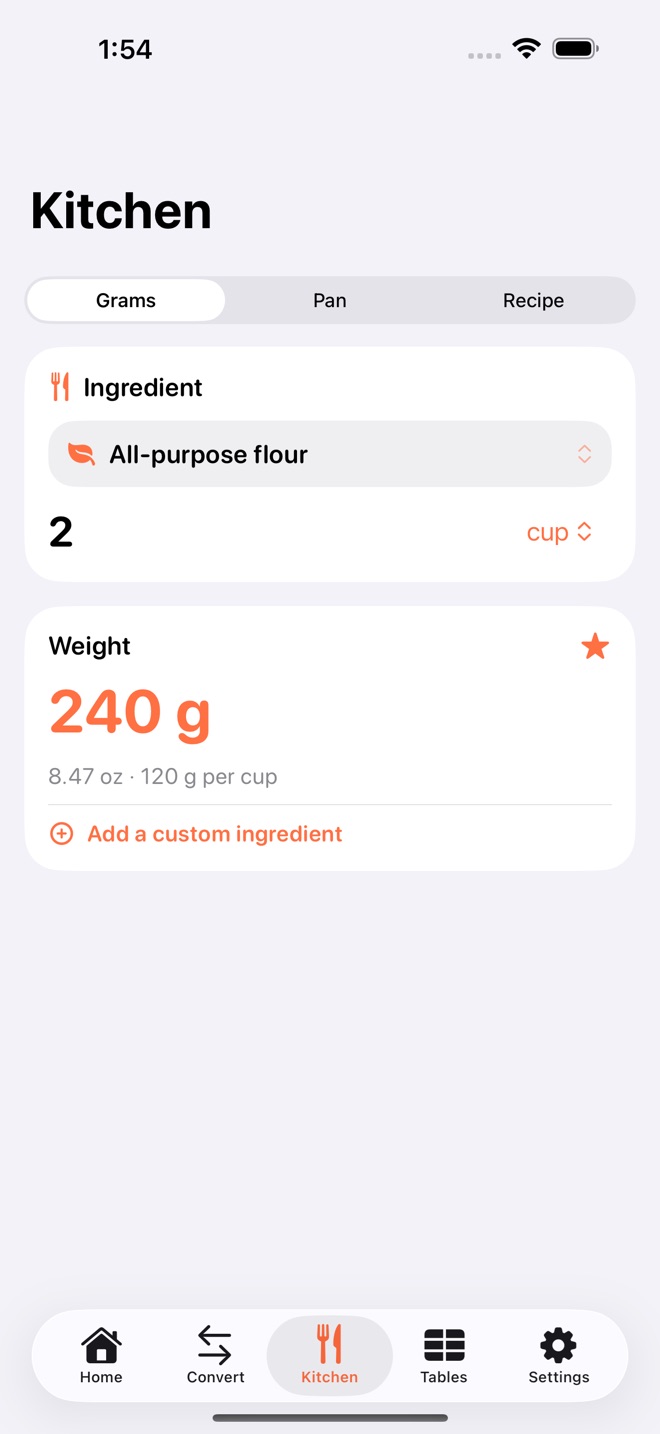
CookConvert answers kitchen math in a tap. Type an amount and see every unit at once, weigh ingredients by name, and scale any recipe to the pan you actually own.
WHAT IT DOES
- Convert volume, weight, and temperature. Cups, tablespoons, teaspoons, fluid ounces, milliliters, liters, grams, ounces, pounds, Celsius, and Fahrenheit.
- Ingredient-aware cups to grams. A cup of flour and a cup of honey are not the same weight, so CookConvert uses real per-ingredient weights for flour, sugar, butter, cocoa, oats, and more.
- Pan-size scaling. Moving from a round pan to a sheet pan? Get the exact multiplier so the batter depth stays right.
- Recipe multiplier. Serve six from a recipe written for four with one number.
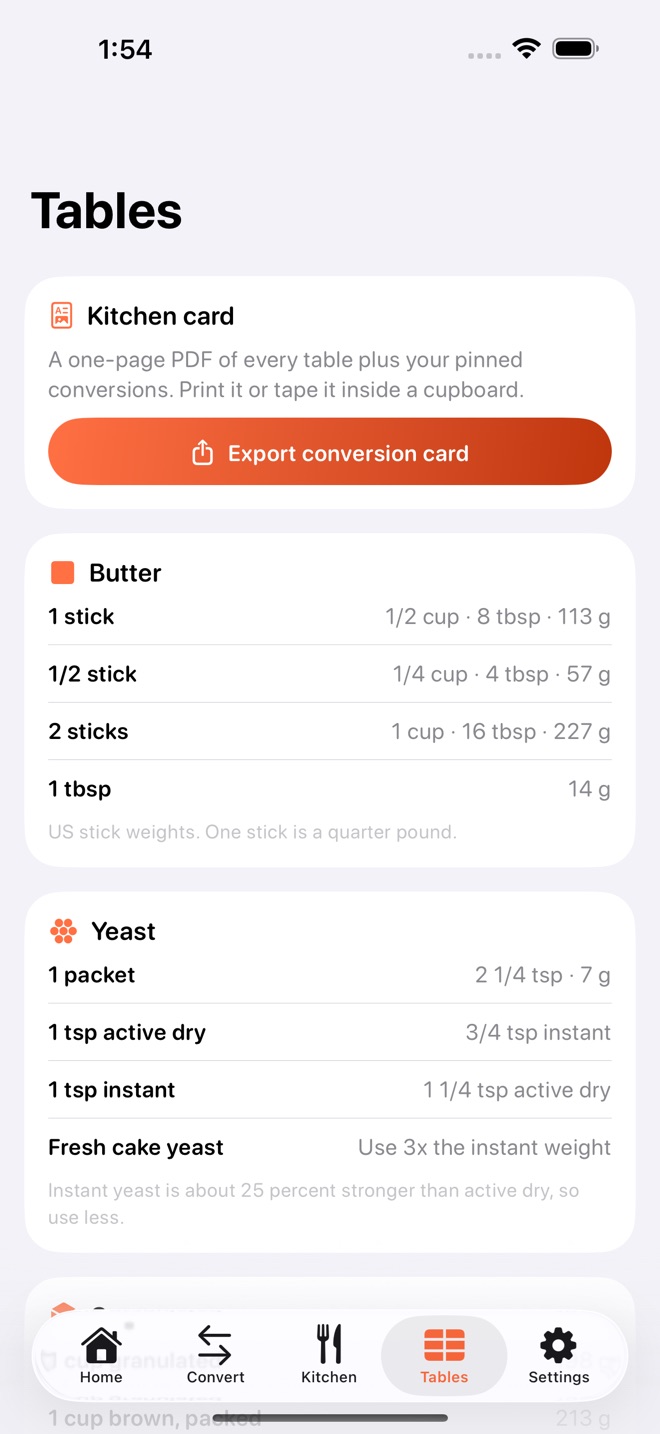
- Swap tables for butter, yeast, sugar, and oven temperatures, always a tap away.
- Pin your go-to conversions to a favorites board and reopen them in one tap.
- Build a custom ingredient library with your own weights.
- Export a one-page kitchen conversion card as a PDF to print or keep.
FREE AND PRO
Every unit converter, the swap tables, and the favorites board are free. CookConvert Pro is a one-time purchase of 9.99 USD that unlocks ingredient-aware cups to grams, pan-size scaling, the recipe multiplier, and the printable conversion card. No subscription.
PRIVATE BY DESIGN
No account and no tracking. Your pins and custom ingredients live on your device and sync privately across your iPhone, iPad, and Mac with iCloud.
CookConvert Pro is a one-time in-app purchase. Payment is charged to your Apple Account. Apple Standard EULA: https://www.apple.com/legal/internet-services/itunes/dev/stdeula/
What’s new · 1.2.6
A brand new app icon. Deleting is now safer and clearer: one confirmation, safe saves, and automatic rollback if anything fails. Delete All My Data now reports exactly what was removed. Restore Purchases now always shows you the result.
Missing a feature?
Your ideas help shape our apps. Tell us what would make your app more useful.
We review requests to understand what would help. Timing depends on scope, priorities and App Store review.
More in this category

AltiBake: Altitude BakingFix recipes for altitudeOn the App Store

BrewBatch: Homebrew LogBatches, gravity, bottlesOn the App Store

CellarBook: Wine CellarBottles, notes, drink-byOn the App Store

CrumbLog: Sourdough LogLog every loaf with hydration, folds, and proof times. Rate the crumb, then…On the App Store
Common questions
Where can I download CookConvert: Kitchen Math?
Use the App Store link above to see availability, supported devices and current purchase options in your region.
What is the current App Store version?
1.2.6
Where can I find the privacy details?
Read this app’s privacy policy using the link below. Storage, sync and optional online features are specific to each app.