iPhone and iPadAvailable worldwideVersion 1.2.6
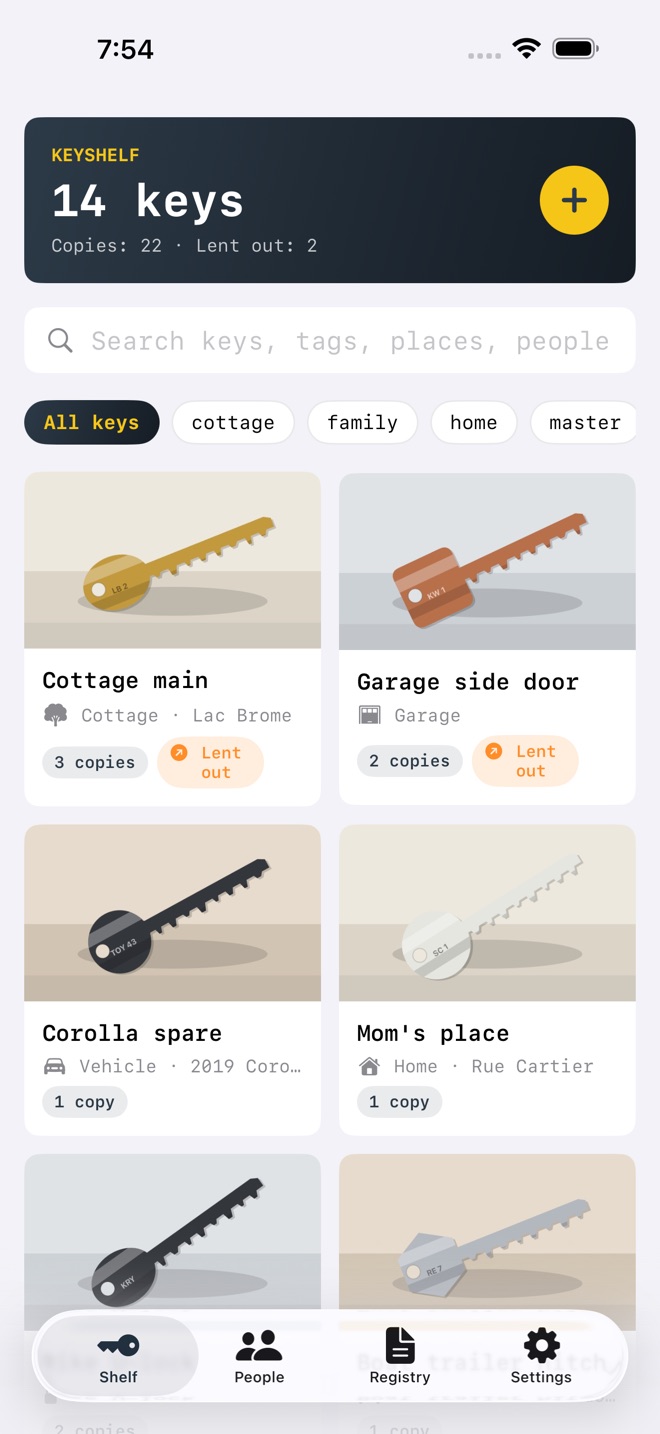
KeyShelf is a private inventory for every physical key you own. Photograph both sides, write down what it opens, tag it, and never stand in front of a lock guessing again.
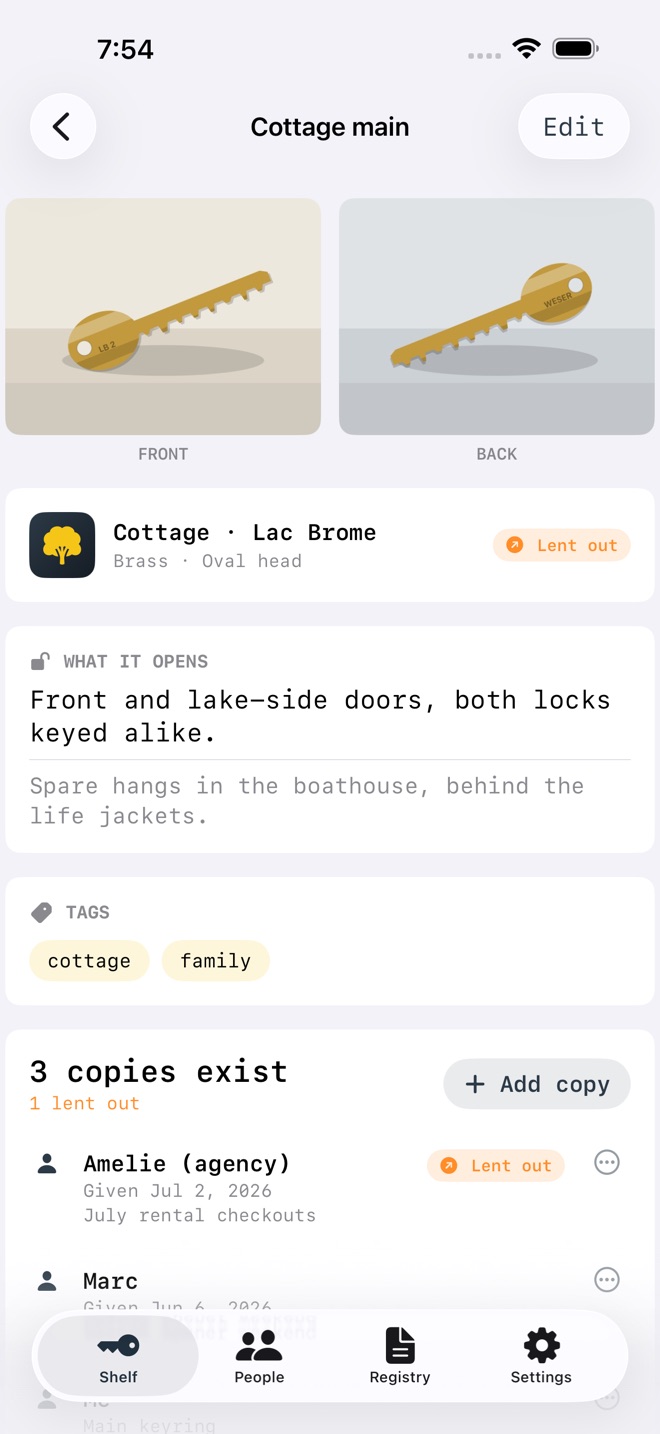
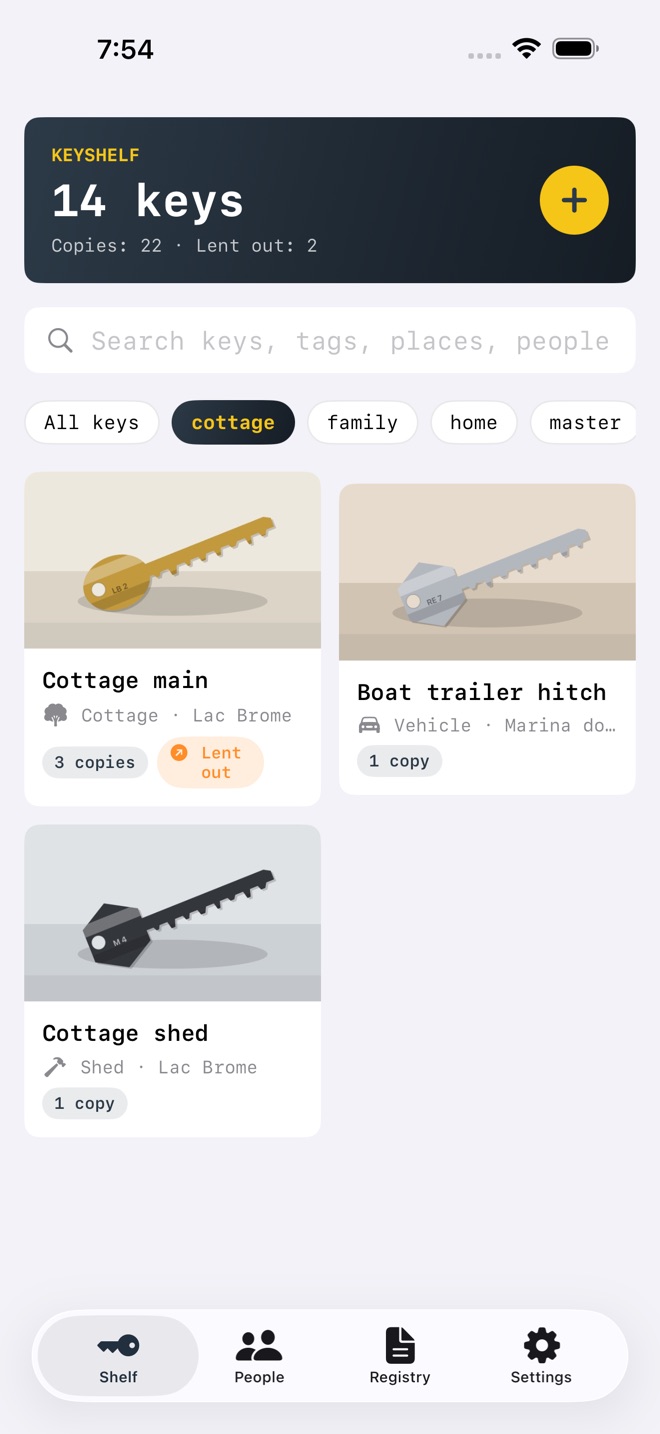
Add a key in seconds: front and back photos, a color and head-shape quick-pick for keys without photos yet, the place its lock lives, and what exactly it opens. From there the shelf does what a junk drawer never will: instant search that ignores accents and looks through names, descriptions, places, tags, and even the people holding copies.
Keys get copied, and copies wander. KeyShelf tracks every copy: who has it, since when, a note, and a lent-out flag that stays on the key until the copy comes home. The People screen flips the question around and shows every holder and exactly which of your keys they carry.
WHAT YOU GET
- Key inventory: front and back photos for every key, in a clean shelf grid
- What it opens: a plain-words description plus a structured place (home, cottage, office, mailbox, padlock, vehicle, and more)
- Tags and instant smart search: accent-insensitive, across names, descriptions, places, tags, and copy holders
- Copy tracking: every copy with its holder, note, hand-over date, and a lent-out flag
- People: everyone who holds a copy, and which keys they have
- Private Face ID lock: optional, with your device passcode as fallback
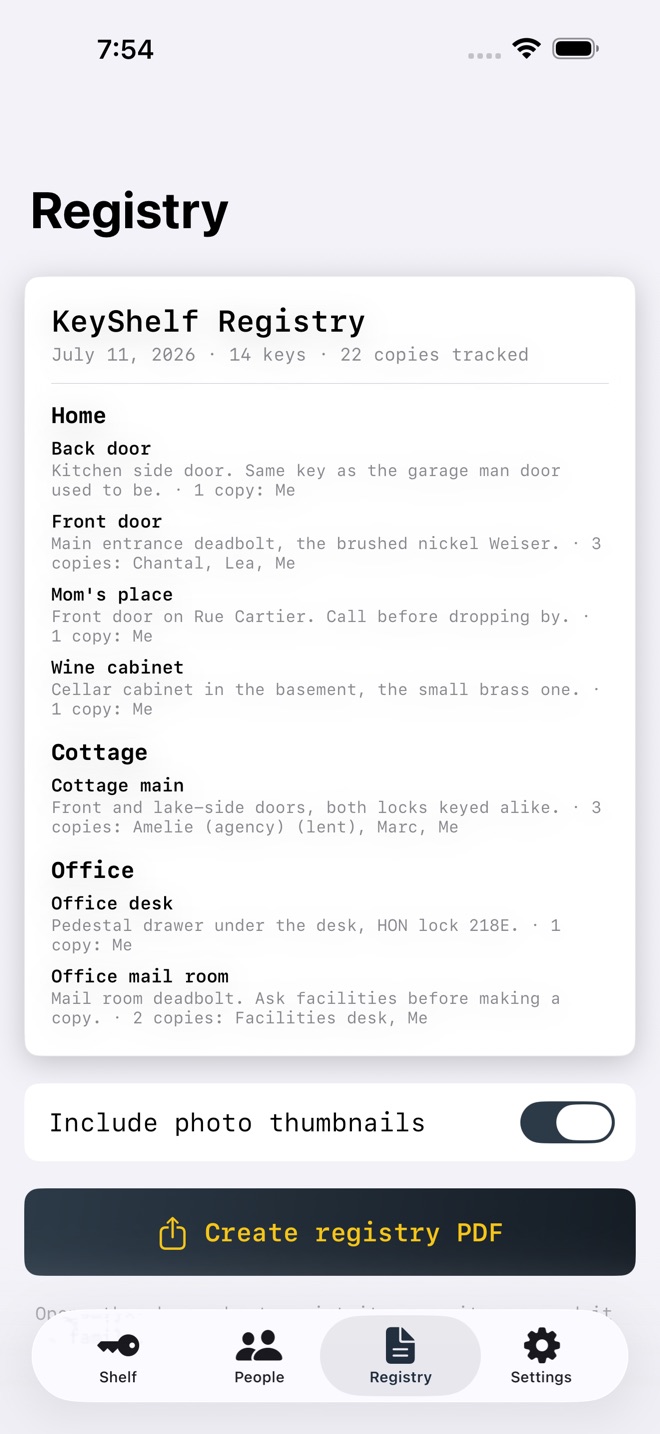
- Printable key registry PDF: a clean table grouped by place, photo thumbnails optional, with copy holders and lent flags
- Syncs across iPhone, iPad, and Mac with iCloud
FREE AND LIFETIME
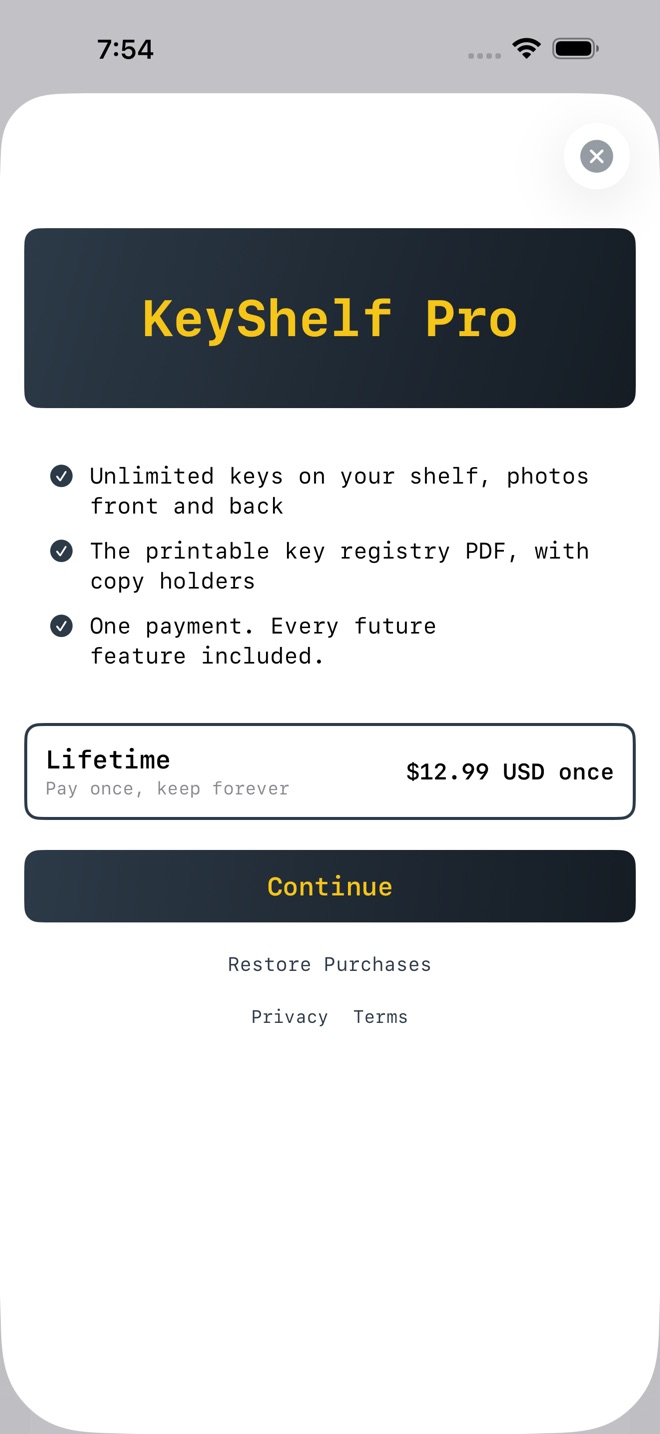
Free covers a full shelf of 12 keys with photos, search, tags, copy tracking, and the Face ID lock. Lifetime is a single purchase that unlocks unlimited keys and the printable registry PDF, forever. No subscription.
PRIVATE BY DESIGN
No account of ours and no tracking. Your keys live on your device and in your private iCloud, which we cannot read. An optional Face ID lock keeps the shelf closed to anyone but you, and Settings has a Delete All My Data control that erases everything from your device and your iCloud.
PRICING
KeyShelf Pro is a one time Lifetime purchase of $12.99 USD. Payment is charged to your Apple Account at confirmation of purchase. Terms of Use (Apple Standard EULA): https://www.apple.com/legal/internet-services/itunes/dev/stdeula/
What’s new · 1.2.6
A brand new app icon, and broader device support: the app now works on iOS 18 and newer.
Missing a feature?
Your ideas help shape our apps. Tell us what would make your app more useful.
We review requests to understand what would help. Timing depends on scope, priorities and App Store review.
More from InnovaLabWorksLayerLog: 3D Print LogLeasePace: Car Lease MileageLensLocker: Camera Gear Log
UtilitiesMore in this category
BoardFeet: Lumber MathBoard feet & lumber costOn the App Store

CareFold: Laundry SymbolsEvery wash, dry, bleach, iron, and dry clean symbol, decoded in plain words…On the App Store

ClaimKit: Home InventoryDocument every belonging room by room with photos, value, and receipts. Get a…On the App Store

CoatCount: Paint EstimatorMeasure a room, pick a paint tier, and get litres, cans, and cost in seconds…On the App Store
Common questions
Where can I download KeyShelf: Key Inventory?
Use the App Store link above to see availability, supported devices and current purchase options in your region.
What is the current App Store version?
1.2.6
Where can I find the privacy details?
Read this app’s privacy policy using the link below. Storage, sync and optional online features are specific to each app.