
Inklet: Daily Journal
Daily prompts, writing rhythm, story threads, reflections, private backup, and private prompt widgets.
iPhone and iPadAvailable worldwideVersion 1.2.6
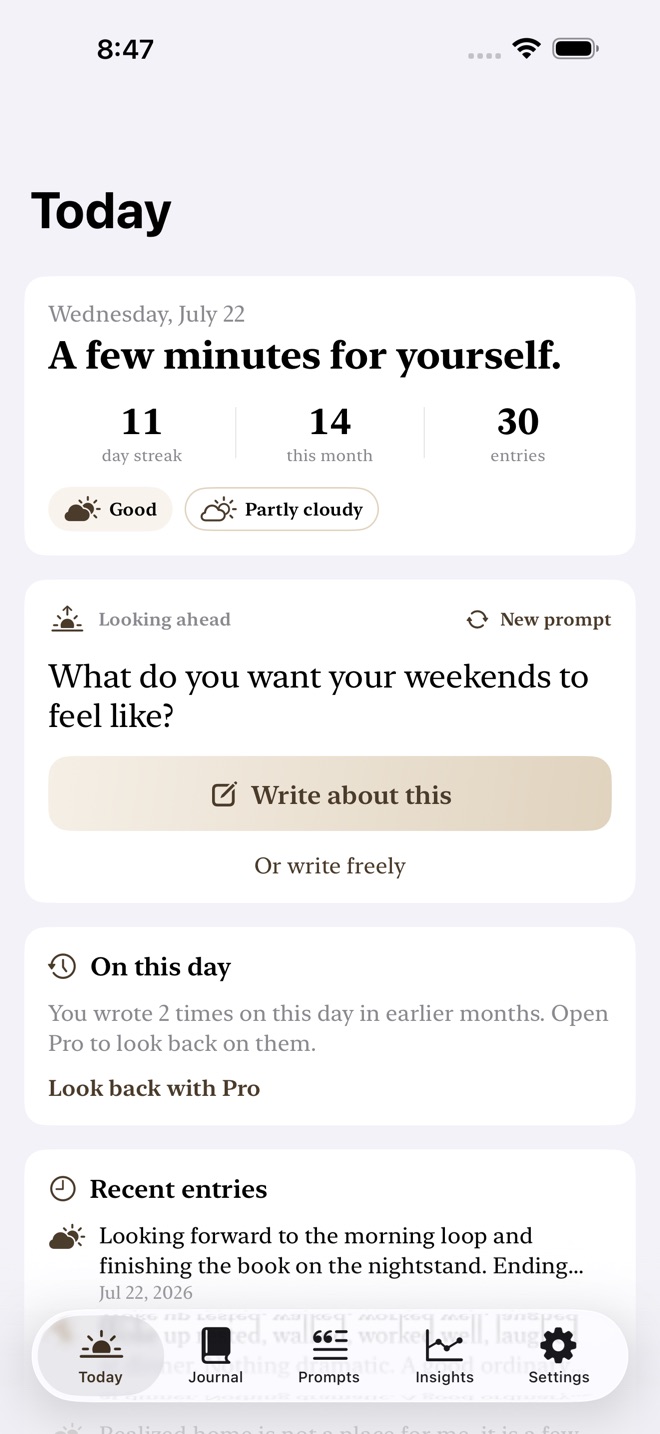
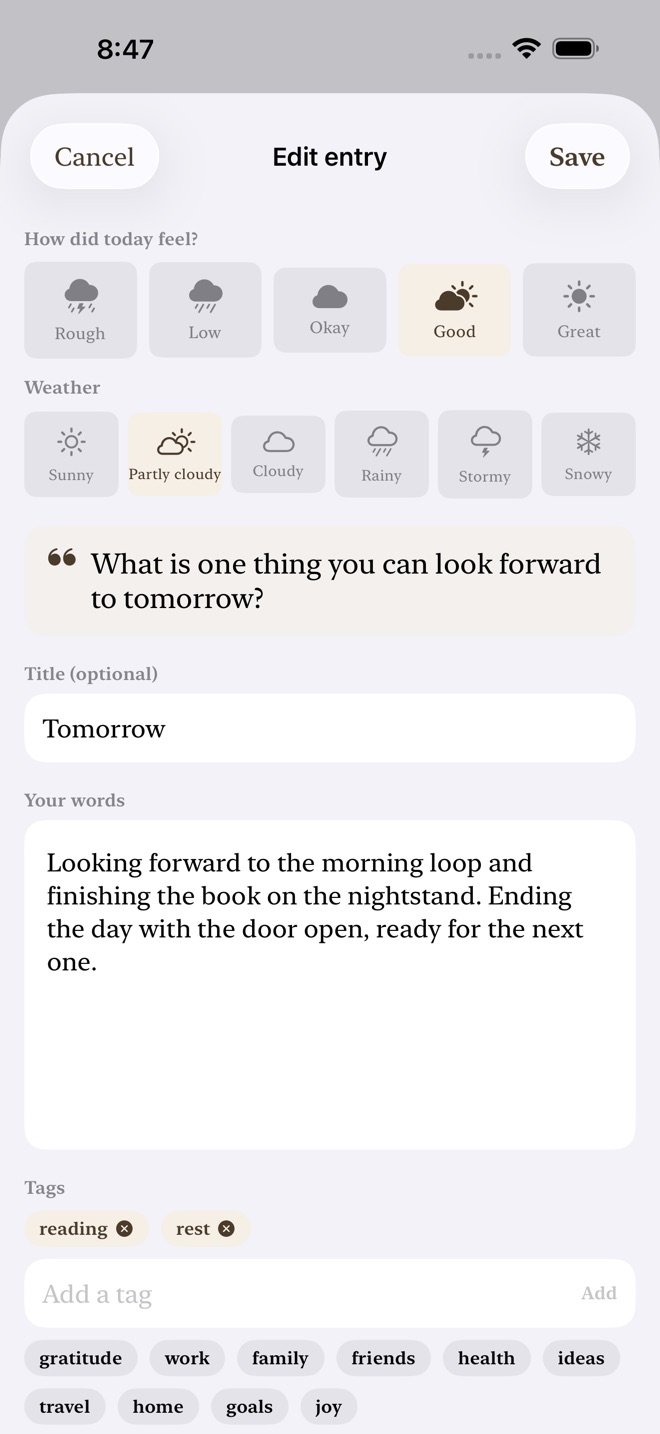
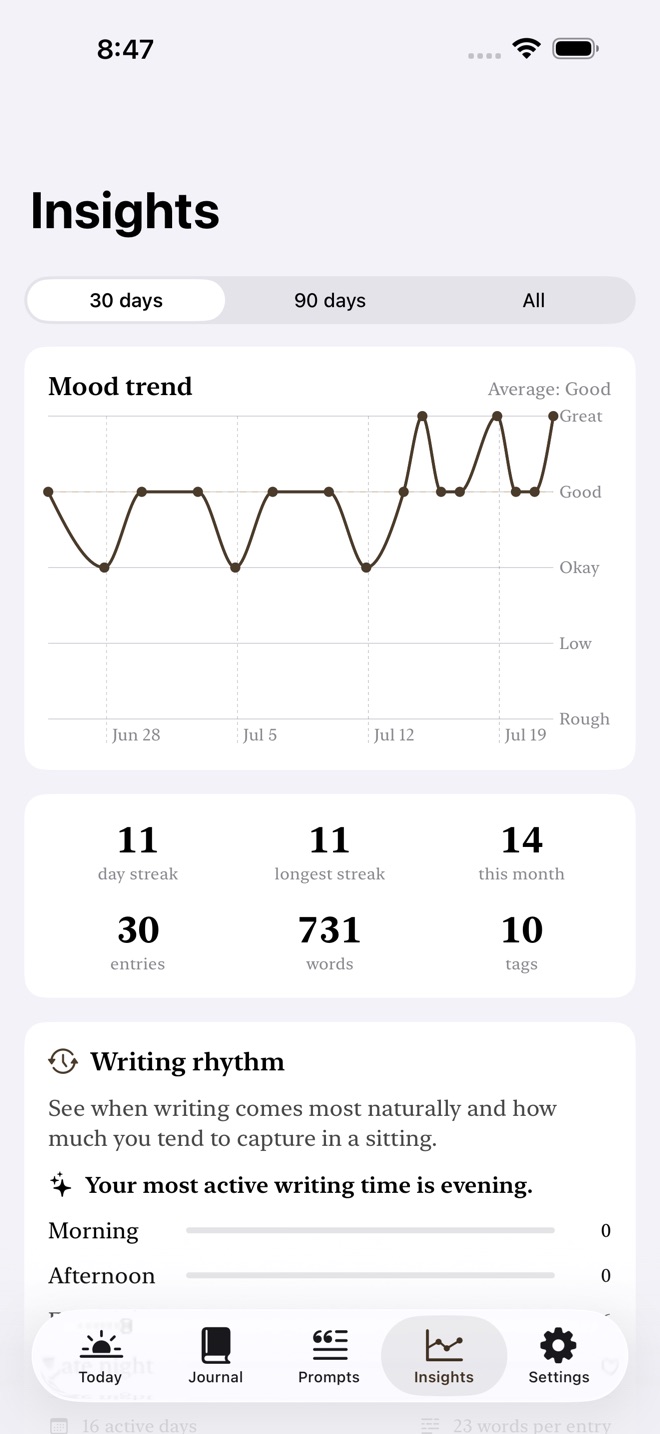
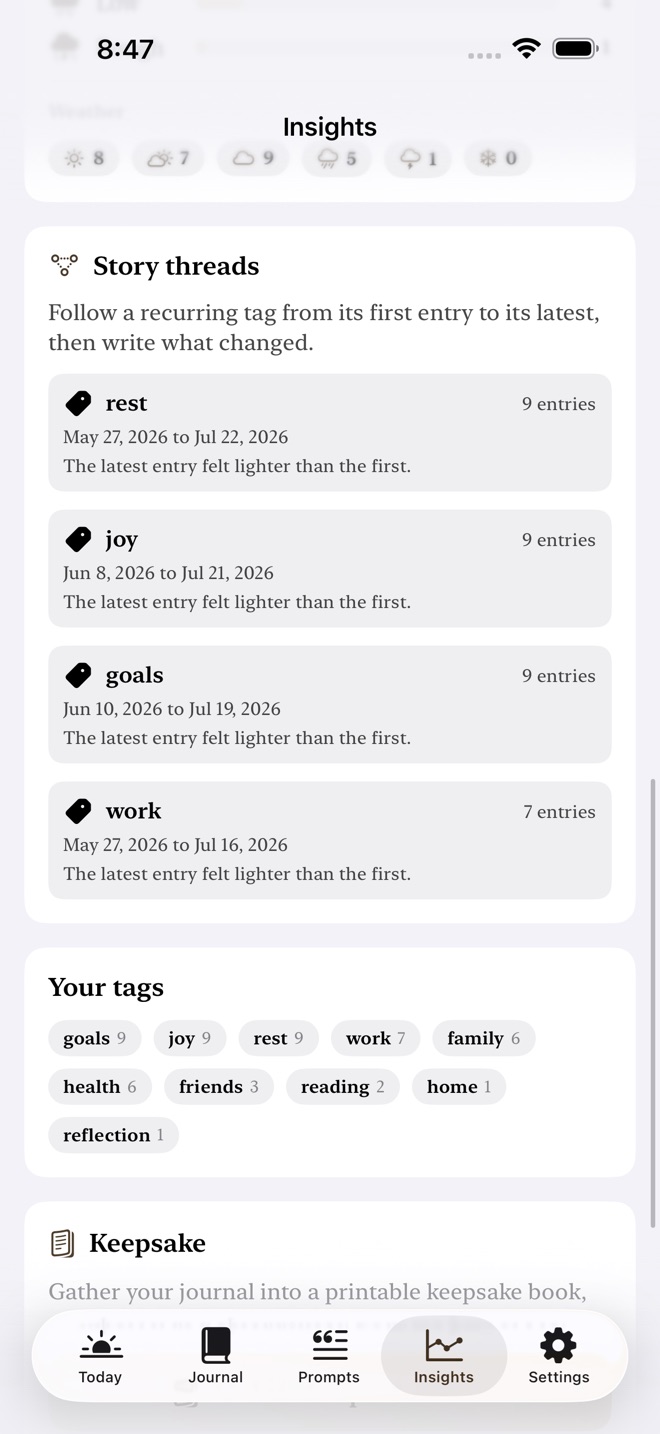
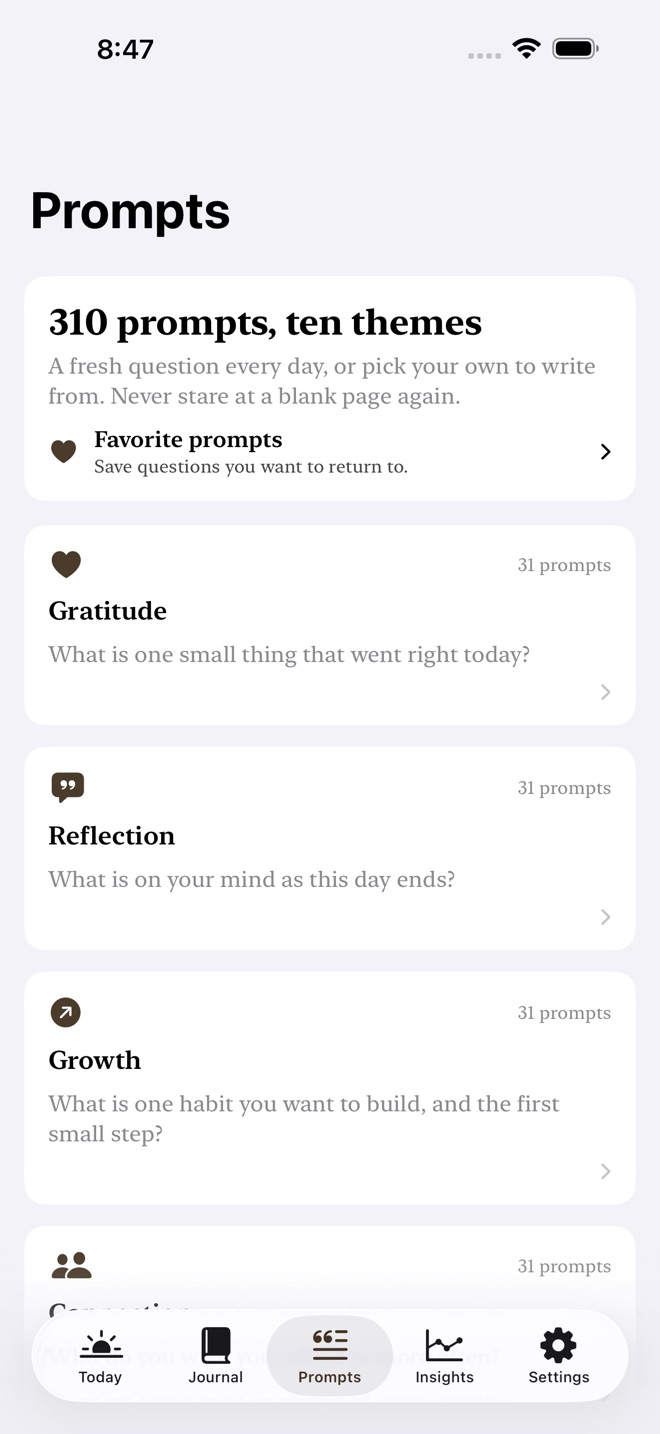
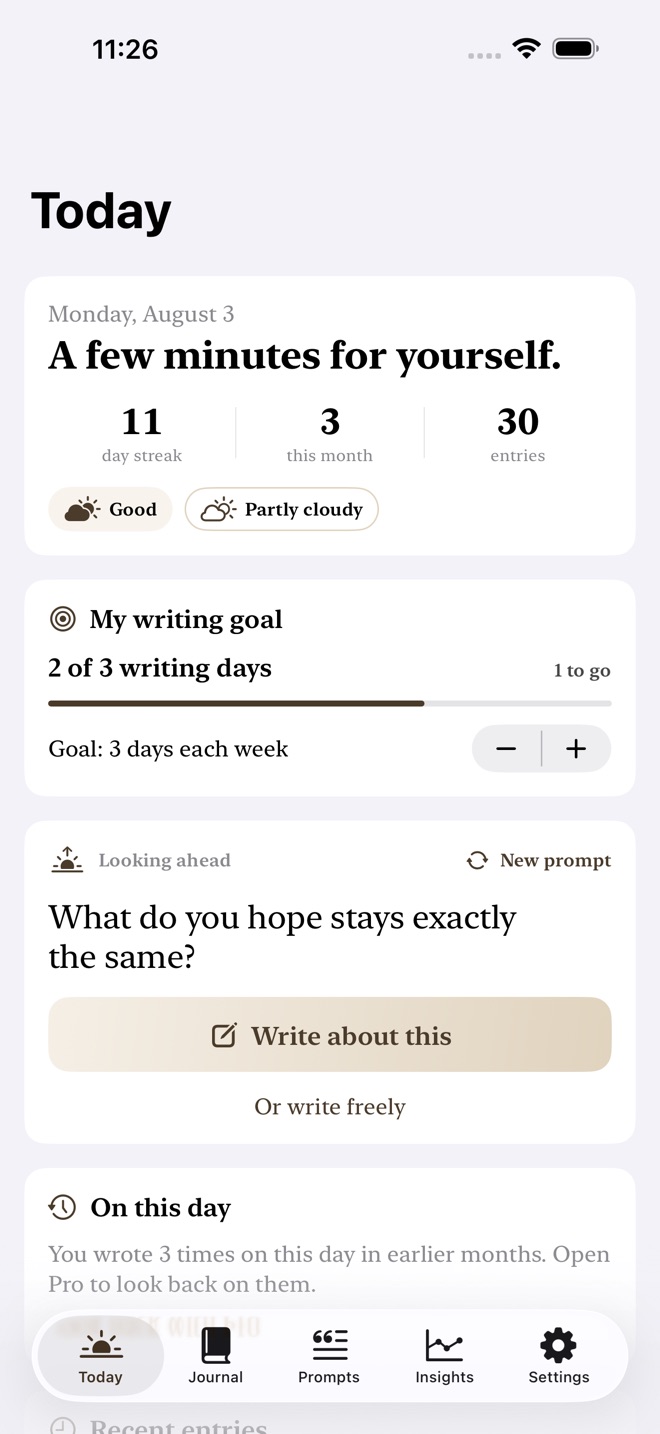
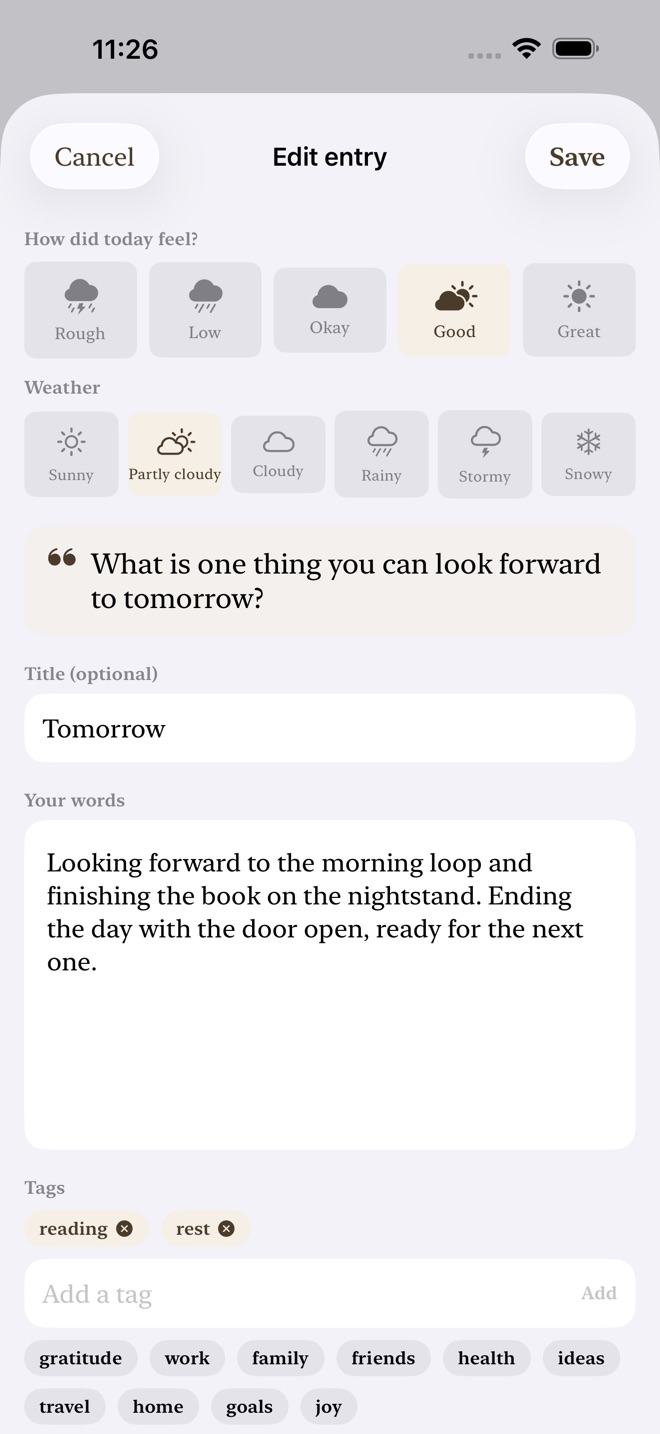
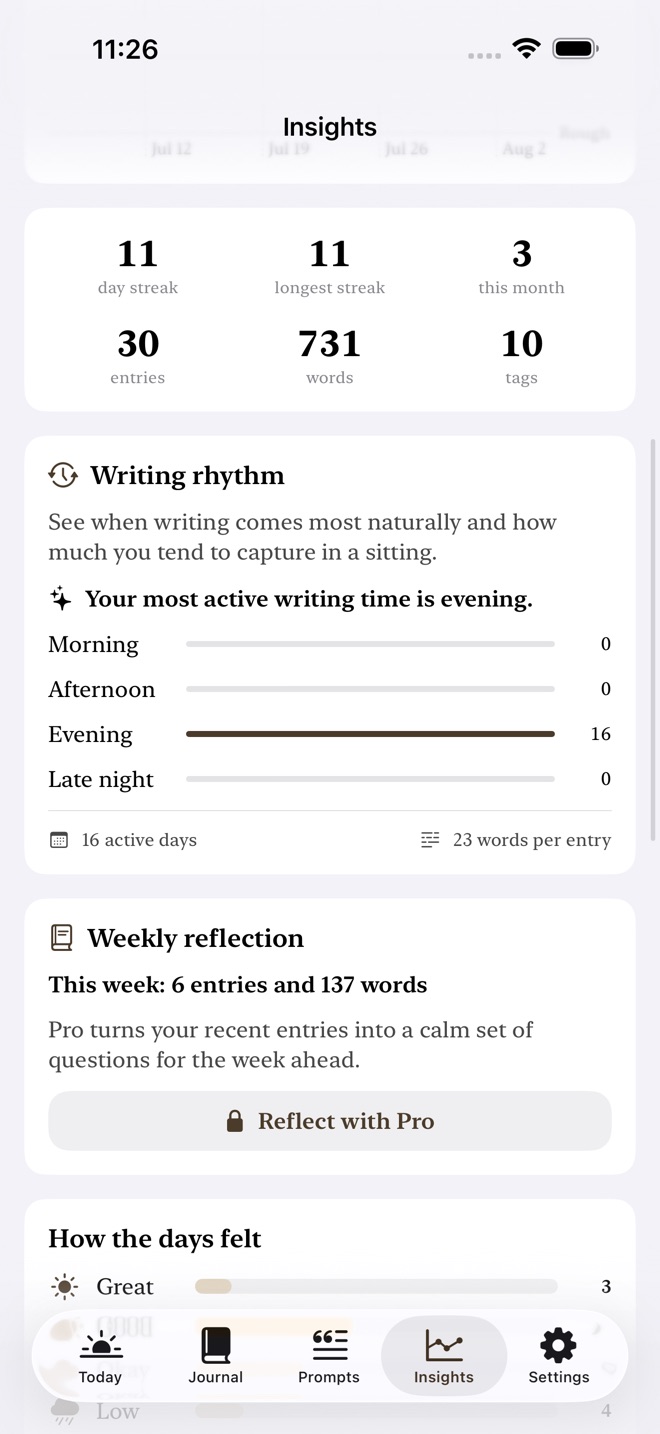
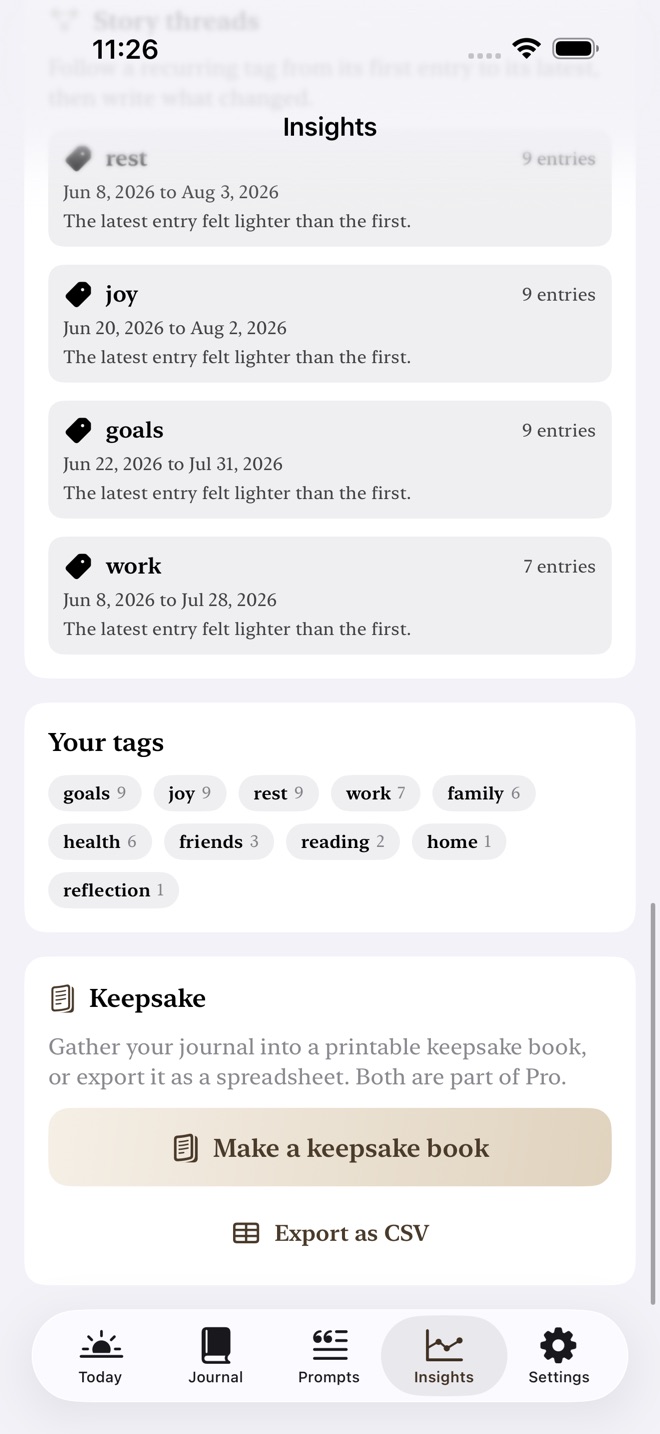
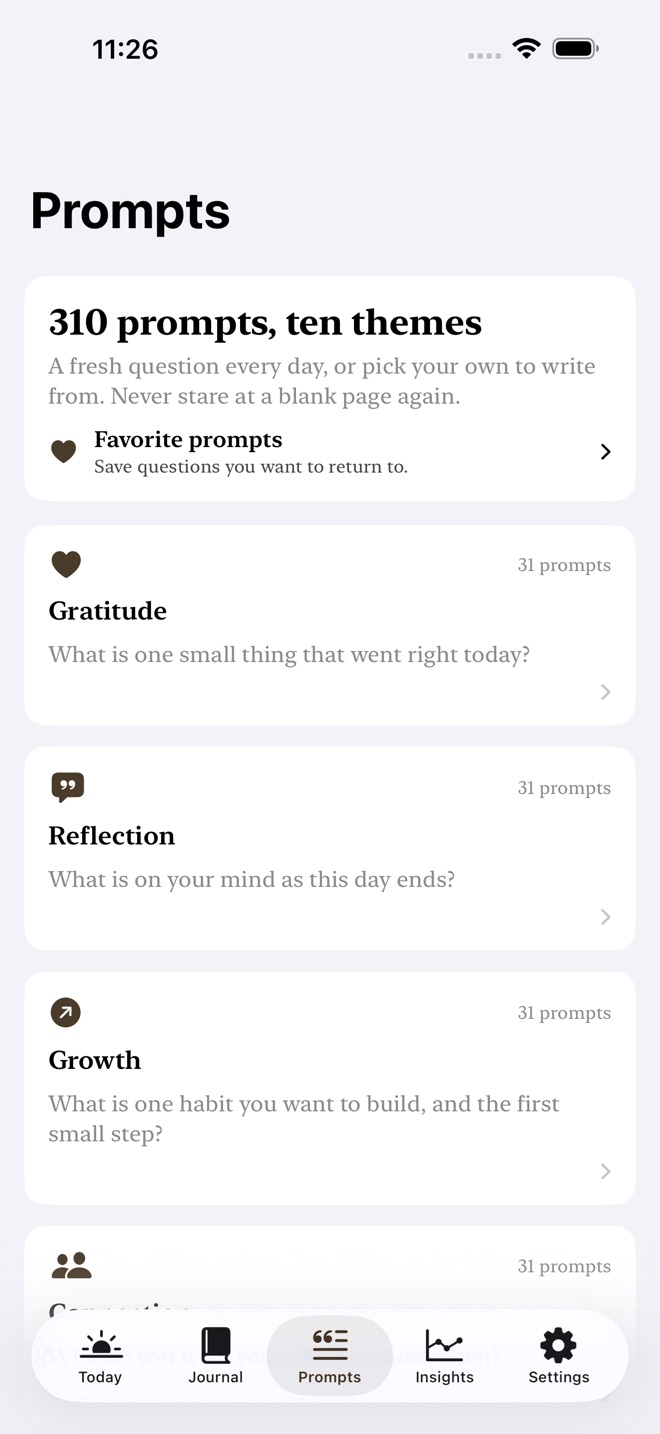
Inklet is a private prompted journal that turns a blank page into a few thoughtful minutes. There is no public feed and no account with us. Your writing stays on your device and in your private iCloud.
START WITH A PROMPT
Every day brings a fresh question from a built in library of more than 300 prompts across ten themes. Browse every prompt, save favorites, or write freely when you already know what you want to say.
KEEP THE CONTEXT OF EACH DAY
- Add a mood and weather stamp to every entry.
- Attach a photo and organize entries with flexible tags.
- Search titles, writing, prompts, and tags.
- Use a grace day streak that forgives one missed day.
- Choose a weekly writing goal and see distinct writing-day progress on Today.
- Revisit earlier writing with On This Day lookbacks.
- Save one line about today straight from the Today screen, without opening the composer.
- Fill in a missed yesterday in one line while your streak is still running.
- Get a daily reminder that quotes what you wrote on this date in an earlier year.
SEE YOUR MONTH AND REFLECT ON YOUR WEEK
The journal calendar shows which days hold entries and the mood attached to each writing day. A guided weekly reflection turns your recent entry counts, words, mood direction, and repeated tags into a calm set of questions for the week ahead.
Writing rhythm shows when you tend to write, how many days are active, and your typical entry length. Story threads connect entries with a recurring tag so you can revisit what changed.
Mood Companions shows which repeated tags and weather have travelled with lighter entries. It presents these as patterns, never causes, and offers a private reflection prompt.
KEEP A COPY YOU CONTROL
Export a private JSON backup and merge it later without replacing or deleting current entries. Backup and restore are free. You can also delete every journal entry and favorite prompt from Inklet and your private iCloud from Settings.
FREE AND PRO
The free journal includes seven new entries. Writers upgrading from an earlier version keep their prior allowance of up to twenty entries. Existing entries always remain available to read and edit. Daily prompts, browsing, favorite prompts, backup, restore, and data deletion remain free.
Inklet Pro adds unlimited new entries, writing from the full prompt library, On This Day lookbacks, the full journal calendar, guided weekly reflections, writing rhythm, story threads, Mood Companions, printable keepsake books, and spreadsheet exports. The purchase screen shows localized options and billing periods from the App Store.
GLANCEABLE, WITHOUT SHARING YOUR JOURNAL
Home and Lock Screen widgets show a built in daily prompt and open the matching composer in Inklet. The widget has no shared container or journal data access. Journal text, titles, moods, weather, tags, photos, lookbacks, and writing status never enter the widget process.
PRIVATE ICLOUD SYNC
Inklet syncs across iPhone, iPad, and Mac with your private iCloud. We do not run an account system for journal content, display ads, or track your writing.
Subscriptions renew automatically until cancelled. Payment is charged to your Apple Account at confirmation. Manage or cancel a subscription in Settings, Apple Account, Subscriptions. Cancellation takes effect at the end of the current period.
Privacy Policy: https://innovalabworks.com/a/inklet/privacy
Terms of Use: https://www.apple.com/legal/internet-services/itunes/dev/stdeula/
What’s new · 1.2.6
Two gentle ways to understand and keep your writing habit.
My Writing Goal: choose how many days you want to write each week and see distinct-day progress directly on Today.
Mood Companions: discover which repeated tags and weather travel with your lighter entries, then open a private reflection without assuming cause.
Missing a feature?
Your ideas help shape our apps. Tell us what would make your app more useful.
We review requests to understand what would help. Timing depends on scope, priorities and App Store review.
More in this category

Aisley: Wedding PlannerChecklist, budget, guestsOn the App Store

ArcanaLog: Tarot JournalDraws, spreads, patternsOn the App Store

BoardShelf: Game CollectionCollection, plays, winnersOn the App Store

BumpBook: Pregnancy JournalRemember all 40 weeksOn the App Store
Common questions
Where can I download Inklet: Daily Journal?
Use the App Store link above to see availability, supported devices and current purchase options in your region.
What is the current App Store version?
1.2.6
Where can I find the privacy details?
Read this app’s privacy policy using the link below. Storage, sync and optional online features are specific to each app.