CrownBox: Watch Collection
Keep each watch's photos, papers and care history together. Prepare a chosen service or trip record, then keep the exact PDF you shared.
iPhone and iPadAvailable worldwideVersion 2.0.0
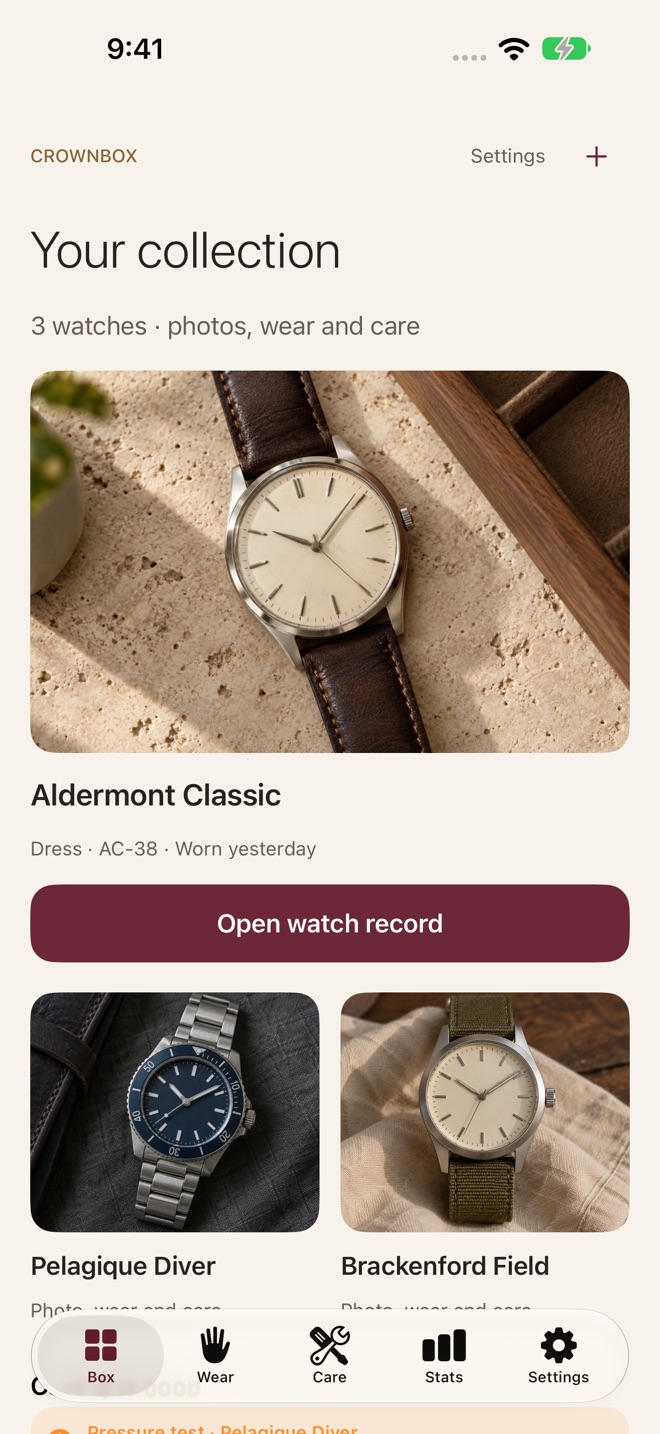
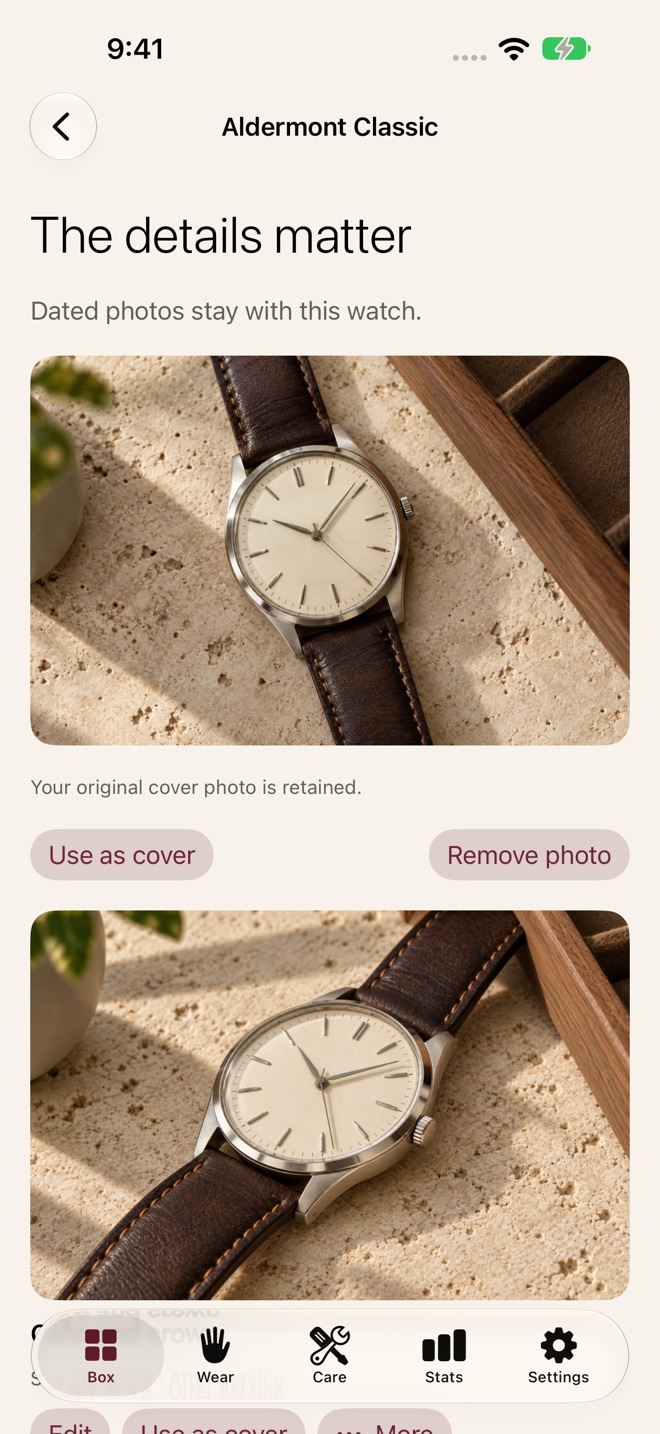
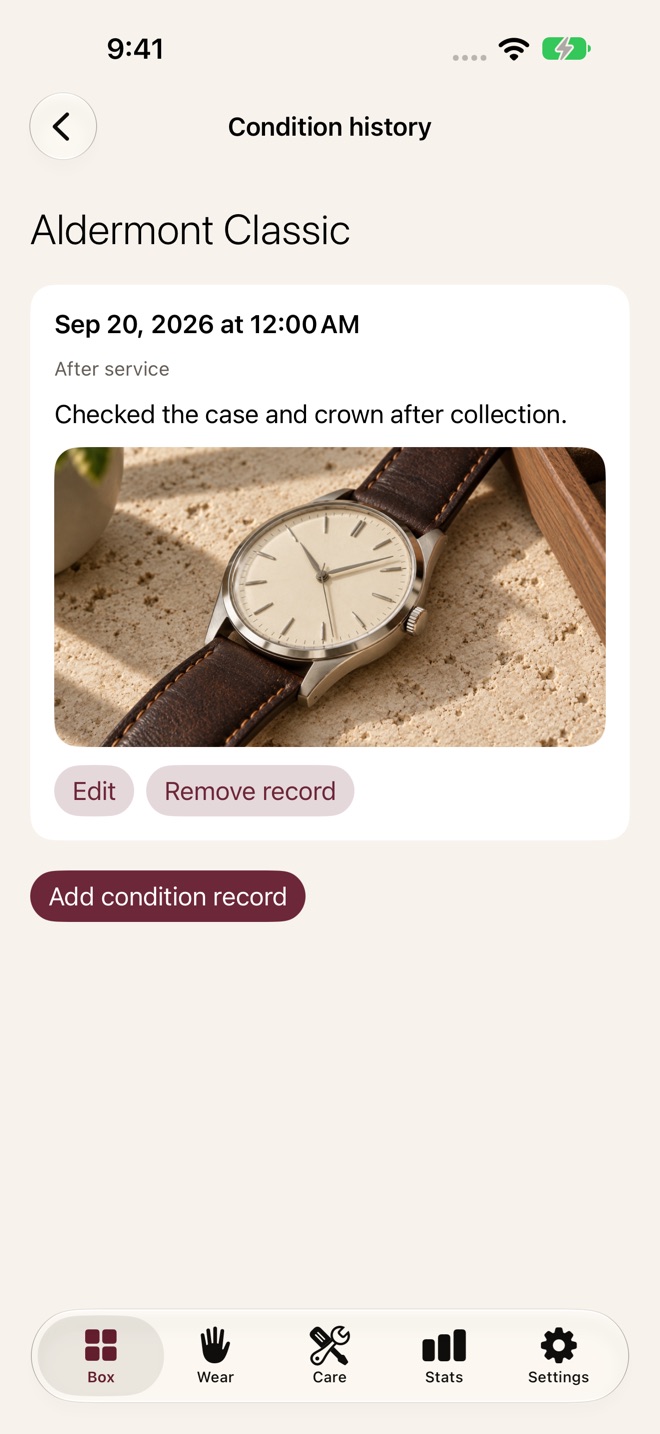
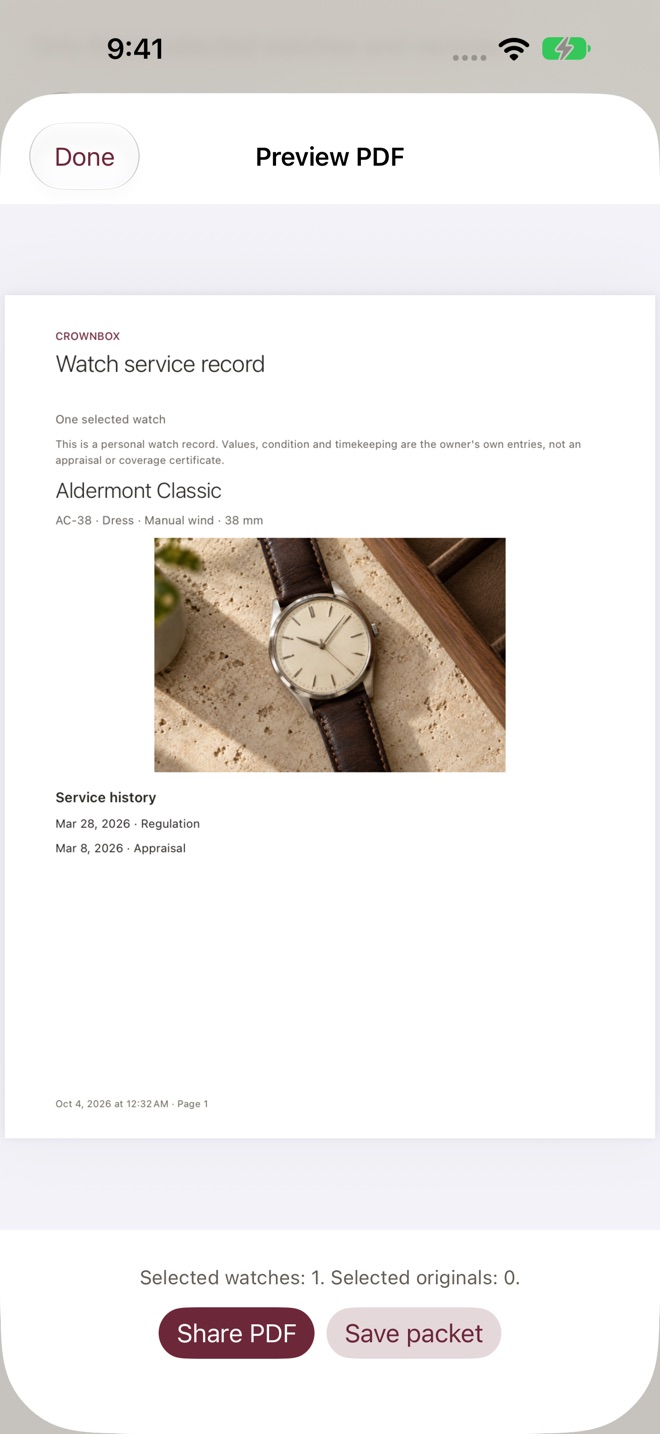
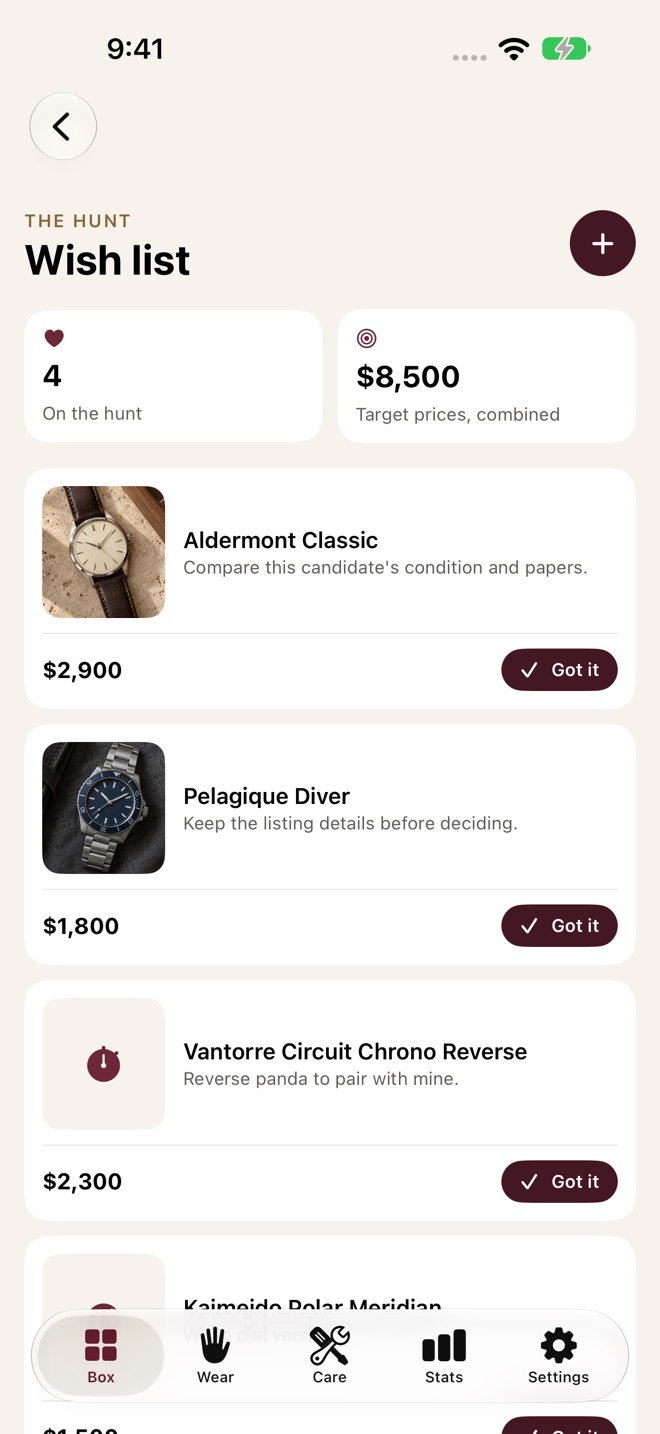
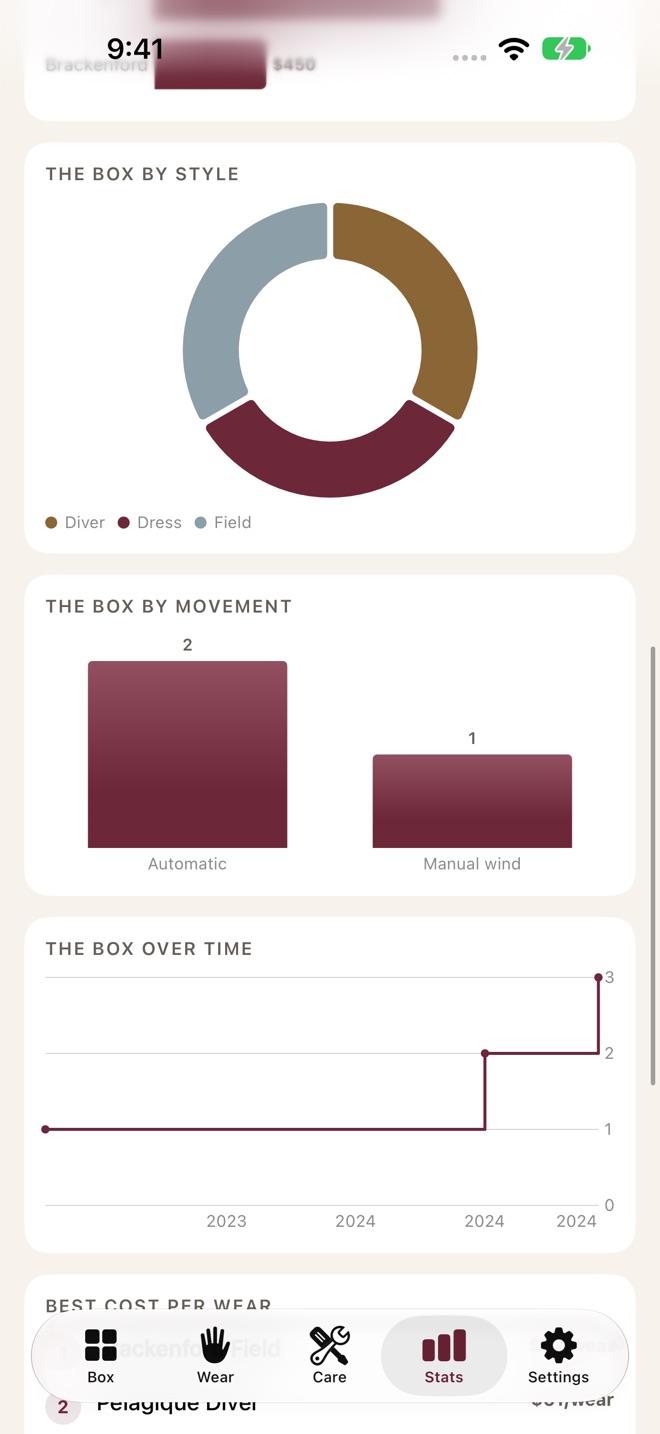
Your watch collection has a history. CrownBox keeps the details, photos, wear and care records together, so they are ready when you need them.
START WITH YOUR WATCH
Add its identity, reference, movement, purchase details and your own notes. Find it by name, dial or style, and log what you wore today. New free customers can keep one watch and two photos, with basic daily wear logging. Existing records and applicable earlier allowances are preserved.
CROWNBOX PRO
Monthly, yearly and Lifetime unlock the same complete feature set:
• Keep an expanded collection and photo albums. Retain original photos, choose a cover, add captions and dates, reorder images and inspect the details.
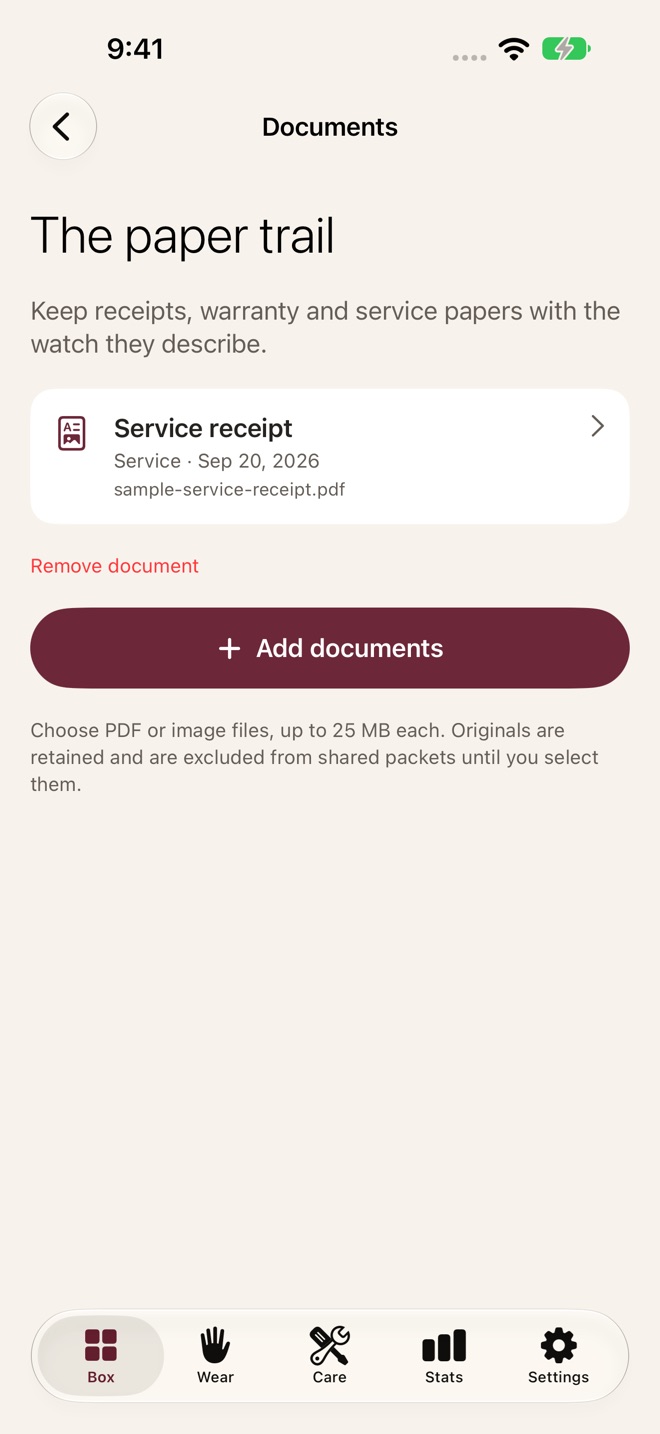
• File original PDF and image receipts, warranties and service papers with the correct watch. Link a paper to a service entry and share its original file.
• Record care, service costs and providers. Keep dated condition observations and related photos before or after service or a journey.
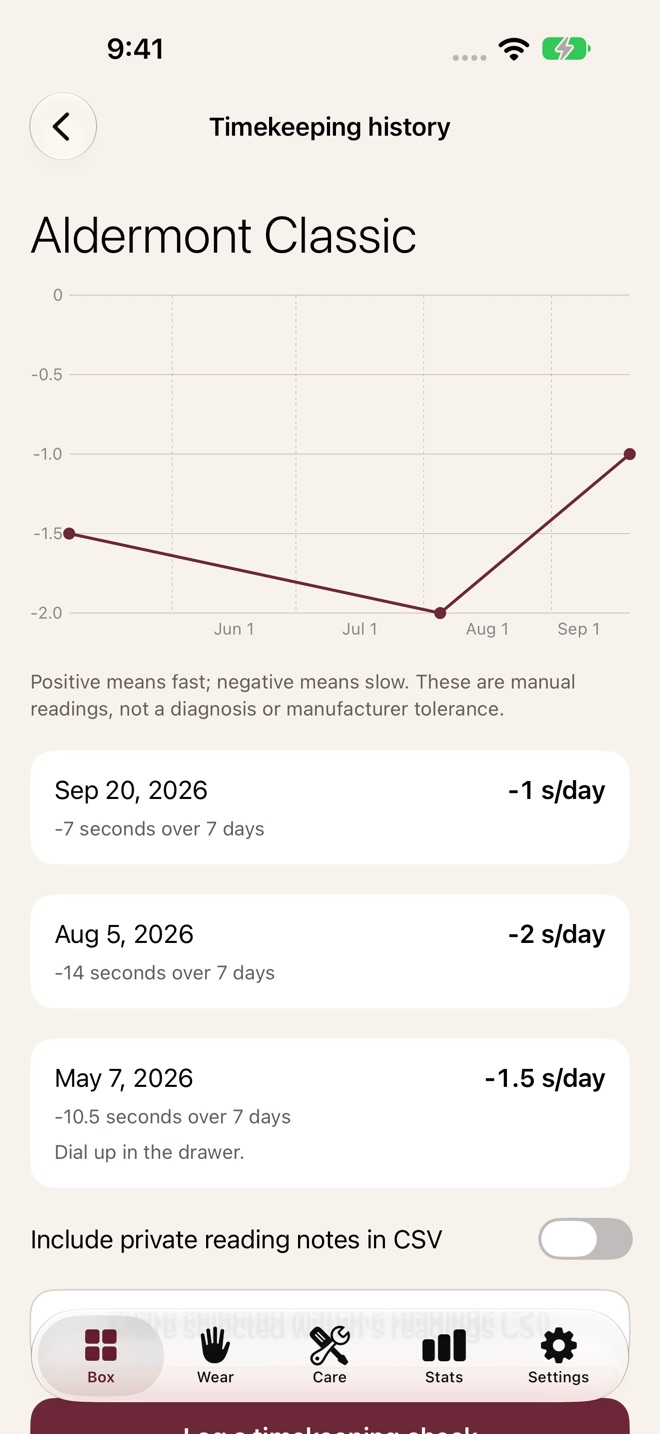
• Measure timekeeping manually. Enter a signed offset over an elapsed period, calculate seconds per day and review your recorded trend. Export the selected watch's readings with private notes included only when you choose.
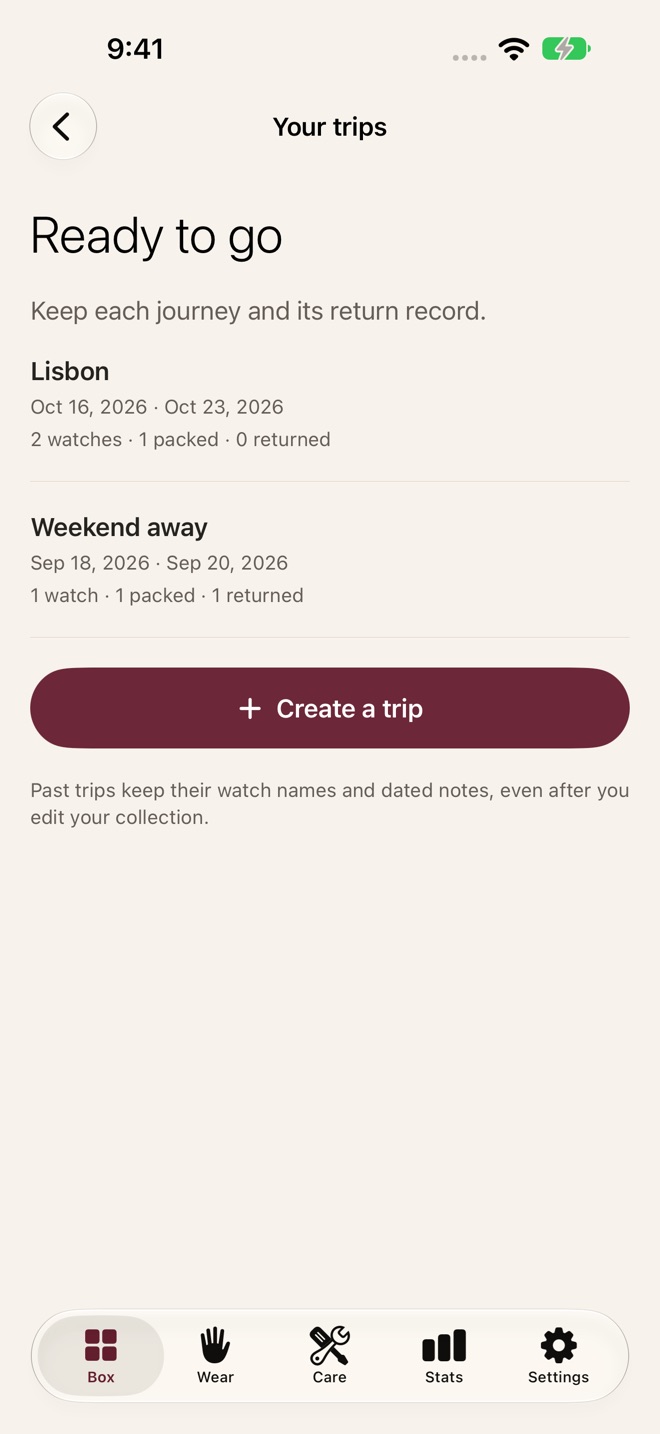
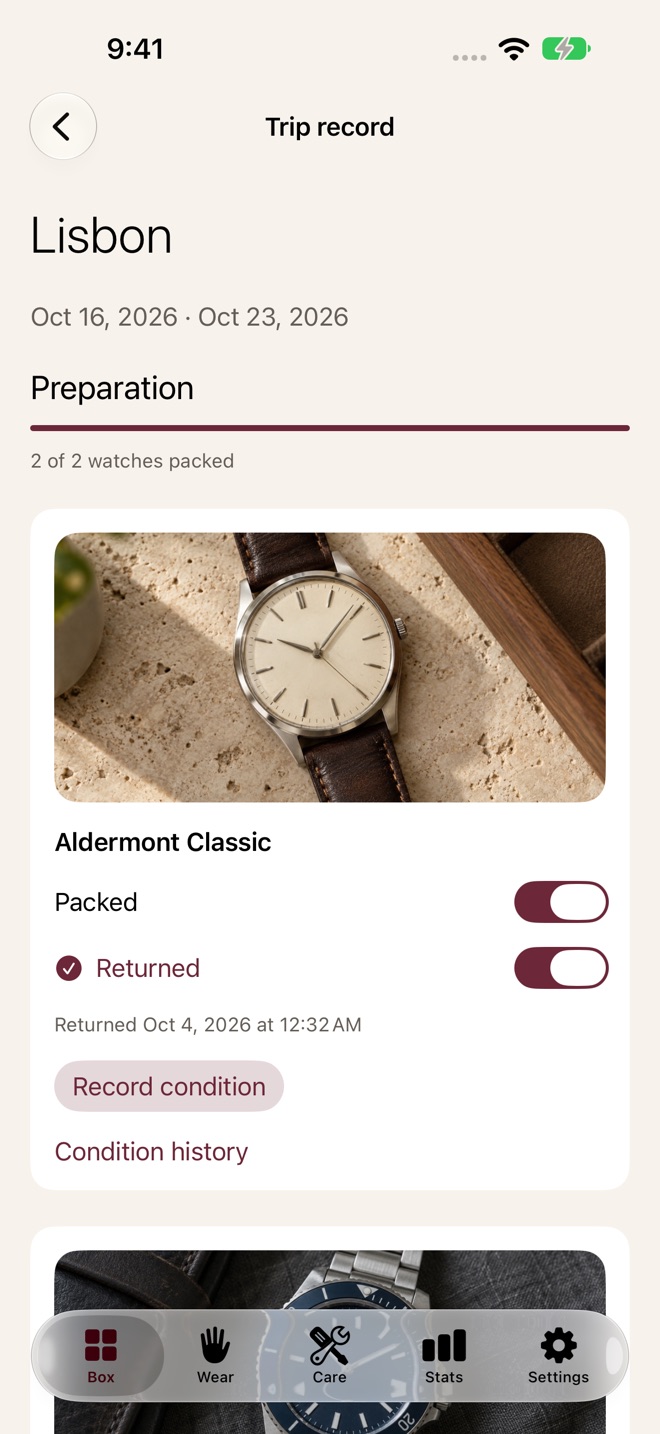
• Plan separate trips with selected watches. Check packing and return status independently, keep dated return and condition records, and retain historical watch names.
• Set chosen care, departure and return reminders. Optional badges and clear notification settings help you manage what is scheduled.
• Prepare printable collection, service or trip PDFs. Choose the records and original papers to include. Serial numbers, values and private notes are excluded by default. Inspect the actual PDF, share it and retain its exact saved copy.
• Keep a photo wishlist with references, target prices, source links and notes. When you acquire a watch, carry its details into your collection. A target price is never treated as an amount you paid.
• Review wear calendars, rotation, cost per wear, service spending and your own collection value notes. Compare watches using your recorded information.
• Export a complete backup with photos, papers, condition records and saved outputs. Restore missing records while keeping existing information. CSV import and export remain available.
Your records are stored locally, with private iCloud sync configured for your Apple Account. Sync availability depends on your account and connection. Export a backup before changing devices. CrownBox does not provide market appraisals, insurance certification or automatic watch measurements.
Subscriptions renew automatically unless canceled in Apple Account settings. Prices and billing terms are shown before purchase. Existing Lifetime owners receive every Pro feature. Restore Purchases is available in the app.
Questions or an idea for your collection? Contact the Collector Desk in Settings and review the limited device details before sending.
Privacy: https://innovalabworks.com/a/crownbox/privacy
Terms: https://innovalabworks.com/a/crownbox/terms
Apple standard EULA: https://www.apple.com/legal/internet-services/itunes/dev/stdeula/
What’s new · 2.0.0
CrownBox 2.0 brings a new look and a more complete home for your watches.
• Photo albums with original files, chosen covers, dates and captions
• Receipts, warranties and service papers kept with each watch
• Dated condition history and guided manual timekeeping records
• Multiple trips with packing, return checks and optional reminders
• Collection, trip and service PDFs with private details excluded by default
• Saved PDF copies and complete backups of your photos and records
• Photo wishlists with source links and easy transfer into your collection
• Improved first-use examples, accessibility, recovery and French support
• Bug fixes and enhancements
Existing data and Lifetime Pro access are preserved. All Pro plans include the same features.
Missing a feature?
Your ideas help shape our apps. Tell us what would make your app more useful.
We review requests to understand what would help. Timing depends on scope, priorities and App Store review.
More in this category

Aisley: Wedding PlannerChecklist, budget, guestsOn the App Store
ArcanaLog: Tarot JournalDraws, spreads, patternsOn the App Store

BoardShelf: Game CollectionCollection, plays, winnersOn the App Store

BumpBook: Pregnancy JournalRemember all 40 weeksOn the App Store
Common questions
Where can I download CrownBox: Watch Collection?
Use the App Store link above to see availability, supported devices and current purchase options in your region.
What is the current App Store version?
2.0.0
Where can I find the privacy details?
Read this app’s privacy policy using the link below. Storage, sync and optional online features are specific to each app.